




Here's how it works

01. Edit your new york exemption online
Type text, add images, blackout confidential details, add comments, highlights and more.

02. Sign it in a few clicks
Draw your signature, type it, upload its image, or use your mobile device as a signature pad.

03. Share your form with others
Send nys capital improvement form via email, link, or fax. You can also download it, export it or print it out.
How to use or fill out st 124 with our platform

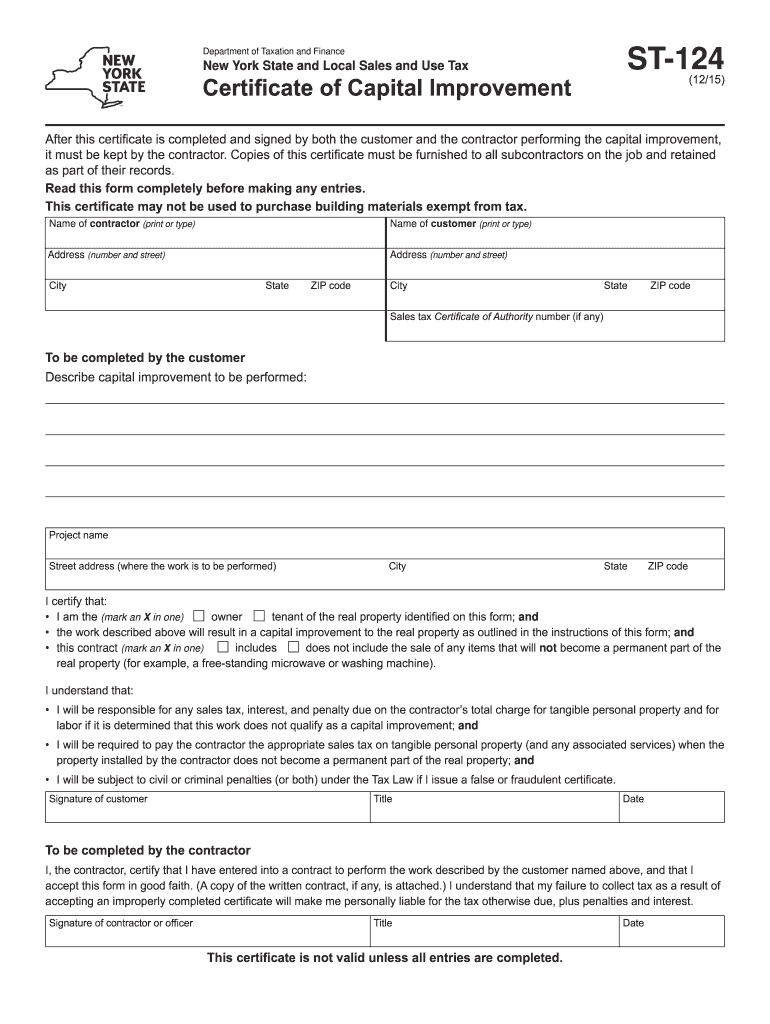
- Click ‘Get Form’ to open the ST-124 in the editor.
- Begin by entering the 'Name of customer' and 'Name of contractor' in the designated fields. Ensure that all names are printed clearly.
- Fill in the addresses for both the customer and contractor, including city, state, and ZIP code. Accuracy is crucial for proper documentation.
- In the section labeled 'Describe capital improvement to be performed', provide a detailed description of the project along with its street address.
- Mark an X to indicate whether you are the owner or tenant of the property. Also, confirm if your contract includes items that will not become a permanent part of the property.
- Both customer and contractor must sign and date the form at their respective sections to validate it. Ensure all entries are complete before submission.
Start using our platform today to fill out your ST-124 form easily and for free!
Fill out st 124 online
It's free
It's free
See more st 124 versions
We've got more versions of the st 124 form. Select the right st 124 version from the list and start editing it straight away!
Security and compliance
At DocHub, your data security is our priority. We follow HIPAA, SOC2, GDPR, and other standards, so you can work on your documents with confidence.
Learn more


Related forms

Export Power of Attorney - ptpshipping
The document is an Export Power of Attorney appointing Anabel Panayotti as the attorney-in-fact for the shipper, allowin ...
Current Retail Market Guide - ERCOT
The document is an appendix from the ERCOT Retail Market Guide, specifically Appendix J2, which outlines the requirement ...
Principal Entity Form (Initial or Renewal)
The document is a Principal Entity Form for initial or renewal applications to the Pennsylvania Gaming Control Board. It ...

State Notary Handbook Links
The document is the Arkansas Notary Public & eNotary Handbook, which provides comprehensive information for notaries pub ...
Certificate of Medical Necessity
The document is a Certificate of Medical Necessity for a lumbar-sacral orthosis, specifically the BabyBrace®, which is p ...
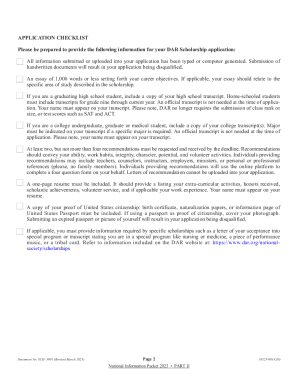
Recent Blog Posts - Today's DAR Blog
The document provides detailed instructions and a checklist for applying to the National Society Daughters of the Americ ...
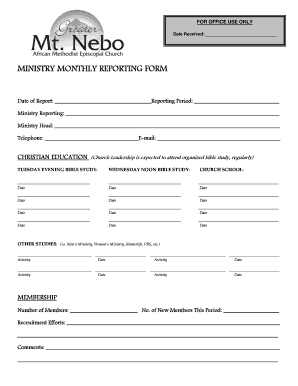
Ministry monthly report
The document is a Ministry Monthly Reporting Form designed for church leaders to report on various activities, including ...
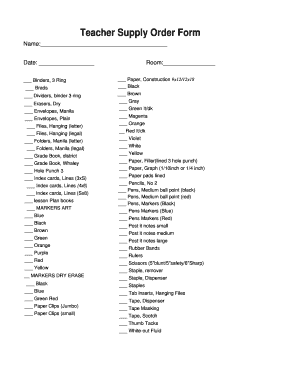
Teacher Supply Order Form
The document is a Teacher Supply Order Form that lists various educational supplies needed by a teacher, including items ...