






Definition and Meaning
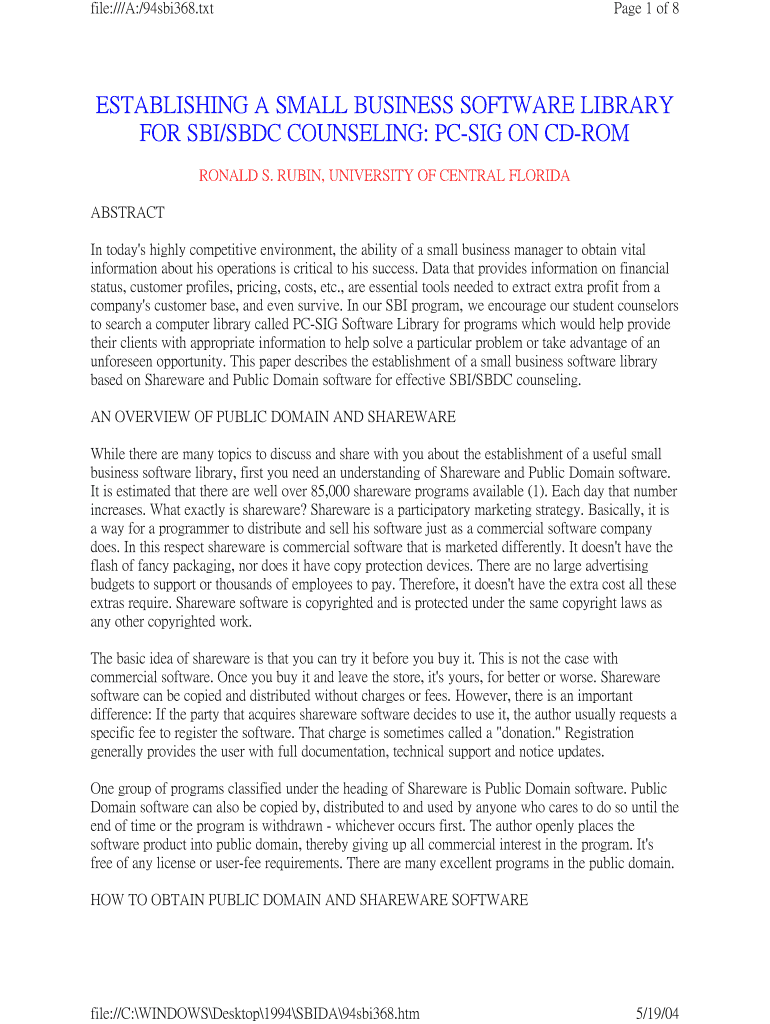
Establishing a small business software library for SBI/SBDC counseling involves compiling a collection of software tools to aid Small Business Development Centers (SBDC) and Small Business Institute (SBI) counselors. This library typically consists of shareware and public domain software, focusing on helping small business managers improve their operations through accessible information. By using these tools, business advisors can offer targeted guidance on essential areas like accounting, marketing, and management, enhancing client profitability and operational efficiency.
Key Elements of the Software Library
The software library is composed of various essential components that support small business development:
- Accessibility: Software should be easy to obtain and use, ensuring that small business owners can access vital tools without prohibitive costs or technical barriers.
- Variety of Applications: The library includes software for different tasks, such as accounting, marketing, and general management, allowing businesses to find solutions tailored to their specific needs.
- Cost-Effectiveness: Shareware and public domain software offer low-cost or free alternatives to expensive commercial software, enabling small businesses to optimize their operations without significant financial investments.
- Trial Options: Shareware often comes with trial periods, allowing users to evaluate the software's usefulness before committing to a purchase.
Steps to Complete Establishment
To establish a small business software library, consider the following steps:
- Identify Software Needs: Assess the specific requirements of your clients, focusing on areas that need support like marketing analytics or financial management.
- Research Available Software: Explore the PC-SIG Library and other repositories for suitable shareware and public domain software options.
- Evaluate Software: Conduct a thorough evaluation of potential software to ensure it meets usability, functionality, and security standards.
- Compile and Organize: Collect and organize the software into accessible categories within the library, making it easy for users to find what they need.
- Provide Support: Offer guidance and training to users to help them effectively leverage the software for their business purposes.
Important Terms Related to the Library
Understanding specific terminology is vital when establishing a small business software library:
- SBI/SBDC: Refers to Small Business Institutes and Small Business Development Centers, which provide advisory services to entrepreneurs.
- Shareware: Software initially distributed at no cost, allowing users to try before buying.
- Public Domain Software: Software not protected by copyright and freely available for use and distribution.
- PC-SIG Library: A collection of shareware programs that can be used to populate the software library.
Examples of Using the Software Library
Here are practical scenarios where the software library can be utilized:
- Financial Management: A business using a shareware accounting program to track cash flow, thereby enhancing budgeting skills and decision-making processes.
- Marketing Efforts: Utilizing a public domain graphic design tool to create marketing materials at a fraction of the cost, thereby increasing brand visibility without significant expenses.
- Project Management: Adopting a task management software to streamline operations and improve productivity among team members.
Software Compatibility
Compatibility is a critical aspect when selecting software for the library. Many small businesses use platforms such as TurboTax and QuickBooks. Therefore, ensuring the software library's tools are compatible with these systems can optimize their overall effectiveness:
- Integration with Existing Systems: Software should seamlessly integrate with popular platforms to provide a cohesive operational experience.
- File Format Support: Look for software that supports a range of file formats, enabling the sharing and editing of documents without complex conversions.
Business Types that Benefit Most
Different business structures can gain from the software library:
- Sole Proprietorships: Entrepreneurs running individual businesses can leverage affordable tools to manage operations without outsourcing.
- Partnerships: Partners can use shared software tools to coordinate efforts, track shared expenses, and improve communication.
- Small Corporations: Corporations with tighter budgets benefit from cost-effective software options to enhance operations without the need for massive IT investments.
State-Specific Rules for the Library
While the software library can generally apply across states, some variations in rules might exist:
- State Licensing Requirements: Certain software may necessitate specific licensing based on state regulations, particularly for financial or data management tools.
- Data Privacy Laws: Compliance with state-specific data protection laws, such as the California Consumer Privacy Act (CCPA), is essential when using software that handles customer information.
Legal Use of the Software Library
Ensuring the library's software is legally compliant involves adhering to licensing agreements and understanding the legal implications of software use:
- Licensing Agreements: Users must comply with software licensing terms, whether it's shareware or public domain software, to avoid legal repercussions.
- Data Protection: Software that collects user data should have clear privacy policies in line with federal and state regulations to protect user information.
By establishing a comprehensive and accessible software library, SBI and SBDC counselors can significantly enhance the support they offer to small businesses, enabling them to thrive in a competitive marketplace.