Banquet license 2009 form-2025

Get Form
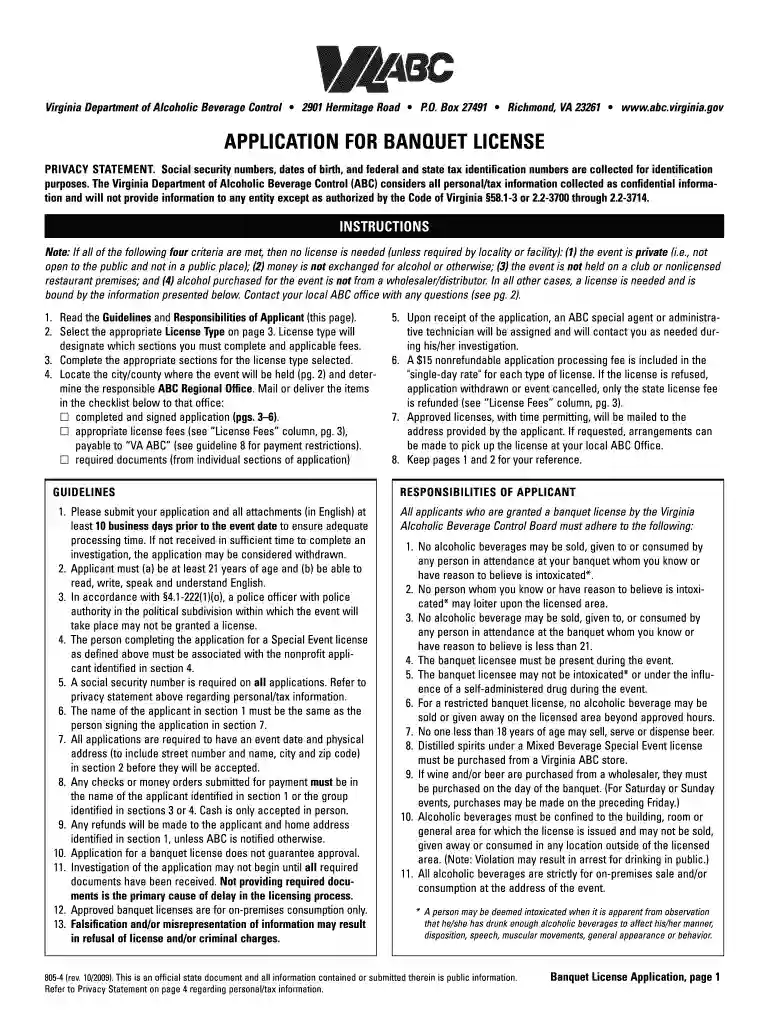
banquet license 2009 form Preview on Page 1

Here's how it works

01. Edit your form online
Type text, add images, blackout confidential details, add comments, highlights and more.

02. Sign it in a few clicks
Draw your signature, type it, upload its image, or use your mobile device as a signature pad.

03. Share your form with others
Send it via email, link, or fax. You can also download it, export it or print it out.

How to use or fill out banquet license 2009 form with our platform

Form edit decoration
9.5
Ease of Setup
DocHub User Ratings on G2
9.0
Ease of Use
DocHub User Ratings on G2
  1. Click ‘Get Form’ to open the banquet license 2009 form in the editor.
  2. Begin by filling out Section 1, which requires your personal information. Ensure that your name matches the signature you will provide later.
  3. Proceed to Section 2 to provide details about your event, including the date, time, and location. Be sure to specify if it is a public or private event.
  4. In Section 3, indicate whether alcoholic beverages will be provided for free or if guests can bring their own. This section is crucial for determining the type of license required.
  5. Complete Section 4 if applying on behalf of a non-profit organization. Include necessary documentation as indicated in this section.
  6. Review all sections for accuracy and completeness before submitting your application through our platform.

Start using our platform today to easily fill out and submit your banquet license application for free!

See more banquet license 2009 form versions

We've got more versions of the banquet license 2009 form form. Select the right banquet license 2009 form version from the list and start editing it straight away!
Versions Form popularity Fillable & printable
2018 4.8 Satisfied (129 Votes)
2012 4.2 Satisfied (29 Votes)
2009 4.3 Satisfied (81 Votes)
be ready to get more

Complete this form in 5 minutes or less

Get form

Got questions?

We have answers to the most popular questions from our customers. If you can't find an answer to your question, please contact us.
Contact us
A high gravity brewer license allows a licensee to manufacture alcoholic beverages with an alcohol content of eight percent (8%) or greater by weight, or ten point one percent (10.1%) or greater by volume. You can apply for this license using RLPS.
A Server Permit (On-Premise Permit) is required to serve liquor, wine and high gravity at an establishment that holds an On-Premise Consumption License (Liquor-by-the-Drink License). If issued prior to January 1, 2025, server permits are valid for (5) years from the date of issuance.
Frequently Asked Questions Click here to login to RLPS ABC TN Citizen Access. Select My Records. Underneath the title RLPS ID, select the option that begins with (PERSER-***-******) Look underneath Record Details. Select Print or View: License/Permit/Certificate (make sure youre pop up blocker is turned off)
Your ABC card is no longer mailed out. Contact the TABC at 615-741-1602 to obtain a copy by email. You can also login to your RLPS account to print off a copy.
Any individual who serves or sells alcohol in Tennessee is required to obtain an Alcohol Server Permit. This includes staff at bars, restaurants, hotels, and other establishments where alcohol is served.

People also ask

A lost liquor license can lead to docHub financial loss due to legal fines, lost sales and potential lawsuits. In extreme cases, criminal charges may be filed against the establishment or individuals responsible for violations.
Obtain your Tennessee ABC Card online, in three easy steps: Complete the RLPS Server Permit Application. Complete your server permit application for an RLPS ID through the TABC. Take Your. TN ABC Class Here. Get Your Digital Server Permit. Download the MYTN App Here.

Related links