




01. Edit your mha authorization online
Type text, add images, blackout confidential details, add comments, highlights and more.

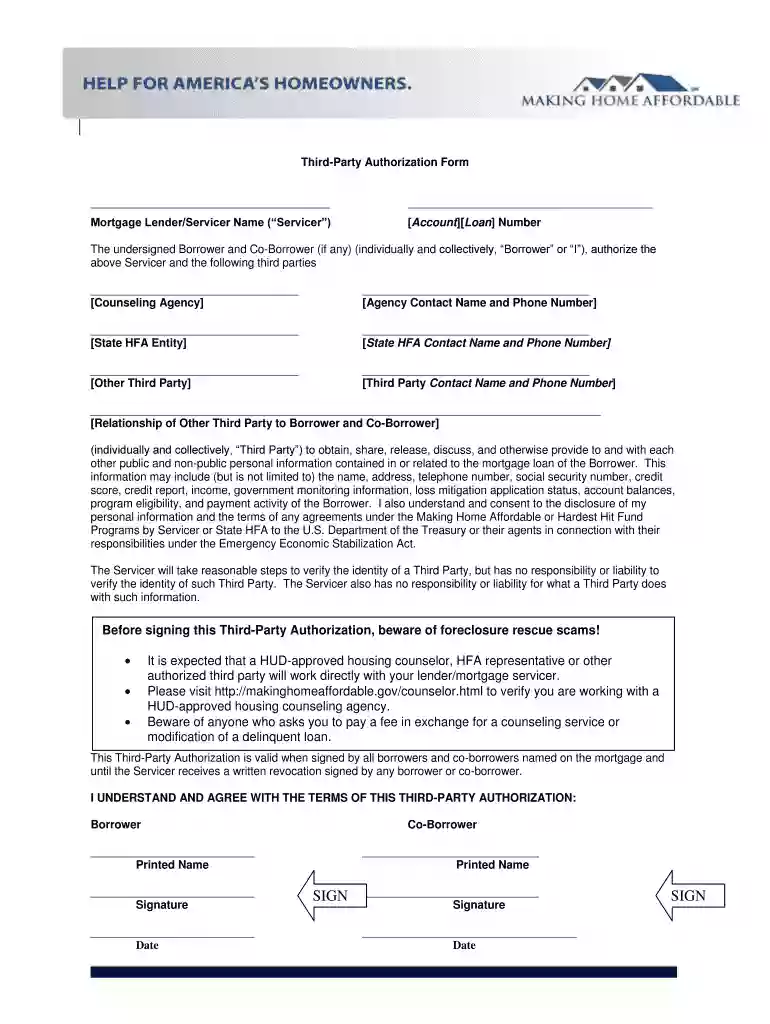
Type text, add images, blackout confidential details, add comments, highlights and more.

Draw your signature, type it, upload its image, or use your mobile device as a signature pad.

Send it via email, link, or fax. You can also download it, export it or print it out.

Start using our platform today to easily complete your mha third authorization form online for free!
At DocHub, your data security is our priority. We follow HIPAA, SOC2, GDPR, and other standards, so you can work on your documents with confidence.
A student who has earned 12 credit hours of graduate credit in residence at Texas AM University may be authorized to transfer courses in excess of the limitsRead more
Evidence of income as set forth in Chapter II of the MHA Handbook; Signed Third Party Authorization using form provided by Treasury. Last updated Feb. 21


