Type text, add images, blackout confidential details, add comments, highlights and more.
02. Sign it in a few clicks
Draw your signature, type it, upload its image, or use your mobile device as a signature pad.
03. Share your form with others
Send form 704 via email, link, or fax. You can also download it, export it or print it out.
How to use or fill out form 704 with our platform
Ease of Setup
DocHub User Ratings on G2
Ease of Use
DocHub User Ratings on G2
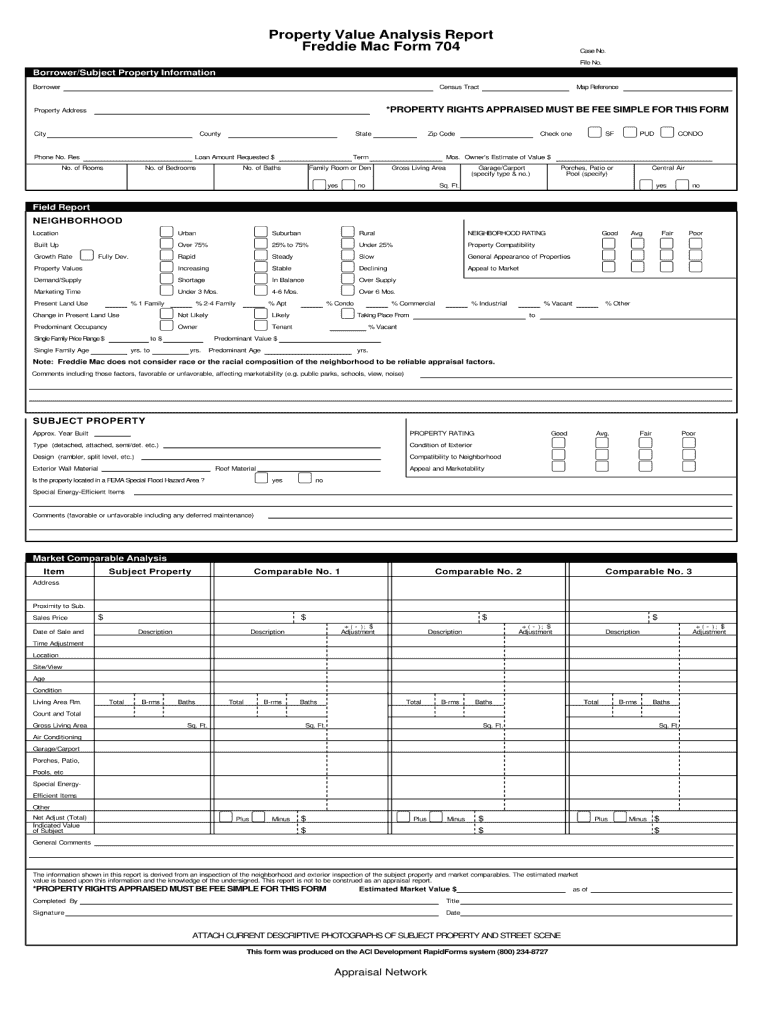
Click ‘Get Form’ to open it in the editor.
Begin by entering your personal information in the designated fields at the top of the form. This typically includes your name, address, and contact details.
Next, navigate to the section that requires specific data related to your request. Carefully read each prompt and fill in the required information accurately.
If there are checkboxes or multiple-choice options, simply click on your selection to mark it. Ensure you review these choices for completeness.
Once all sections are filled out, take a moment to review your entries for any errors or omissions before finalizing.
Finally, save your completed form and choose whether to download it or share it directly via email from our platform.
Start using our platform today for free and streamline your form completion process!
999.05121939.1 Form 704 Treasury Department Estate Tax
Form 704. Treasury Department. Estate Tax: preliminary notice. John Nelson Esselstyn decedent. Died September 17, 1938. 999.XXXX1938.2. Form 1040. TreasuryRead more
form of grouping or segregation. Particles may segregate, that is, separate into layers. Segregation. Fundamental error is controlled by collecting samples.Read more
Cookie consent notice
This site uses cookies to enhance site navigation and personalize your experience.
By using this site you agree to our use of cookies as described in our Privacy Notice.
You can modify your selections by visiting our Cookie and Advertising Notice.