




Here's how it works
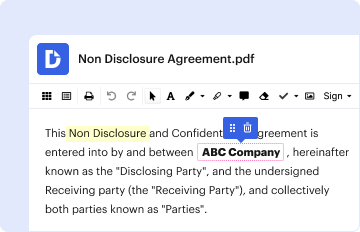
01. Edit your c2 online application online
Type text, add images, blackout confidential details, add comments, highlights and more.
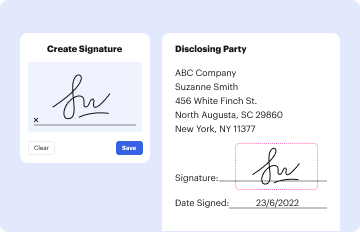
02. Sign it in a few clicks
Draw your signature, type it, upload its image, or use your mobile device as a signature pad.
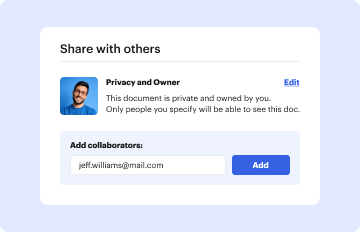
03. Share your form with others
Send where to send c2 form via email, link, or fax. You can also download it, export it or print it out.
How to use or fill out c2 form pdf with our platform

- Click ‘Get Form’ to open the c2 form in the editor.
- Begin by filling in the 'Name of court' and 'Date issued' at the top of the form. Ensure you have your case number ready.
- In Section 1, provide a summary of your application, including your name as the applicant and the respondent's name(s). Indicate if you need permission to apply.
- Complete Sections 2 and 3 with details about yourself and the respondents. Include full names, previous names, gender, date of birth, and contact information.
- In Section 4, list any other individuals who should be notified about your application. Provide their relationship to the children involved.
- If applicable, fill in Section 5 with your solicitor's details. If you do not have one, refer to section R of leaflet CB1 for guidance.
- Detail your application in Section 6 by explaining what you are applying for and why.
- Complete Section 7 regarding court attendance needs, including any requirements for interpreters or special assistance.
- Finally, sign and date Section 8 to affirm that all information provided is true before submitting your application.
Start using our platform today for free to streamline your c2 form completion!
Fill out c2 form pdf online
It's free
It's free
Security and compliance
At DocHub, your data security is our priority. We follow HIPAA, SOC2, GDPR, and other standards, so you can work on your documents with confidence.
Learn more


Related forms
Ncl letterhead form
The document outlines the requirements for travel agencies to set up bookings with Norwegian Cruise Line (NCL) and recei ...
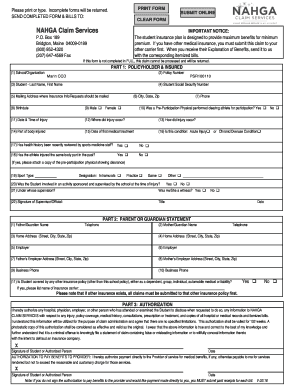
Accident Claim Form - Housatonic Valley Regional High School
The document is an authorization form from NAHGA Claim Services that allows the use or disclosure of a member's health i ...
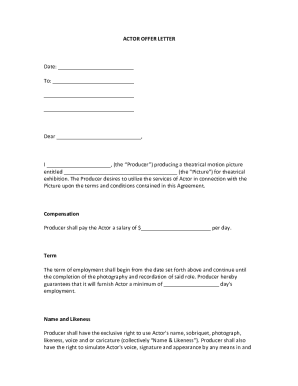
Actor offer letter
The document is an Actor Offer Letter from a Producer for a theatrical motion picture, outlining the terms of employment ...
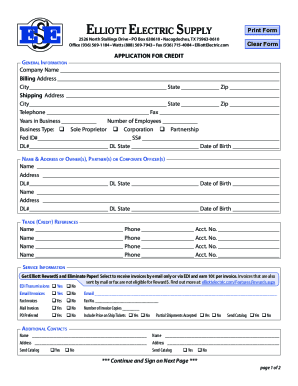
CREDIT APPLICATION (3 pages) PLEASE COMPLETE THIS FORM IN
The document is an application form for credit from Elliott Electric Supply, detailing the necessary information require ...
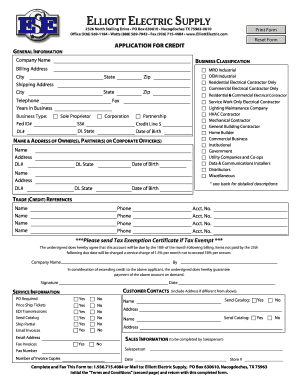
Credit Application - Elliott Electric Supply
The document is an application form for credit from Elliott Electric Supply, detailing general information required from ...

INSTRUCTION SHEET CHIROPRACTIC PHYSICIAN
The document is a Transcript Request Form from the National Board of Chiropractic Examiners (NBCE) for individuals who h ...
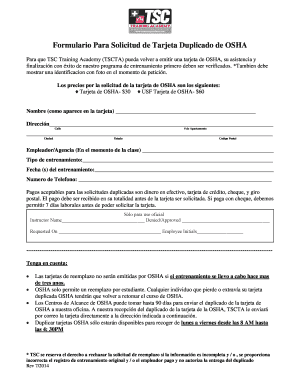
Como recuperar mi tarjeta de osha
El documento es un formulario para solicitar un duplicado de la tarjeta OSHA a través de TSC Training Academy. Para que ...