
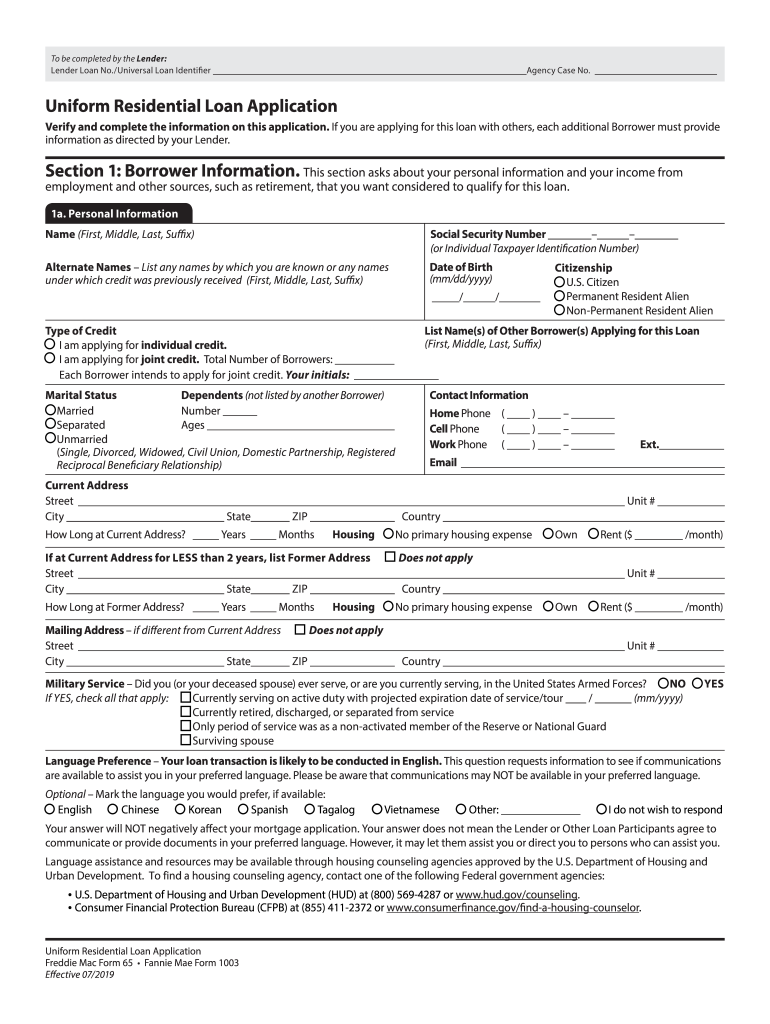




Here's how it works

01. Edit your new 1003 loan application 2023 pdf online
Type text, add images, blackout confidential details, add comments, highlights and more.

02. Sign it in a few clicks
Draw your signature, type it, upload its image, or use your mobile device as a signature pad.

03. Share your form with others
Send new 1003 loan application 2023 pdf free via email, link, or fax. You can also download it, export it or print it out.
How to use or fill out form 1003 with our platform

- Click ‘Get Form’ to open the Uniform Residential Loan Application (Form 1003) in the editor.
- Begin with Section 1: Borrower Information. Fill in your personal details, including your name, Social Security Number, and contact information. Ensure accuracy as this information is crucial for loan qualification.
- Proceed to Section 1b: Current Employment/Self Employment and Income. Enter your employer's details and gross monthly income. If self-employed, provide business information and income sources.
- In Section 2: Financial Information — Assets and Liabilities, list all assets such as bank accounts and other valuable items. Then, detail your liabilities including credit cards and loans.
- Continue to Section 4: Loan and Property Information. Specify the loan amount, property address, and purpose of the loan (purchase or refinance).
- Finally, review all sections for completeness before signing in Section 6: Acknowledgments and Agreements. This confirms that all provided information is accurate.
Start filling out your form for free today using our platform!
Fill out form 1003 online
It's free
It's free
See more form 1003 versions
We've got more versions of the form 1003 form. Select the right form 1003 version from the list and start editing it straight away!
Security and compliance
At DocHub, your data security is our priority. We follow HIPAA, SOC2, GDPR, and other standards, so you can work on your documents with confidence.
Learn more


Related forms
Pharmacy Provider Reconsideration
The document is a Pharmacy Provider Reconsideration Request Form for CareOregon, outlining the process for providers to ...
Get Pharmacy Provider Reconsideration Request Form
The document is a Pharmacy Provider Reconsideration Request Form for Oregon Health Plan members, requiring complete and ...
BioNJ Application for Membership - FINAL
The document is an application for membership in BioNJ, an organization that supports the biopharmaceutical industry in ...
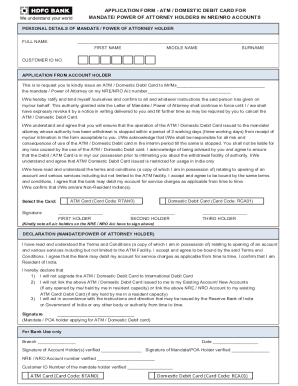
ATM Debit Card Application for NRE NRO Accounts
The document is an application form for issuing an ATM or Domestic Debit Card to a Mandate or Power of Attorney holder f ...
Form online
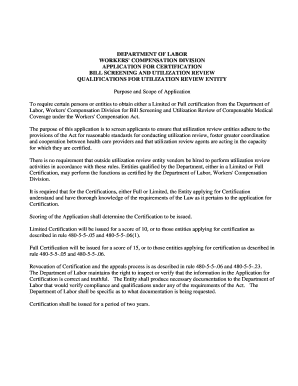
Alabama bill entity
The document outlines the application process for certification as a Utilization Review Entity under the Alabama Workers ...

Police pursuit forms
The document is a Pursuit Report form used by the Sturbridge Police Department, which must be completed by officers invo ...

West virginia state nomination
The West Virginia State Police Junior Trooper Academy is a program aimed at students aged 14 to 17 interested in law enf ...