




01. Edit your ri certified payroll form online
Type text, add images, blackout confidential details, add comments, highlights and more.

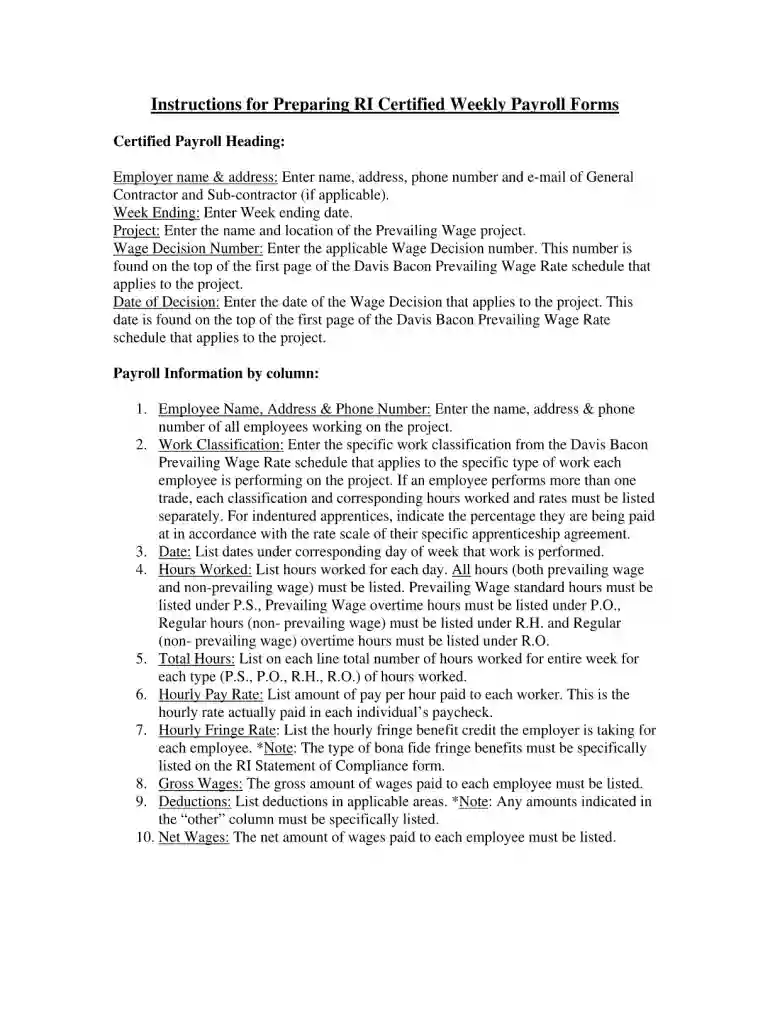
Type text, add images, blackout confidential details, add comments, highlights and more.

Draw your signature, type it, upload its image, or use your mobile device as a signature pad.

Send rhode island certified payroll via email, link, or fax. You can also download it, export it or print it out.

Start using our platform today to complete your ri certified payroll form quickly and efficiently!
At DocHub, your data security is our priority. We follow HIPAA, SOC2, GDPR, and other standards, so you can work on your documents with confidence.
These forms must be signed by the owner or an officer of the corporation, DocHubing that this is a true and exact copy of their payroll records. (2) That anyRead more
May 16, 1988 Employees, who terminate from state service in good standing, shall receive vacation leave credit through the last complete day of service.Read more
Certified weekly payroll records shall be made available to the Director of the Department of Labor and Training within ten (10) days of request to any


