01. Edit your colorado form 104 instructions online
Type text, add images, blackout confidential details, add comments, highlights and more.

Type text, add images, blackout confidential details, add comments, highlights and more.

Draw your signature, type it, upload its image, or use your mobile device as a signature pad.

Send it via email, link, or fax. You can also download it, export it or print it out.
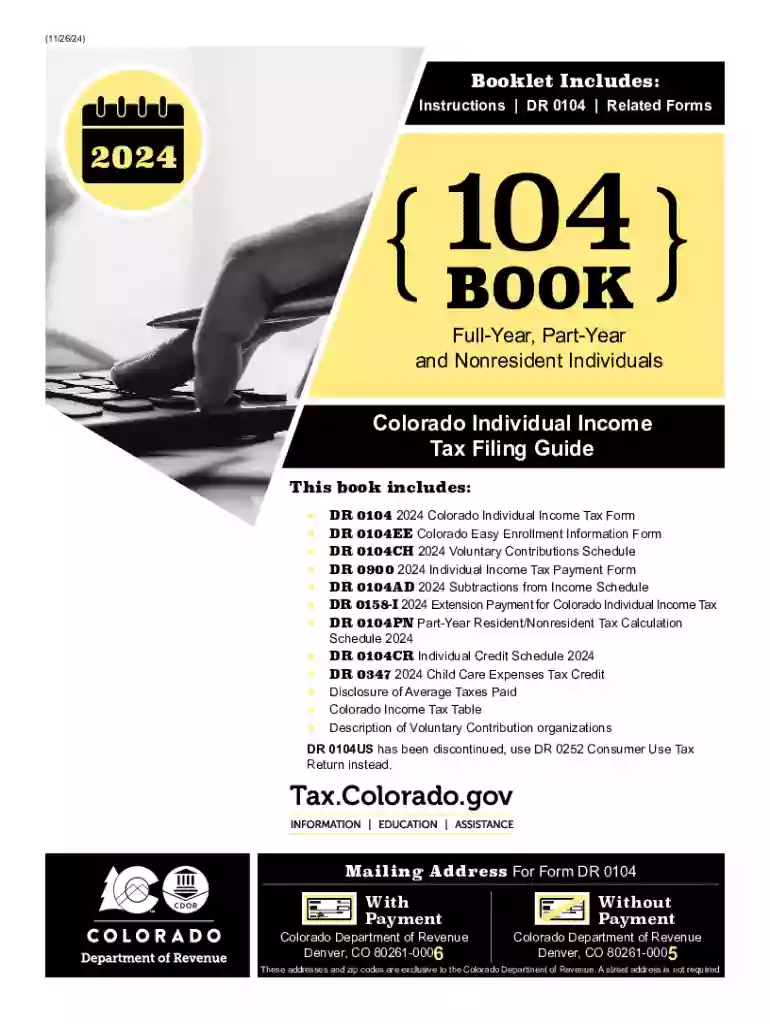
The DR 0104 is the primary individual income tax return form for Colorado residents. This form is essential for full-year residents, part-year residents, and nonresidents who have income from Colorado sources. Its primary purpose is to report income, deductions, credits, and tax liability to the Colorado Department of Revenue.
Using the DR 0104 involves accurately filling out each section based on your personal financial situation during the tax year. Taxpayers should compile the necessary documents to report income, claim deductions, and ascertain eligibility for any credits. Once completed, the form can be filed in multiple ways—online, by mail, or in person.
The DR 0104 form can be obtained from the Colorado Department of Revenue's official website. It is available for download as a PDF, which can be printed and completed manually or filled out electronically.
Understanding specific terms when filling out the DR 0104 can be crucial:
Certain aspects of the DR 0104 are unique to Colorado. For instance, the state offers specific credits and deductions that might not be applicable elsewhere. Furthermore, Colorado-specific income sources and taxation laws may impact how the form should be filled out.
The DR 0104 is due by April 15 each year, consistent with the federal tax filing deadline. Extensions are available, but any tax owed must be paid by the original due date to avoid interest and penalties.
Taxpayers have multiple options for submitting the DR 0104:
Completing the form digitally is often quicker and reduces the chance of errors, as some calculations can be automated. However, paper submissions are still widely accepted and may be preferred by those who feel comfortable with traditional processes.
We've got more versions of the colorado form 104 instructions form. Select the right colorado form 104 instructions version from the list and start editing it straight away!
At DocHub, your data security is our priority. We follow HIPAA, SOC2, GDPR, and other standards, so you can work on your documents with confidence.