




01. Edit your temporary operating permit tennessee online
Type text, add images, blackout confidential details, add comments, highlights and more.

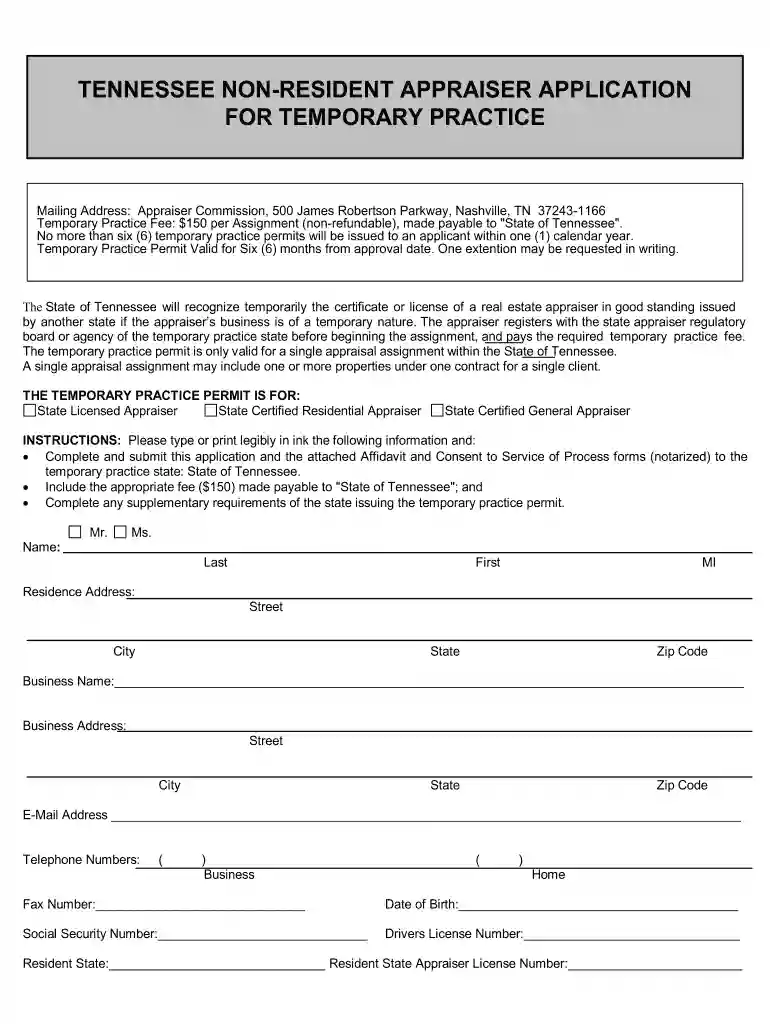
Type text, add images, blackout confidential details, add comments, highlights and more.

Draw your signature, type it, upload its image, or use your mobile device as a signature pad.

Send it via email, link, or fax. You can also download it, export it or print it out.

Start using our platform today to streamline your tn non resident temporary application process for free!
At DocHub, your data security is our priority. We follow HIPAA, SOC2, GDPR, and other standards, so you can work on your documents with confidence.
Nov 1, 2003 Use of MNA should not result in plume migration or impacts to receptors that would be. unacceptable to the overseeing regulatory authority. Read more
The nonimmigrant NAFTA Professional (TN) status allows citizens of Canada and Mexico, as NAFTA professionals, to work in the United States for up to three yearsRead more


