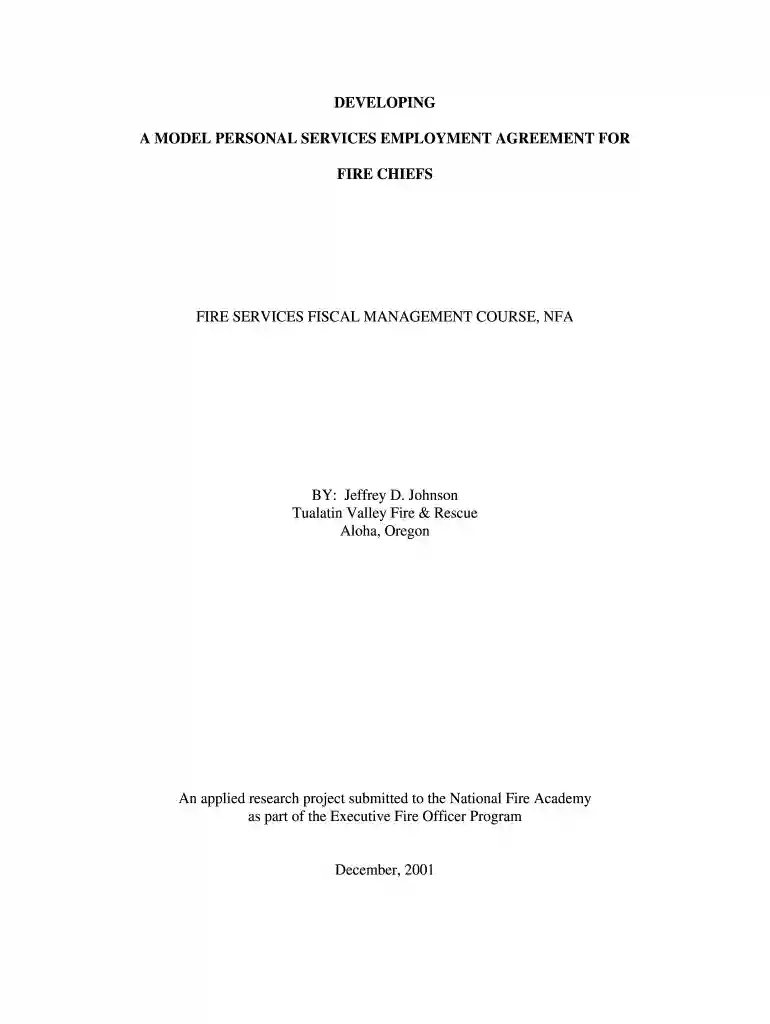
services agreement Preview on Page 1

Services agreement 2026

Here's how it works

  • 01. Edit your services agreement online

    Type text, add images, blackout confidential details, add comments, highlights and more.

  • 02. Sign it in a few clicks

    Draw your signature, type it, upload its image, or use your mobile device as a signature pad.

  • 03. Share your form with others

    Send personal agreement via email, link, or fax. You can also download it, export it or print it out.

How to use or fill out services agreement with our platform

Form edit decoration
9.5
Ease of Setup
DocHub User Ratings on G2
9.0
Ease of Use
DocHub User Ratings on G2
  1. Click ‘Get Form’ to open the services agreement in the editor.
  2. Begin by filling in the 'Employer' and 'Employee' sections at the top of the form. Ensure that you accurately identify both parties involved in the agreement.
  3. In the 'Term/Non-Renewal' section, specify the duration of the agreement. You can choose from various options provided, such as a fixed term or automatic renewal conditions.
  4. Proceed to outline the 'Duties' of the Employee. Clearly define responsibilities to avoid any ambiguity in expectations.
  5. Fill out the 'Compensation' section, detailing salary and any potential adjustments based on performance reviews.
  6. Review and complete sections on 'Benefits', 'Discipline', and 'Termination'. Make sure all terms are clear and mutually agreed upon.
  7. Finally, ensure both parties sign and date the agreement at the end of the document to validate it.

Start using our platform today for free to streamline your document editing and signing process!

See more services agreement versions

We've got more versions of the services agreement form. Select the right services agreement version from the list and start editing it straight away!

VersionsForm popularityFillable & printable
20014.8 Satisfied (21 Votes)

be ready to get more

Complete this form in 5 minutes or less

Security and compliance

At DocHub, your data security is our priority. We follow HIPAA, SOC2, GDPR, and other standards, so you can work on your documents with confidence.

model agreement

Professional Services Agreement

General Purpose. The general purpose of this Agreement is to engage the services of Consultant to perform the services and provide the deliverablesRead more

Learn more
What is a Master Service Agreement? - Consulting Wiki

An MSA is a legally binding agreement that outlines how a company and a client will collaborate on all present and future projects within a specified timeframe.Read more

Learn more
If you believe that this page should be taken down, please follow our DMCA take down process here