




01. Edit your kansas k 120s online
Type text, add images, blackout confidential details, add comments, highlights and more.

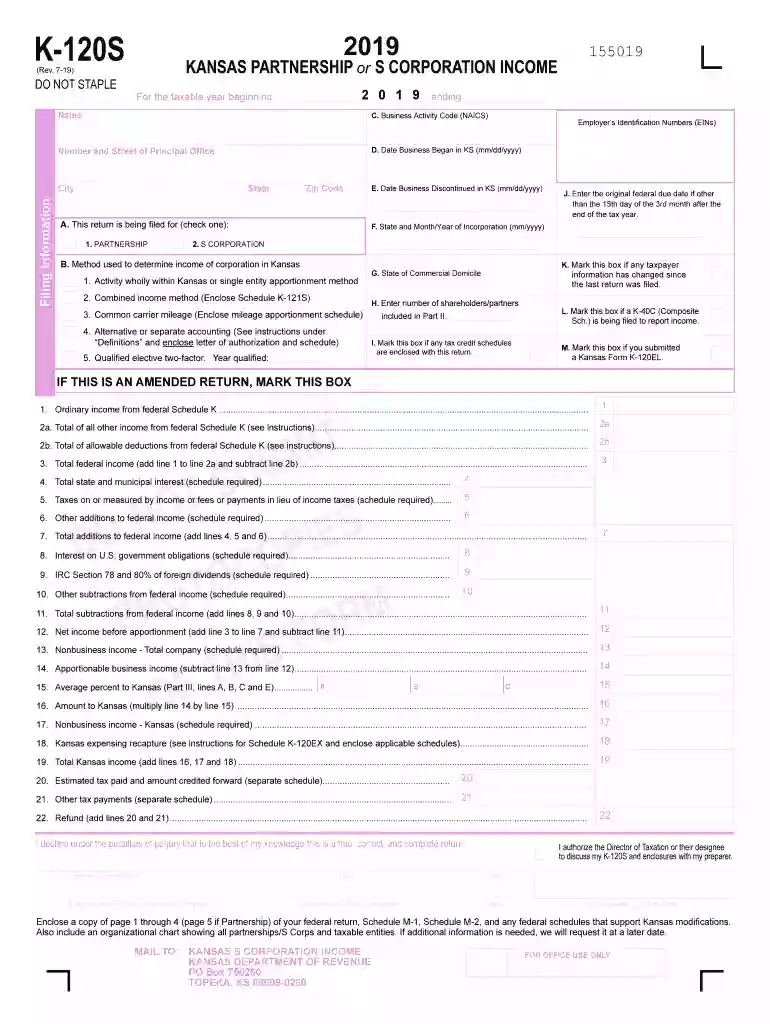
Type text, add images, blackout confidential details, add comments, highlights and more.

Draw your signature, type it, upload its image, or use your mobile device as a signature pad.

Send it via email, link, or fax. You can also download it, export it or print it out.

Start filling out your K-120S today using our platform for free!
We've got more versions of the kansas k 120s form. Select the right kansas k 120s version from the list and start editing it straight away!
| Versions | Form popularity | Fillable & printable |
|---|---|---|
| 2025 | 4.8 Satisfied (24 Votes) | |
| 2024 | 4.2 Satisfied (53 Votes) | |
| 2023 | 4.9 Satisfied (60 Votes) | |
| 2022 | 4.4 Satisfied (55 Votes) | |
| 2021 | 4.8 Satisfied (62 Votes) | |
| 2020 | 4.2 Satisfied (97 Votes) | |
| 2019 | 4.3 Satisfied (128 Votes) | |
| 2018 | 4.4 Satisfied (164 Votes) | |
| 2017 | 4.2 Satisfied (82 Votes) | |
| 2015 | 4.2 Satisfied (120 Votes) | |
| 2014 | 4.1 Satisfied (67 Votes) | |
| 2012 | 4 Satisfied (45 Votes) |
At DocHub, your data security is our priority. We follow HIPAA, SOC2, GDPR, and other standards, so you can work on your documents with confidence.
Corporations with nonresident shareholders and with income derived from sources within and without Kansas are to complete Part I, page 2 of Form K-120S orRead more
Feb 2, 2007 Tests with all rounds except the 120-mm mortar rounds were sampled the same day they were fired. The 120s were sampled the following morningRead more
A Partnership return (K-120S) must be completed by any business partnership, syndicate, pool, joint venture or other such joint enterprise to report income fromRead more


