




01. Edit your form online
Type text, add images, blackout confidential details, add comments, highlights and more.

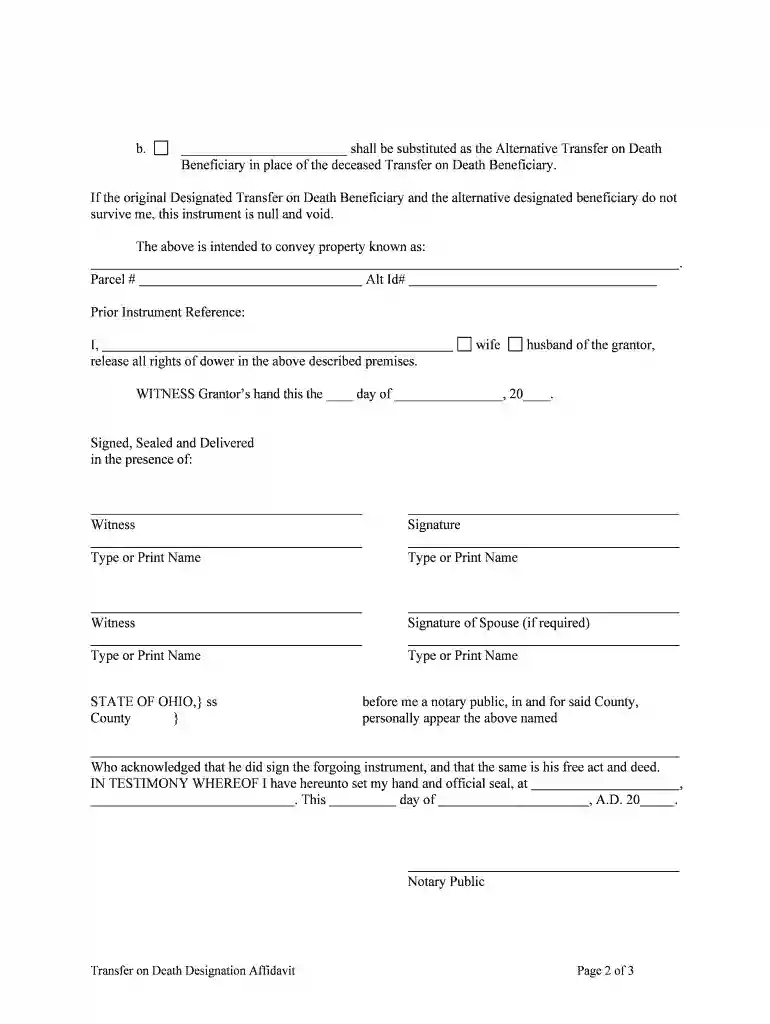
Type text, add images, blackout confidential details, add comments, highlights and more.

Draw your signature, type it, upload its image, or use your mobile device as a signature pad.

Send it via email, link, or fax. You can also download it, export it or print it out.

Start using our platform today for free to streamline your document editing and signing process!
At DocHub, your data security is our priority. We follow HIPAA, SOC2, GDPR, and other standards, so you can work on your documents with confidence.
Jul 19, 2005 Place an X in the Y box for YES or an X in the N box for NO to indicate whether the service was for treatment of a condition which appearedRead more
Since 2000, Ohio law has allowed property owners to avoid the probate process with a transfer on death deed, a deed that automatically transfers real propertyRead more
What Do I Need to Bring to the Title Office? A Transfer on Death beneficiary needs to bring: Original Ohio title; Certified copy of the death certificateRead more


