




01. Edit your form online
Type text, add images, blackout confidential details, add comments, highlights and more.

Type text, add images, blackout confidential details, add comments, highlights and more.

Draw your signature, type it, upload its image, or use your mobile device as a signature pad.

Send it via email, link, or fax. You can also download it, export it or print it out.
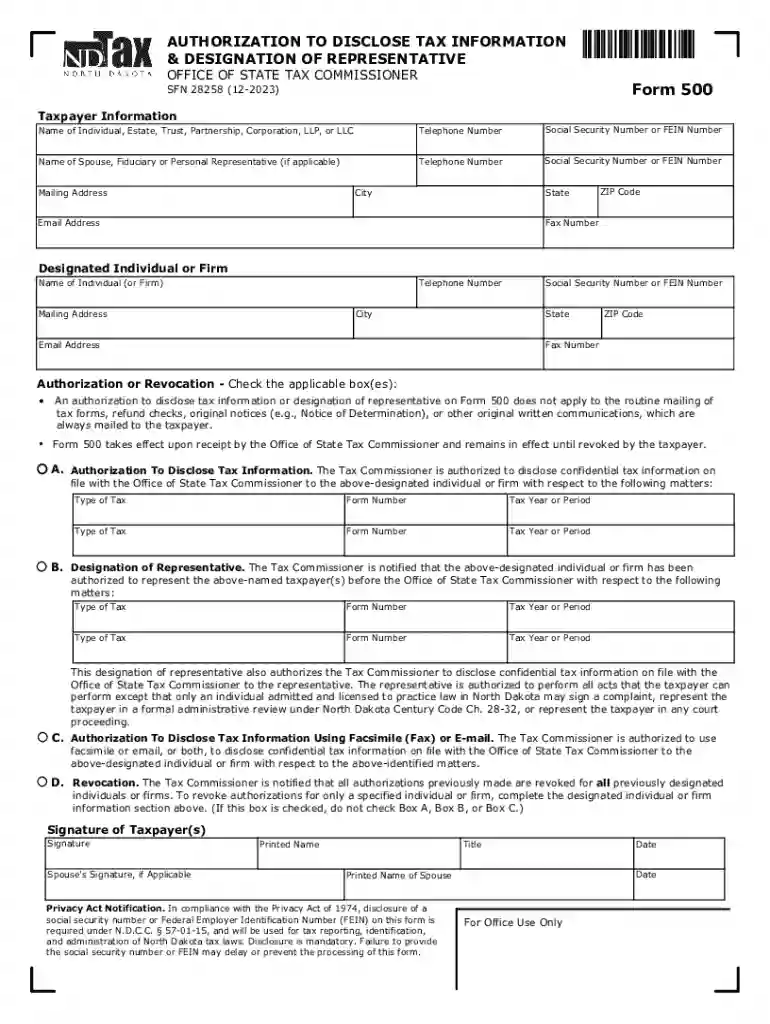
Form 500, the "Authorization To Disclose Tax Information and Designation of Representative," is a crucial document issued by the North Dakota Office of State Tax Commissioner. It empowers taxpayers to authorize the sharing of their confidential tax information with a designated individual or firm. Additionally, it facilitates the appointment of a representative to handle matters concerning specific taxes. This form plays a vital role in ensuring that taxpayers can efficiently manage their tax affairs by appointing qualified individuals to represent them in dealings with tax authorities.
Form 500 is composed of several important sections designed to capture the necessary information for authorizing the disclosure of tax information. These sections include:
Each section ensures comprehensive documentation and safeguards both the taxpayer's and the representative's interests.
Completing Form 500 involves a series of careful steps to ensure accuracy and compliance:
Using Form 500 comes with specific legal stipulations that must be adhered to. The authorization provided is legally binding and subject to the confidentiality regulations set forth by the North Dakota Office of State Tax Commissioner. The form ensures that representatives only have access to the specified information, and taxpayers are provided with the legal assurance that their data is handled according to the law. This legal framework protects both parties, ensuring accountability and transparency in handling sensitive tax information.
The primary users of Form 500 are individual taxpayers and business entities in North Dakota. These users often seek to delegate their tax-related tasks to tax professionals or legal representatives. Small businesses, in particular, gain significant benefits, as they can appoint accountants or tax advisors to manage complex tax obligations. Additionally, individuals with intricate tax situations, such as self-employment income or multiple sources of revenue, often use Form 500 to ensure that their tax liabilities are expertly handled.
Form 500 must be understood within the context of North Dakota’s unique tax regulations. The state has specific rules governing the types of taxes that can be disclosed and how the designation of representatives is managed. The form is tailored to North Dakota's tax laws, meaning that users need to be aware of any unique requirements or limitations imposed by the state. These might include specific procedures for revocation or amendments, ensuring that representatives adhere strictly to state legislation.
Utilizing Form 500 offers several benefits, primarily streamlining the process of managing tax-related issues through delegation. Taxpayers who may not be well-versed in tax law can leverage the expertise of seasoned professionals, ensuring compliance and accuracy in filings. Additionally, by allowing representatives to handle their tax affairs, individuals and businesses can focus on core activities. The form also provides legal protection by clearly defining the scope of the representative’s powers, reducing the risk of unauthorized access to sensitive information.
Understanding the terminology associated with Form 500 is crucial for proper utilization:
By familiarizing themselves with these terms, users can ensure they correctly fill out and interpret the form to safeguard their tax interests.
There are several ways taxpayers can submit Form 500. Depending on individual preferences and requirements, choices typically include:
Choosing the appropriate submission method can impact processing times, so taxpayers should select a method that best meets their needs and urgency.
We've got more versions of the Form 500 - Authorization To Disclose Tax Information and Designation form. Select the right Form 500 - Authorization To Disclose Tax Information and Designation version from the list and start editing it straight away!
At DocHub, your data security is our priority. We follow HIPAA, SOC2, GDPR, and other standards, so you can work on your documents with confidence.
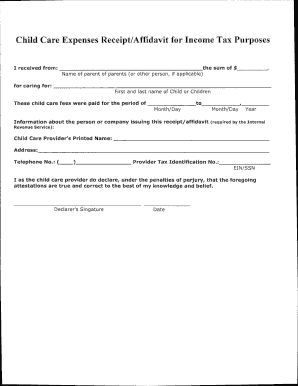
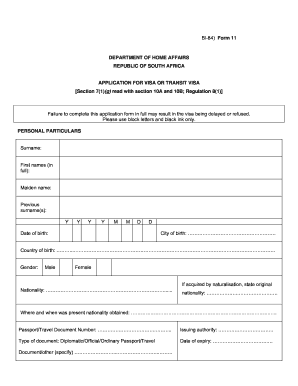



You can use GLACIER Tax Prep (GTP) to easily determine your tax residency status. ○ As a nonresident for tax purposes, you may continue to use GTP to complete.Read more
This designation of representative also authorizes the Tax Commissioner to disclose confidential tax information on file with the.Read more


