
Centrelink sickness benefit form 2026

Get Form
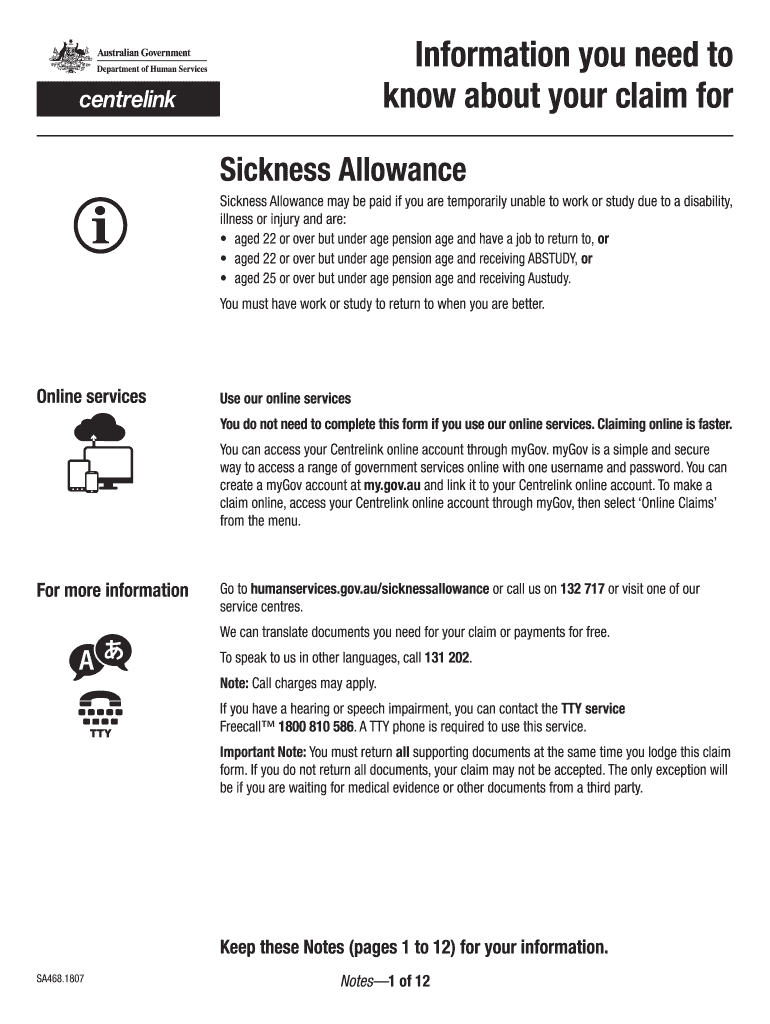
centrelink sickness benefit form Preview on Page 1

Here's how it works

01. Edit your centrelink sickness benefit form online
Type text, add images, blackout confidential details, add comments, highlights and more.
02. Sign it in a few clicks
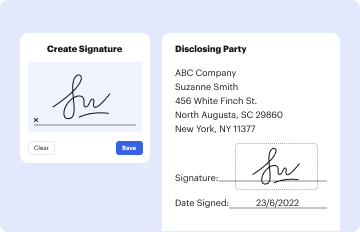
Draw your signature, type it, upload its image, or use your mobile device as a signature pad.
03. Share your form with others
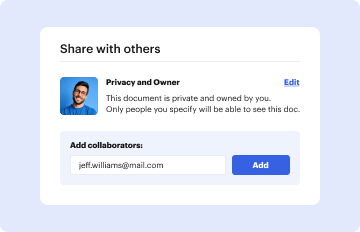
Send centrelink sickness allowance via email, link, or fax. You can also download it, export it or print it out.

How to use or fill out centrelink sickness benefit form with our platform

Form edit decoration
9.5
Ease of Setup
DocHub User Ratings on G2
9.0
Ease of Use
DocHub User Ratings on G2
  1. Click ‘Get Form’ to open the centrelink sickness benefit form in the editor.
  2. Begin by filling in your personal details, including your name, date of birth, and contact information. Ensure you print in BLOCK LETTERS for clarity.
  3. Provide information regarding your current employment status and any medical conditions that prevent you from working or studying. Attach an approved Medical Certificate from your doctor.
  4. Complete the sections related to your income and assets. This includes detailing any other payments you may be receiving and providing necessary documentation.
  5. Review all entered information for accuracy. Make sure to attach any required supporting documents as specified in the form instructions.
  6. Once completed, submit the form through our platform by selecting the appropriate submission method—online, by post, or in person at a service center.

Start using our platform today to easily fill out your centrelink sickness benefit form for free!

be ready to get more

Complete this form in 5 minutes or less

Get form

Got questions?

We have answers to the most popular questions from our customers. If you can't find an answer to your question, please contact us.
Contact us

You need to use only reliable software solutions with strong data protection compliance to approve your documents electronically. DocHub is just the type of software you need! It stores data on Amazon Web Servers and complies with all necessary security requirements and eSignature regulations, so it’s a trusted way to eSign your sickness benefits centrelink or other forms using this tool.

You can find the latest and most relevant version of the sickness allowance centrelink in our DocHub forms collection. Browse it by categories or use the search field to locate the exact template that suits your situation. You may open this form for editing once you find it.


MOD JY. Parent or Guardian details - for the BASE tax year and CURRENT tax year for dependent Youth Allowance or ABSTUDY customers.
Additionally, Form 484 is used for recording changes to share structure or member details, including issuing new shares, transferring shares, or updating shareholder information. Companies are typically required to file Form 484 within 28 days of the change occurring to avoid late fees or potential penalties.
Use this form to request your income stream provider or trustee/administrator of a Self Managed Superannuation Fund (SMSF) or Small Australian Prudential Regulation Authority (APRA) Fund (SAF) to provide information about your income stream.
be ready to get more

Complete this form in 5 minutes or less

Get form

People also ask

Authorising a person or organisation to enquire or act on your behalf form (SS313) Use this form to authorise a person or organisation in Australia to be your nominee so they can enquire or act on your behalf with Centrelink.
You may get a Services Australia payment if you cant work or study because youre sick or injured. Youll need to provide a medical certificate and other information with your claim.
If youre 21 or older with or without children, or younger than 21 with a child in your care Pension rates per fortnightSingleCouple each separated due to ill health Maximum basic rate $1,051.30 $1,051.30 Maximum Pension Supplement $83.60 $83.60 Energy Supplement $14.10 $14.10 TOTAL $1,149.00 $1,149.00
Compensation Recovery Statement of Financial Circumstances form (SS484) Use this form to tell us when youre in financial hardship and want a review of your compensation payments. You must download our forms and fill them in so they are processed quickly. You can also electronically sign some of our forms.
What is form or module 1 for Centrelink? Use this form to provide information about any additional income and assets you have.

claim for sickness benefit form