
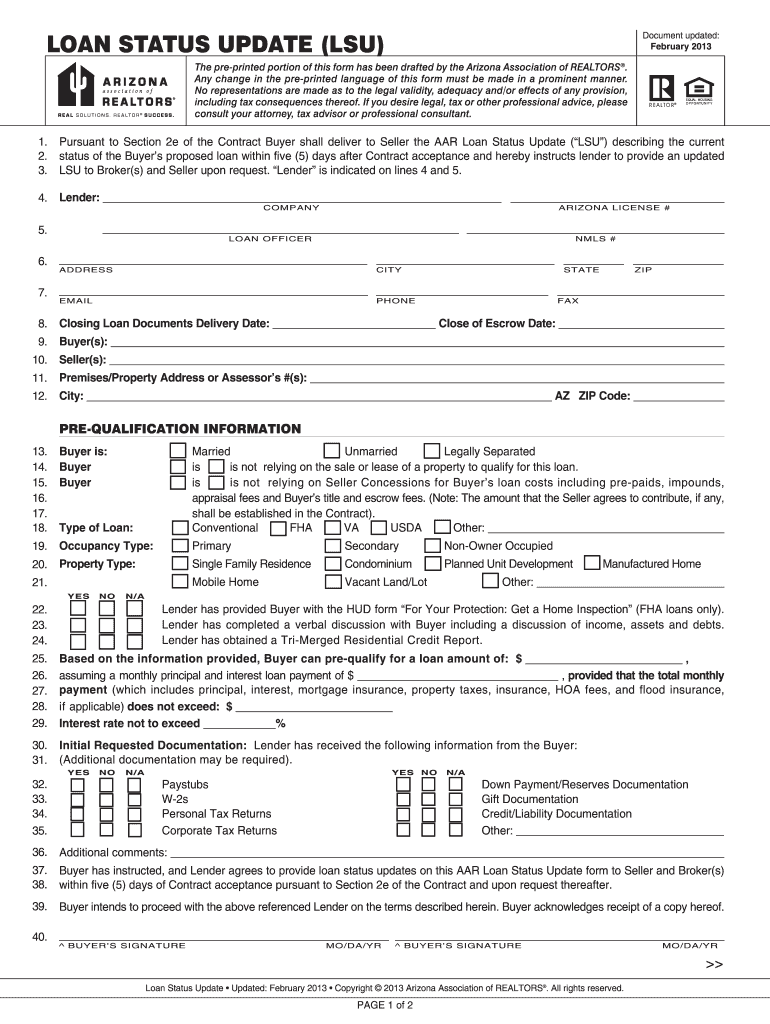




Here's how it works

01. Edit your arizona lsu form online
Type text, add images, blackout confidential details, add comments, highlights and more.

02. Sign it in a few clicks
Draw your signature, type it, upload its image, or use your mobile device as a signature pad.

03. Share your form with others
Send az lsu form via email, link, or fax. You can also download it, export it or print it out.
How to use or fill out Arizona Loan Status Update with our platform

- Click ‘Get Form’ to open the Arizona Loan Status Update in the editor.
- Begin by filling in the lender's information, including the company name, Arizona license number, loan officer details, and contact information. Ensure accuracy as this is crucial for communication.
- Next, provide buyer and seller details along with the property address. This section is essential for identifying the parties involved in the transaction.
- Complete the pre-qualification information by selecting options regarding marital status and occupancy type. This helps lenders assess eligibility.
- Indicate whether the buyer is relying on seller concessions or other properties to qualify for the loan. This impacts loan approval processes.
- Fill out documentation received by the lender, ensuring all necessary documents are checked off. This step confirms that all required paperwork is accounted for.
- Finally, review all entries for accuracy before signing. Once confirmed, add signatures and dates where indicated to finalize the document.
Start using our platform today to streamline your Arizona Loan Status Update process for free!
Fill out arizona loan status update online
It's free
It's free
Security and compliance
At DocHub, your data security is our priority. We follow HIPAA, SOC2, GDPR, and other standards, so you can work on your documents with confidence.
Learn more


Related forms
National lifeguard service theory 100 question assignment - lifelink ca
The document is a comprehensive 100-question assignment for the National Lifeguard Service, revised in January 2003. It ...

Lootah gas disconnection form
The document is a Gas Disconnection Form used by customers to request the termination of their gas supply agreement with ...
Catch-up Immunization Schedule for Children, Birth-18 Years
The document outlines a catch-up vaccination plan for General Practitioners and Practice Nurses, detailing the necessary ...
Application for 407 transponder lease: Fill out & sign online
This document is an application for leasing a transponder from 407 ETR, which allows users to save money on tolls while ...
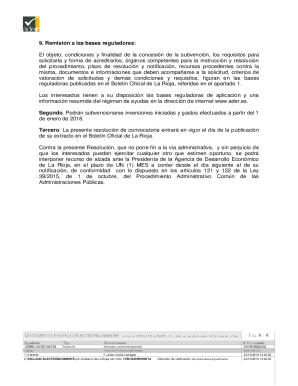
La ADER abre el plazo para las ayudas a la dinamizacin del
La resolución de la Agencia de Desarrollo Económico de La Rioja aprueba la convocatoria 2018 para subvenciones destinada ...

Vdocuments anexo-ii-sede-anexo-ii-solicitudANEXO II - sede anexo ii solicitud de beca 1 - datos
Vdocuments anexo-ii-sede-anexo-ii-solicitudANEXO II - sede anexo ii solicitud de beca 1 - datos
The document is a form for personal and professional data collection, including details for direct debit authorization u ...

DECRETO-BONOS
The document is a decree by Carlos Fraile de Benito, the Mayor of Cuéllar, aimed at revitalizing the local economy affec ...
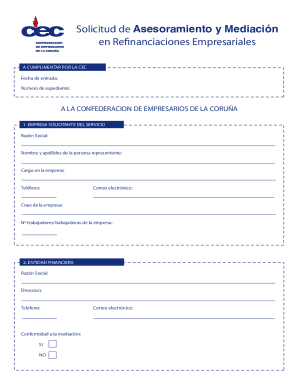
La prolongacin de la crisis sanitaria y su impacto en la salud
El documento aborda la crisis sanitaria y económica que ha afectado a las empresas, destacando la necesidad de medidas p ...