




01. Edit your form online
Type text, add images, blackout confidential details, add comments, highlights and more.

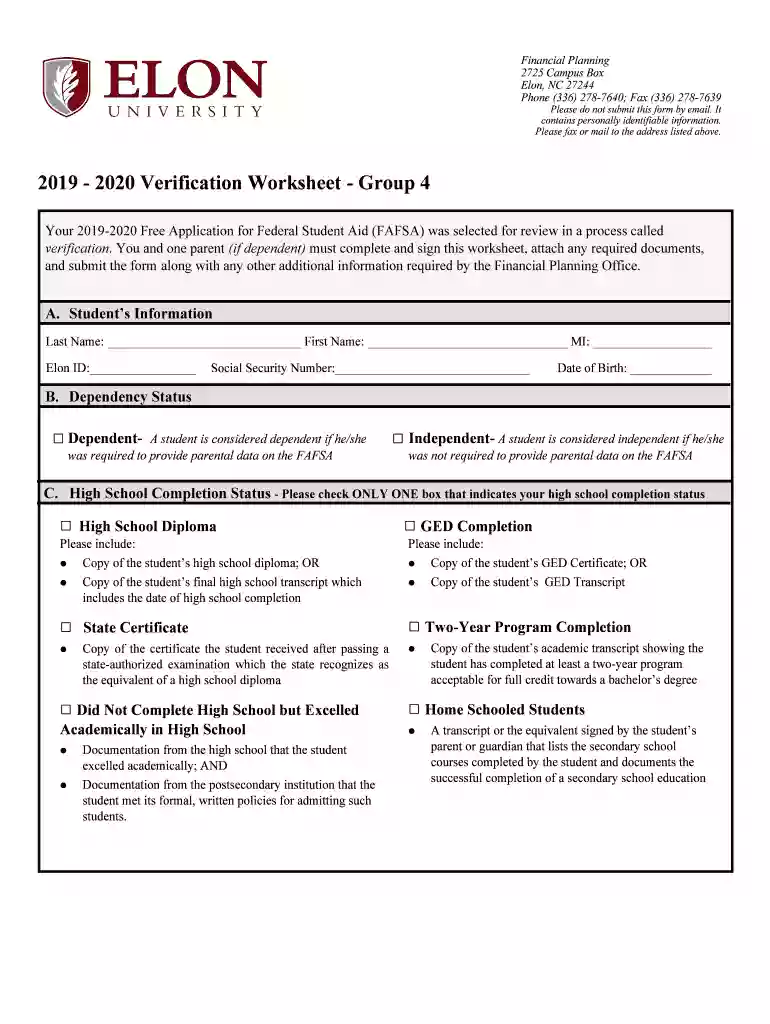
Type text, add images, blackout confidential details, add comments, highlights and more.

Draw your signature, type it, upload its image, or use your mobile device as a signature pad.

Send it via email, link, or fax. You can also download it, export it or print it out.
The fillable online application form for the issuance of a duplicate serves as a digital tool to request a copy of an officially issued document when the original has been lost, damaged, or otherwise compromised. This form is crucial in circumstances where maintaining original documentation is essential for legal, professional, or personal reasons. Typically, it includes fields for personal identification details, the type of document for which a duplicate is requested, reasons for the request, and any relevant information necessary to authenticate the requester’s identity.
Using this form involves a few straightforward steps to ensure accurate completion and submission:
Access the Form: Begin by navigating to a reliable platform where the form is hosted, such as DocHub, to find and open the necessary template.
Enter Personal Information: Fill out personal details, including full name, address, contact information, and any reference numbers relevant to the application.
Specify Document Type: Clearly indicate the type of document for which the duplicate is needed, be it a driver's license, birth certificate, or academic transcript.
Provide Detailed Reasoning: Explain the reason for the duplication request, offering any pertinent details that clarify the necessity for a duplicate.
Review and Submit: After completing all required fields, review the information to ensure accuracy and completeness before submitting the form online or choosing a submission method.
Filling out the duplicate application form accurately is essential for prompt processing and approval:
Access the Form: Download or open the form on a platform like DocHub to begin the process.
Complete Personal Data: Enter your full name, date of birth, and address. Ensure this data matches your previous records associated with the document.
Indicate Document Details: Clearly specify the document type and the original issuing authority.
Articulate the Reason for Request: Offer a brief explanation, such as loss, theft, or damage, which justifies the need for a duplicate.
Add Supporting Documents: Attach any required supporting documents or identification that may be stipulated by the issuing authority.
Sign the Form: Utilize the electronic signature option within DocHub to sign the form, confirming the authenticity of your request.
Submission: Follow submission instructions, choosing between online, mail, or in-person options based on your preference and availability.
Ensuring you have the correct documentation is critical when seeking a duplicate:
Identification Documents: A government-issued ID like a passport or driver's license to verify identity.
Reference Number: Any reference number pertaining to the original document, if available.
Supporting Affidavit: In some cases, an affidavit explaining the loss or damage to the original document may be required.
Proof of Payment: If applicable, proof of payment for any fees related to processing the duplicate request.
This form is commonly used by individuals who have misplaced or damaged an original document. It is frequently required by:
Students: To replace lost academic records or certificates.
Professionals: For reissuing work-related licenses or certifications.
Residents: Needing duplicates of vital records like birth certificates or marriage licenses.
Businesses: That require reissuance of business registration documents, particularly in LLCs or Corporations.


Legally, this form is vital to maintaining compliance with regulatory bodies and ensuring the integrity of record-keeping. The following outlines the legal implications:
Verification of Identity: Ensures that duplicates are issued only to authorized individuals to prevent identity theft.
Proof of Document Integrity: Provides a verified copy that is recognized as equivalent to the original by relevant authorities.
Regulatory Compliance: Adhering to guidelines for reissuance outlined by the issuing authority or governmental body.
Each state may have unique requirements and regulations regarding the duplication of documents:
State Laws: Compliance with specific state regulations, which dictate the process and requirements for issuing duplicates.
Varied Document Types: Differences in document types that are eligible for online duplicate requests.
Processing Times: Varies state-to-state based on the volume of requests and state infrastructure.
The form encompasses several critical sections that ensure completeness and accuracy:
Applicant Information: Essential personal data to authenticate the requester.
Document Specifications: Clear indication of what document is required as a duplicate.
Authentication and Signature: Final verification step with electronic or physical signature to validate the form’s content.
Submission Guidelines: Instructions on submission methods and necessary attachments for processing.
We've got more versions of the Fillable Online Application Form for Issuance of Duplicate form. Select the right Fillable Online Application Form for Issuance of Duplicate version from the list and start editing it straight away!
At DocHub, your data security is our priority. We follow HIPAA, SOC2, GDPR, and other standards, so you can work on your documents with confidence.


