




01. Edit your removal addendum online
Type text, add images, blackout confidential details, add comments, highlights and more.

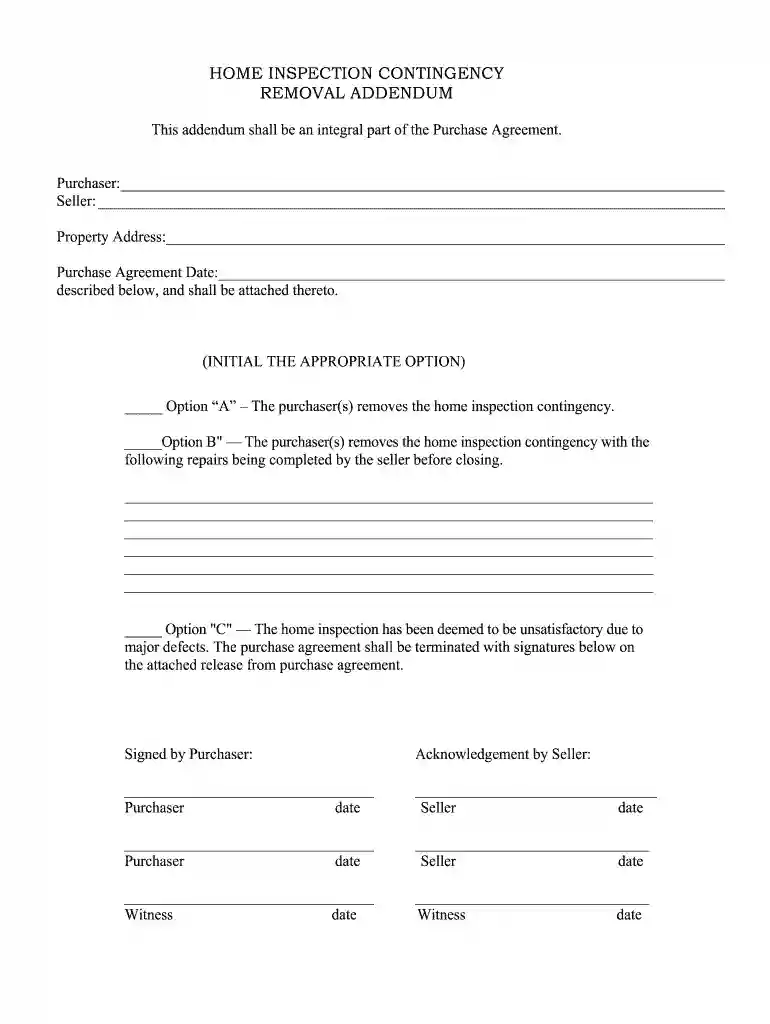
Type text, add images, blackout confidential details, add comments, highlights and more.

Draw your signature, type it, upload its image, or use your mobile device as a signature pad.

Send contingency removal addendum form via email, link, or fax. You can also download it, export it or print it out.

Start using our platform today for free to streamline your document editing and signing process!
At DocHub, your data security is our priority. We follow HIPAA, SOC2, GDPR, and other standards, so you can work on your documents with confidence.
Mar 16, 2026 Wichita 100017 ADDENDUM #1. FROM: Robby Murray Campus Box 38 Ph: 316-978-5185 Fax: 316-978-3107. TO: Interested Bidders,. DATE: 3/16/2026Read more
Debris Removal Addendum 2. Question 1: Is this a standby bid? Yes, this is a standby bid. Question 2: On page 40, Letter of Interest states we areRead more
4. If the projector is mounted on the ceiling, remove the rear cover. 5. Loosen the lamp cover screws (you dont need toRead more


