




01. Edit your valic login online
Type text, add images, blackout confidential details, add comments, highlights and more.

Type text, add images, blackout confidential details, add comments, highlights and more.

Draw your signature, type it, upload its image, or use your mobile device as a signature pad.

Send valic aig login via email, link, or fax. You can also download it, export it or print it out.

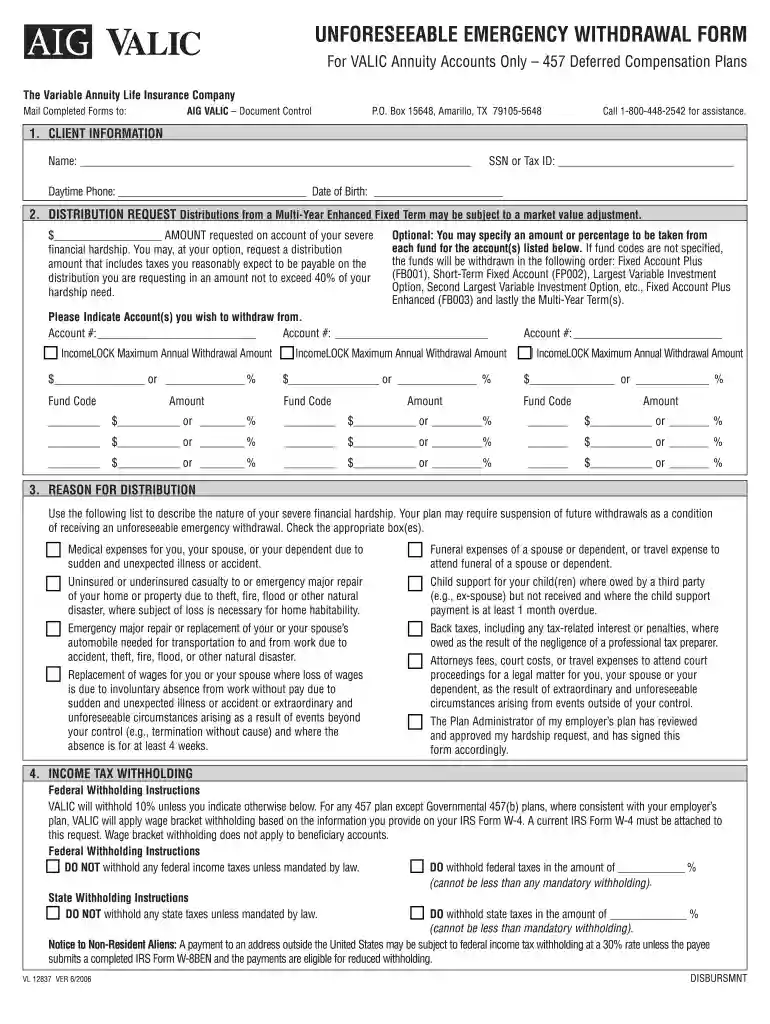
Start using our platform today to easily complete your aig valic hardship withdrawal form online for free!
At DocHub, your data security is our priority. We follow HIPAA, SOC2, GDPR, and other standards, so you can work on your documents with confidence.
Financial Hardship Withdrawal Process. Call the Fidelity Retirement Service Center at 1.800.343.0860 to request a hardship withdrawal. If you are marriedRead more
VALIC may be required to withhold 20% from your distribution. If 20% withholding does not apply, VALIC will withhold 10% of the taxable amount unless otherwiseRead more


