




01. Edit your form online
Type text, add images, blackout confidential details, add comments, highlights and more.

Type text, add images, blackout confidential details, add comments, highlights and more.

Draw your signature, type it, upload its image, or use your mobile device as a signature pad.

Send it via email, link, or fax. You can also download it, export it or print it out.
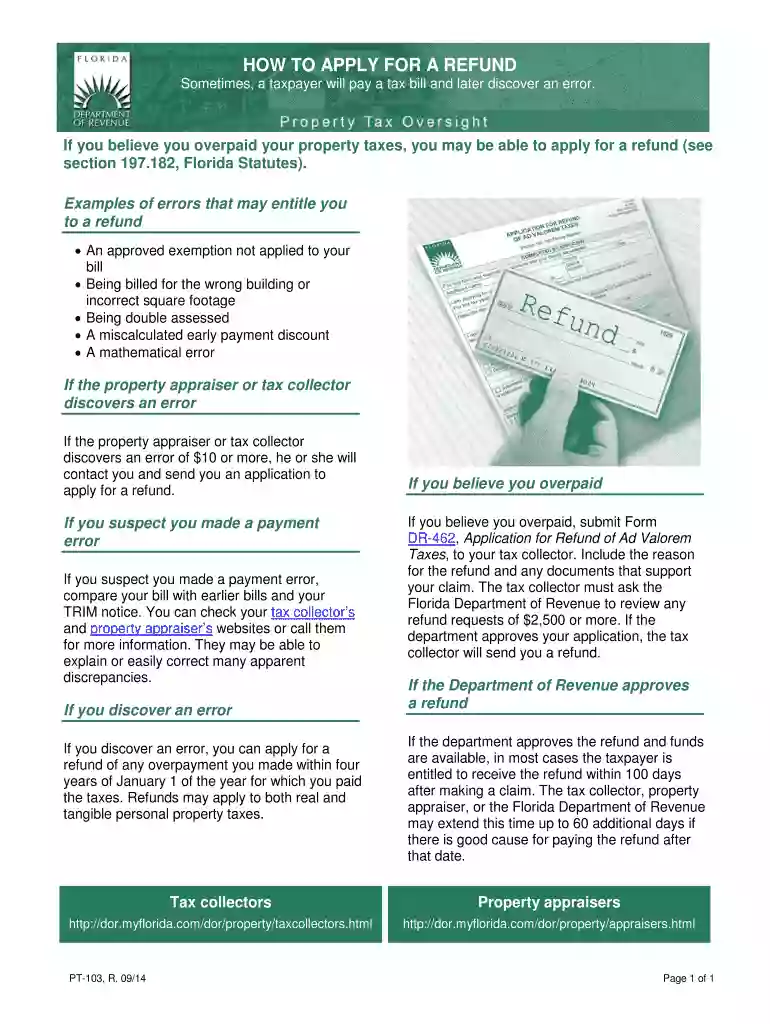
The "how to apply for a refund - formuPack" form serves as an essential document for individuals or businesses seeking reimbursement for overpayments or other qualifying expenses. This form is designed to streamline the process of applying for refunds by guiding users through the necessary steps. Commonly used in various industries, formuPack ensures that applicants provide all required information to facilitate a smooth review and approval process. Understanding the purpose and use of the form lays a solid foundation for completing it accurately.
Using the formuPack refund application requires careful attention to detail. Begin by downloading the form from a trusted source to ensure accuracy and compliance. Fill out each section based on the specific refund type you're applying for. Ensure all fields are completed correctly, including personal details, refund amount, and a brief description of the reason for the refund request. Double-check all entries for accuracy, as errors can delay processing. Using an intuitive document editor like DocHub can simplify this task, allowing for easy modification and collaboration.
Download and Review: Obtain the most recent version of the formuPack refund application. Familiarize yourself with its layout and sections.
Gather Necessary Information: Before filling out the form, have all required data on hand, such as identification numbers, transaction details, and receipt copies.
Complete Personal Information: Enter your name, address, and contact details accurately to match records associated with the refund.
Specify Refund Details: Clearly detail the refund amount and reason for your application. Include any reference numbers related to the transaction.
Attach Supporting Documents: Enclose all necessary documentation, such as receipts or proof of prior payments, to substantiate your application.
Review and Submit: Double-check your entries for typos or errors, and submit the form via your preferred method, whether it's online, by mail, or in person.
Understanding specific terms related to the formuPack refund process can enhance clarity and compliance:
Familiarity with these terms can help users complete the form accurately and effectively.
The formuPack refund application encompasses various critical components that must be addressed:
Each element plays a vital role in ensuring the form is complete and valid.
Certain documents must accompany the formuPack refund application to validate refund requests:
Ensure all documents are clear and legible, as illegible documentation may result in delays.
Upon submission of the formuPack refund application, it typically follows a structured review process:
The approval timeline can vary depending on the complexity of the case and current processing volumes.
This form comes into play in several scenarios, such as:
Before completing the form, consider the context of your refund request to provide relevant information specific to your situation.
We've got more versions of the how to apply for a refund - formuPack form. Select the right how to apply for a refund - formuPack version from the list and start editing it straight away!
At DocHub, your data security is our priority. We follow HIPAA, SOC2, GDPR, and other standards, so you can work on your documents with confidence.
How To File. File Form 8453-EO with the organizations electronically filed return. Use a scanner to create a PDF file of the completed form. Your tax
Renters and Mobile Homeowners applying for lot rental refund, file the TC-40CB application with the Utah State Tax. Commission by December 31, 2013. Section


