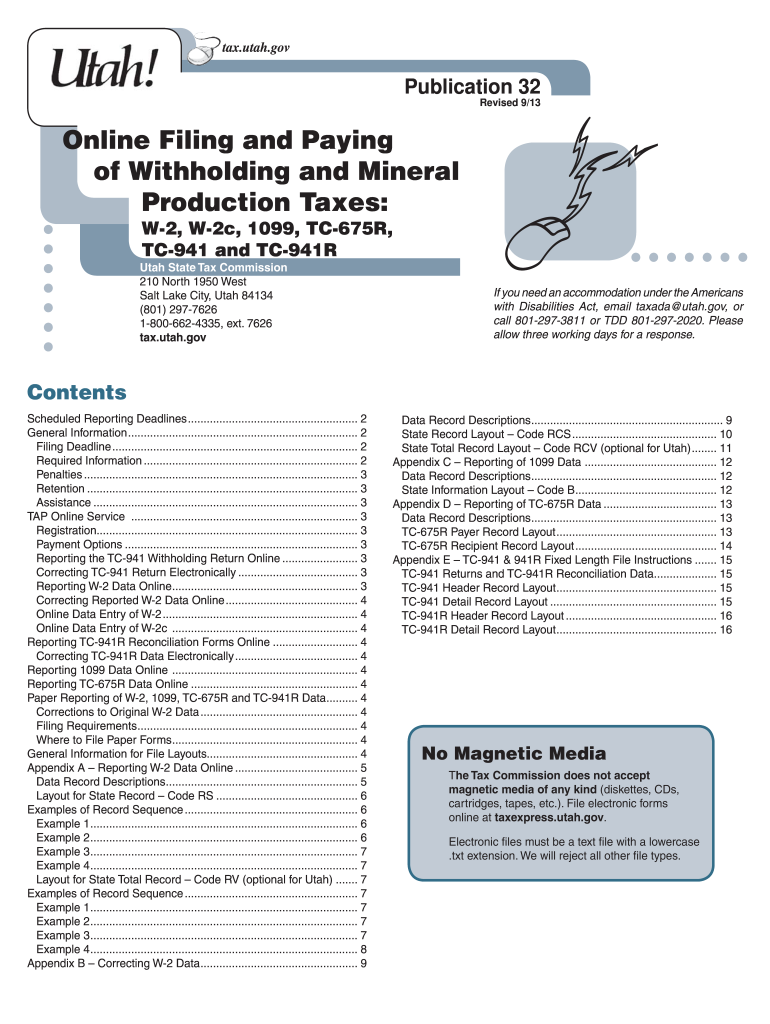
Utah w2 form 2026

Get Form
utah w2 form Preview on Page 1

Here's how it works

01. Edit your utah w2 form online
Type text, add images, blackout confidential details, add comments, highlights and more.
02. Sign it in a few clicks
Draw your signature, type it, upload its image, or use your mobile device as a signature pad.
03. Share your form with others
Send w2 form utah via email, link, or fax. You can also download it, export it or print it out.

How to use or fill out Utah W-2 form with our platform

Form edit decoration
9.5
Ease of Setup
DocHub User Ratings on G2
9.0
Ease of Use
DocHub User Ratings on G2
  1. Click ‘Get Form’ to open the Utah W-2 form in the editor.
  2. Begin by entering your employer's information, including the Employer Identification Number (EIN) and Utah withholding account number. Ensure these are accurate to avoid submission issues.
  3. Fill in employee details such as their Social Security Number, name, and address. Each field must be completed correctly as this data is crucial for tax reporting.
  4. Input the total Utah taxable wages and the amount of state income tax withheld for each employee. Remember to right-justify and zero-fill these amounts without decimal points.
  5. Review all entries for accuracy. Use our platform’s features to easily edit any mistakes before finalizing your submission.
  6. Once satisfied, submit the form electronically through our platform, ensuring you receive a confirmation of your filing.

Start using our platform today to simplify your Utah W-2 form completion!

See more utah w2 form versions

We've got more versions of the utah w2 form form. Select the right utah w2 form version from the list and start editing it straight away!
Versions Form popularity Fillable & printable
2013 4.9 Satisfied (49 Votes)
be ready to get more

Complete this form in 5 minutes or less

Get form

Got questions?

We have answers to the most popular questions from our customers. If you can't find an answer to your question, please contact us.
Contact us

Electronic document signing requires a software solution that complies with data security and eSignature laws. DocHub is a great tool for that, because it fulfills all the previously mentioned requirements. Whatever method you like to sign your state of utah w2 in DocHub, your eSignature will be legally binding and court-admissible.

If you use Chrome, there are two simple ways to modify your ut w2 form online. First, visit the DocHub website, add your document, and modify it using our toolbar. You can also set up our Chrome extension and modify any document by dragging and dropping it in your browser tab.

What is UT TC-40? UT TC-40 is the individual income tax return form used by residents of Utah to report their annual income and calculate their state tax liability.
Utah does not require employees to complete a state W-4 form. Withhold amounts based on your employees federal W-4 form and the Utah withholding schedules or tables in Utah Publication 14, Withholding Tax Guide . In general, workers are covered by the unemployment law of the state in which the work is performed.
In the event you lose your Form W2, or require a duplicate copy you can download a copy from Cal Employee Connect under the W-2 tab. You also can request one from the State Controllers Office.

Security and compliance

At DocHub, your data security is our priority. We follow HIPAA, SOC2, GDPR, and other standards, so you can work on your documents with confidence.

Learn more
ccpa2
pci-dss
gdpr-compliance
hipaa
soc-compliance
be ready to get more

Complete this form in 5 minutes or less

Get form

People also ask

If youre wondering, When do employers send out W-2s, it may be helpful to know its the same timeframe every year. Your employer should send W-2 forms to you no later than Jan. 31 each year, following the W-2 form deadline for federal income tax.

utah w2