



01. Edit your form 1032 appraisal online
Type text, add images, blackout confidential details, add comments, highlights and more.

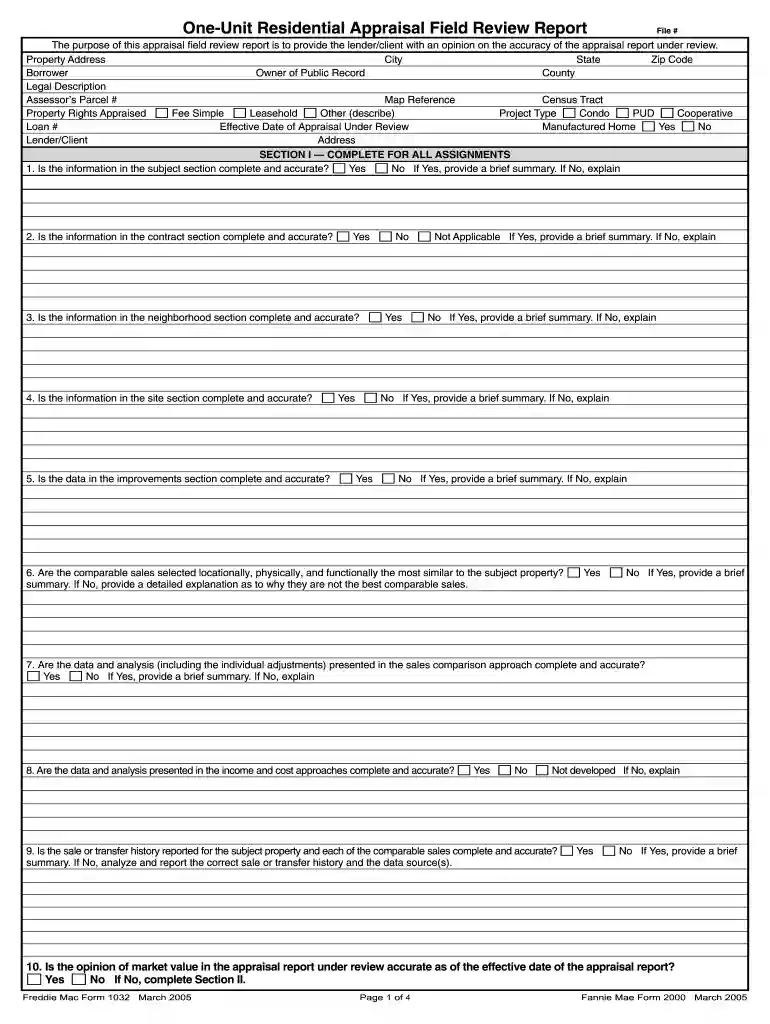
Type text, add images, blackout confidential details, add comments, highlights and more.

Draw your signature, type it, upload its image, or use your mobile device as a signature pad.

Send form 2000 via email, link, or fax. You can also download it, export it or print it out.

Start using our platform today for free and streamline your form completion process!
We've got more versions of the form 1032 appraisal form. Select the right form 1032 appraisal version from the list and start editing it straight away!
| Versions | Form popularity | Fillable & printable |
|---|---|---|
| 2005 | 4.9 Satisfied (385 Votes) |
At DocHub, your data security is our priority. We follow HIPAA, SOC2, GDPR, and other standards, so you can work on your documents with confidence.
Form. Married filing separate return. Enter spouses social security no. above and full name here. 䊳. Cat. No. 11320B. 䊳. 其. Label. Form 1040 (2000). IRS UseRead more
Jun 1, 2000 BIOCHLOR DATABASE. June, 2000. I. BIOCHLOR CHLORINATED SOLVENT PLUME DATABASE. TABLE OF CONTENTS. Page No. EXECUTIVE SUMMARY.Read more
Purpose. Complete Form W-4 so your employer can withhold the correct Federal income tax from your pay. Because your tax situation may.Read more


