




Here's how it works

01. Edit your notice to owner form florida online
Type text, add images, blackout confidential details, add comments, highlights and more.

02. Sign it in a few clicks
Draw your signature, type it, upload its image, or use your mobile device as a signature pad.

03. Share your form with others
Send notice to owner florida form via email, link, or fax. You can also download it, export it or print it out.
How to use or fill out notice to owner florida form with DocHub

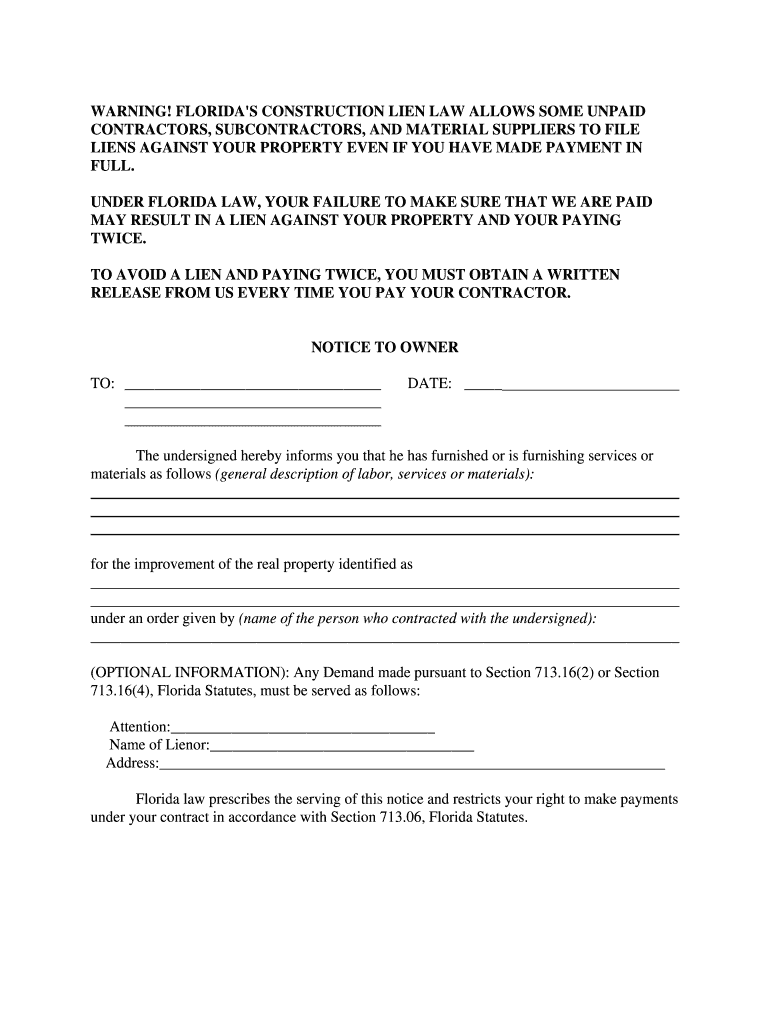
- Click ‘Get Form’ to open the Notice to Owner Florida form in our platform.
- Begin by filling in the recipient's name and address in the designated fields at the top of the form. This identifies who is being notified.
- Enter the date of notification in the provided space, ensuring it reflects when you are sending this notice.
- In the section for services or materials, provide a detailed description of what has been furnished. Be specific to avoid any confusion regarding what work was done.
- Identify the real property involved by entering its address in the specified area. This is crucial for legal clarity.
- Fill in the name of the person who contracted your services, as this links your work directly to their contract.
- If applicable, complete any optional information regarding demand service as outlined in Section 713.16(2) or (4).
- Finally, sign and print your name at the bottom of the form, and ensure you include your address for correspondence.
Start using our editor today to fill out your Notice to Owner Florida form easily and for free!
Fill out notice to owner florida form online
It's free
Security and compliance
At DocHub, your data security is our priority. We follow HIPAA, SOC2, GDPR, and other standards, so you can work on your documents with confidence.
Learn more


Related forms
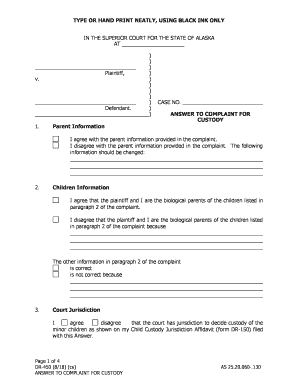
DR-450 Answer to Complaint for Custody
The document is a legal form titled 'Answer to Complaint for Custody' used in the Superior Court of Alaska. It allows a ...
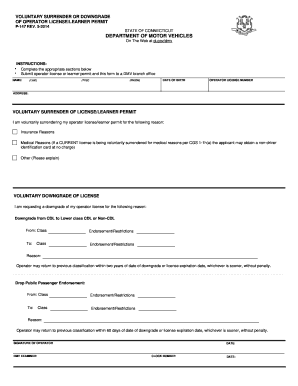
Ct surrender form
The document outlines the process for voluntarily surrendering or downgrading an operator license or learner permit in C ...

Oregon emancipation
The document outlines the process and requirements for a minor in Lane County, Oregon, to apply for emancipation. It spe ...
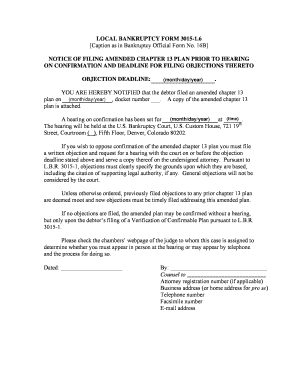
Chapter 13 forms
The document is a notice regarding the filing of an amended Chapter 13 bankruptcy plan, informing interested parties of ...
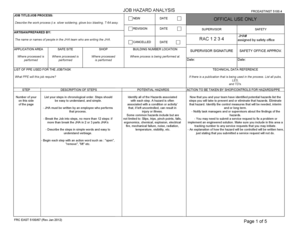
Page 1 of 5 JOB HAZARD ANALYSIS OFFICAL USE ONLY RAC 1 2
The document outlines a Job Hazard Analysis (JHA) process, detailing the steps required to identify potential hazards as ...

Permission to drive vehicle form
The document outlines the authorization process for operating state and private vehicles on state business in Arkansas, ...
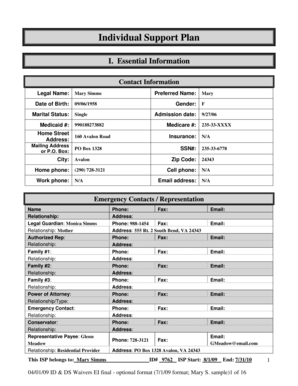
Individual Support Plan - dbhdsvirginiagov - dbhds virginia
The document is an Individual Support Plan (ISP) for Mary Simms, detailing her essential information, health needs, supp ...