




Here's how it works
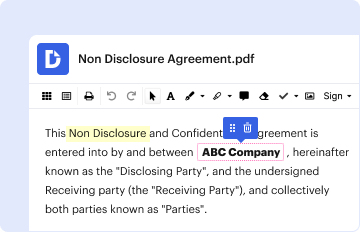
01. Edit your buyer lead sheet online
Type text, add images, blackout confidential details, add comments, highlights and more.
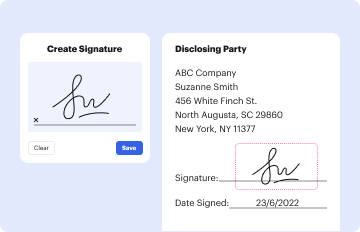
02. Sign it in a few clicks
Draw your signature, type it, upload its image, or use your mobile device as a signature pad.
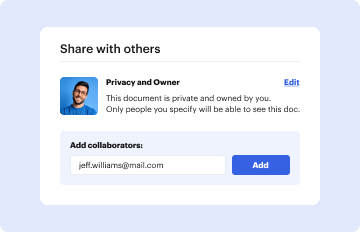
03. Share your form with others
Send real estate lead sheet via email, link, or fax. You can also download it, export it or print it out.
How to use or fill out buyer lead sheet with our platform

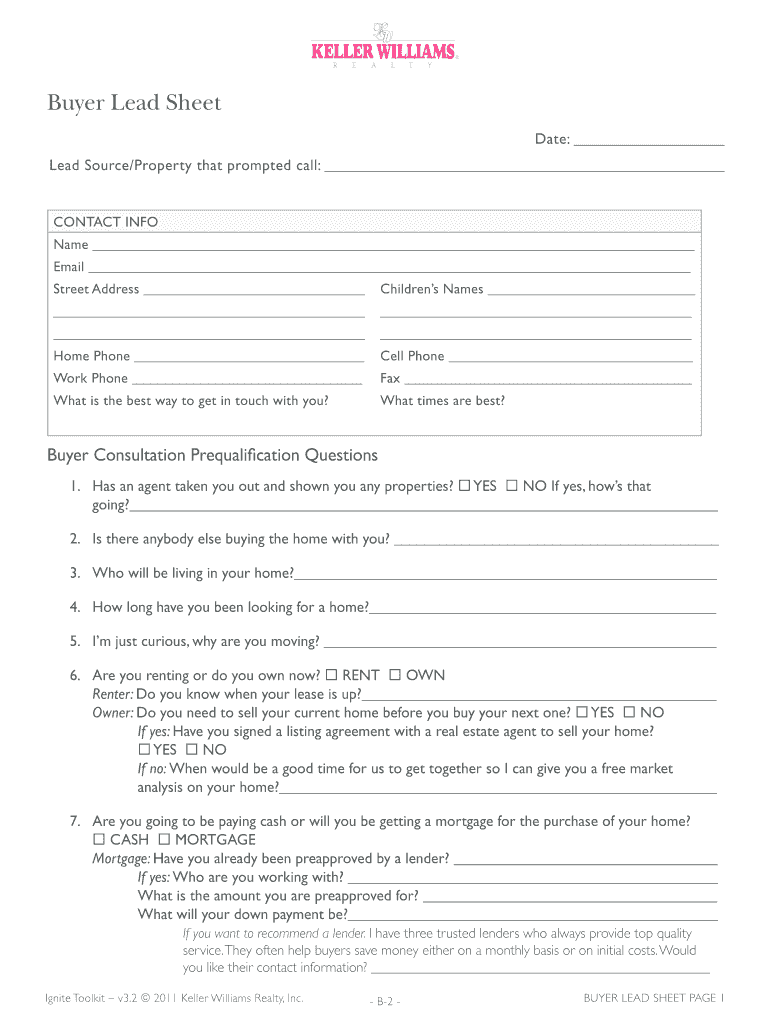
- Click ‘Get Form’ to open the buyer lead sheet in the editor.
- Begin by entering the date at the top of the form. This helps track when the lead was generated.
- In the 'Lead Source/Property' section, specify where you received this lead from, providing context for your follow-up.
- Fill out the 'CONTACT INFO' section with your name, email, and address. Ensure accuracy for effective communication.
- Complete the 'Children’s Names' field if applicable, as it may influence housing decisions.
- Provide all phone numbers and indicate your preferred contact method and times for convenience.
- Answer the prequalification questions honestly to gauge readiness and needs. This includes details about current living situations and financial status.
- Finally, schedule an appointment by selecting a suitable date and time for further discussions on home buying.
Start using our platform today to streamline your document editing and make filling out forms easier than ever!
Fill out buyer lead sheet online
It's free
It's free
Security and compliance
At DocHub, your data security is our priority. We follow HIPAA, SOC2, GDPR, and other standards, so you can work on your documents with confidence.
Learn more




