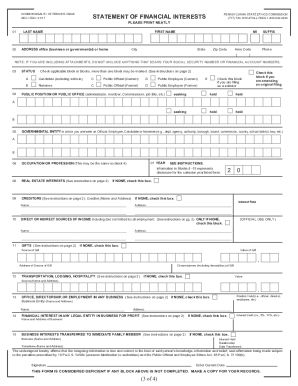
Type text, add images, blackout confidential details, add comments, highlights and more.
02. Sign it in a few clicks
Draw your signature, type it, upload its image, or use your mobile device as a signature pad.
03. Share your form with others
Send 53 1 form via email, link, or fax. You can also download it, export it or print it out.
How to use or fill out 53 1 sales tax missouri with our platform
Ease of Setup
DocHub User Ratings on G2
Ease of Use
DocHub User Ratings on G2
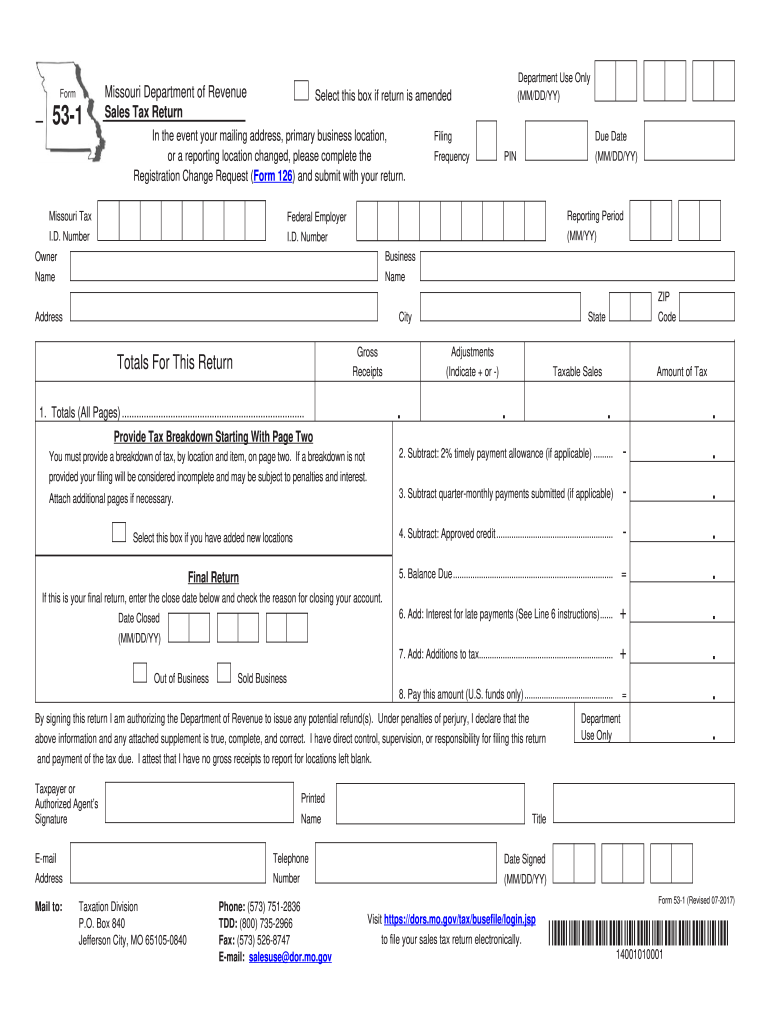
Click ‘Get Form’ to open the 53-1 Sales Tax Return in the editor.
Begin by entering your Missouri Tax I.D. Number and Federal Employer I.D. Number at the top of the form. Ensure these are accurate for proper identification.
Fill in your business name, address, city, state, and ZIP code. If there have been any changes to your mailing address or business location, complete the Registration Change Request (Form 126) and attach it.
In Line 1, provide totals for gross receipts, adjustments, taxable sales, and amount of tax due from all pages. Remember to include a breakdown per location on page two.
If applicable, check the box for any new locations added and ensure you provide detailed information on page two regarding those locations.
Complete Lines 2 through 8 by calculating timely payment allowances, quarter-monthly payments submitted, approved credits, balance due, interest for late payments, additions to tax, and finally the total amount due.
Sign and date the return at the bottom. This authorizes the Department of Revenue to process any potential refunds.
Start using our platform today to easily fill out your Missouri Sales Tax Return for free!
We've got more versions of the 53 1 sales tax missouri form. Select the right 53 1 sales tax missouri version from the list and start editing it straight away!
Web missouri law requires any person selling or discontinuing business to make a final sales tax return within fifteen (15) days of the sale or closing. To
Jan 19, 2017 This publication discusses common business expenses and explains what is and is not de ductible. The general rules for deducting busi.Read more
Cookie consent notice
This site uses cookies to enhance site navigation and personalize your experience.
By using this site you agree to our use of cookies as described in our Privacy Notice.
You can modify your selections by visiting our Cookie and Advertising Notice.