
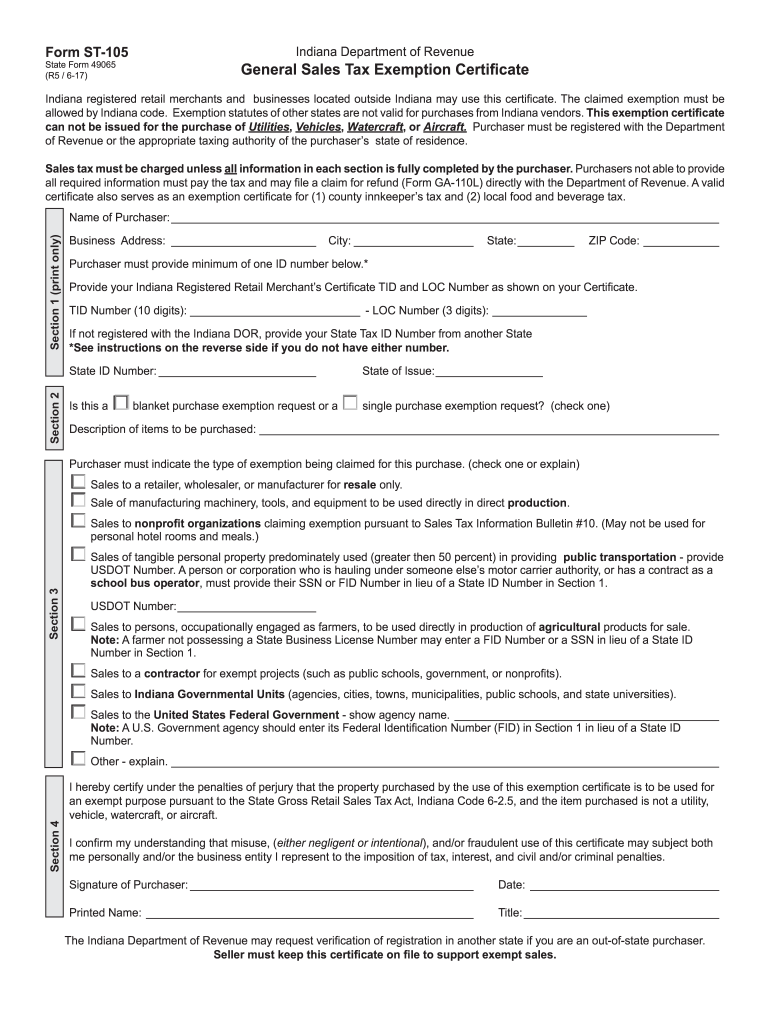




Here's how it works

01. Edit your dochub com fillable form online
Type text, add images, blackout confidential details, add comments, highlights and more.

02. Sign it in a few clicks
Draw your signature, type it, upload its image, or use your mobile device as a signature pad.

03. Share your form with others
Send indiana form st 105 via email, link, or fax. You can also download it, export it or print it out.
How to use or fill out form st 105 indiana with our platform

- Click ‘Get Form’ to open it in the editor.
- In Section 1, enter the Name of Purchaser and Business Address. Ensure you provide at least one ID number: your Indiana Registered Retail Merchant’s Certificate TID and LOC Number, or your State Tax ID Number if not registered in Indiana.
- Move to Section 2. Indicate whether this is a blanket purchase exemption request or a single purchase exemption request by checking the appropriate box. Describe the items to be purchased clearly.
- In Section 3, check the reason for exemption that applies to your purchase. Be prepared to provide additional information if requested.
- Finally, in Section 4, sign and date the form. Include your printed name and title to complete the certification process.
Start using our platform today for free to streamline your form completion process!
Fill out form st 105 indiana online
It's free
See more form st 105 indiana versions
We've got more versions of the form st 105 indiana form. Select the right form st 105 indiana version from the list and start editing it straight away!
Security and compliance
At DocHub, your data security is our priority. We follow HIPAA, SOC2, GDPR, and other standards, so you can work on your documents with confidence.
Learn more


Related forms
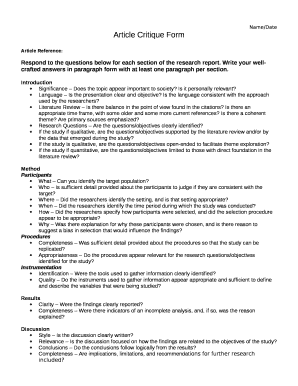
Article critique template
The document is an Article Critique Form designed to guide the evaluation of a research report. It outlines specific sec ...

Learning journal template word
The document is a Student Learning Log that outlines learning goals and success criteria related to the understanding of ...

Cheerleading demerit form template
The HAHS Cheerleading Merit/Demerit System outlines the rules and consequences for cheerleaders regarding attendance, be ...
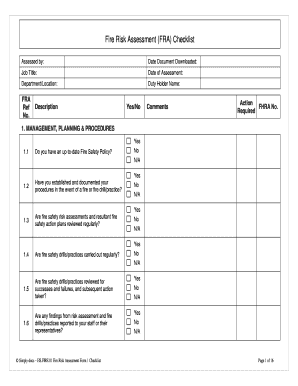
Fire Risk Assessment (FRA) Checklist
The document is a Fire Risk Assessment (FRA) Checklist designed to evaluate fire safety measures in a workplace. It incl ...
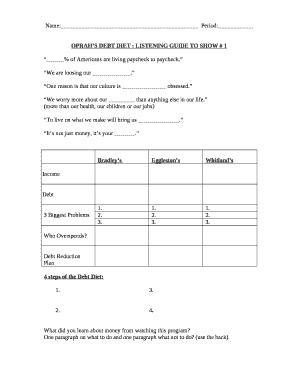
Oprah's debt diet worksheet
The document is a comprehensive listening guide for a series of episodes from 'Oprah's Debt Diet', focusing on financial ...
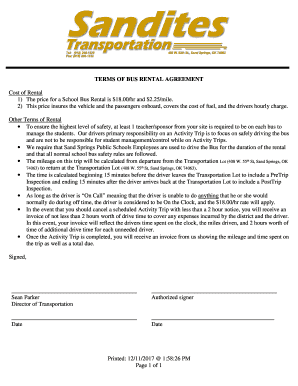
Bus rental agreement template
The document outlines the terms of a School Bus Rental Agreement, detailing the rental costs, safety requirements, and c ...
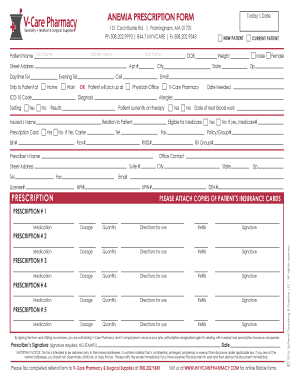
ANEMIA PRESCRIPTION FORM
The document is an Anemia Prescription Form used by V-Care Pharmacy for prescribing medications related to anemia treatm ...