




Here's how it works

01. Edit your dochub com fillable form online
Type text, add images, blackout confidential details, add comments, highlights and more.

02. Sign it in a few clicks
Draw your signature, type it, upload its image, or use your mobile device as a signature pad.

03. Share your form with others
Send mv1 printable form via email, link, or fax. You can also download it, export it or print it out.
How to use or fill out mv1 form with our platform

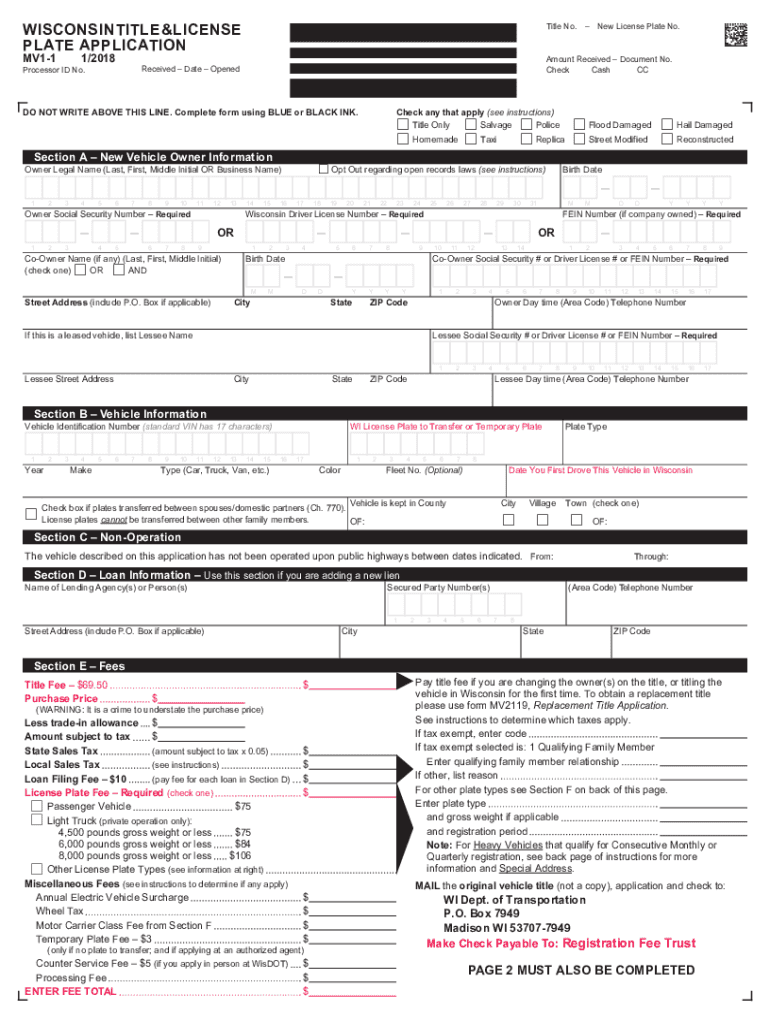
- Click ‘Get Form’ to open the MV1 form in the editor.
- Begin with Section A, 'Vehicle Owner Information.' Enter the owner's legal name, birth date, and Social Security Number. If applicable, include co-owner details.
- Proceed to Section B, 'Vehicle Information.' Fill in the Vehicle Identification Number (VIN), year, make, type of vehicle, and color. Indicate if you are transferring a license plate or need a temporary plate.
- In Section C, 'Loan Information,' provide details about any lending agency if applicable. This is crucial for vehicles under lien.
- Move to Section D for 'Fees.' Calculate and enter the title fee, sales tax, and any additional fees based on your vehicle type and registration needs.
- Complete Sections E through G as necessary. Ensure all required signatures are provided before submitting your application.
Start using our platform today to simplify your MV1 form completion process for free!
Fill out mv1 form online
It's free
It's free
Got questions?
We have answers to the most popular questions from our customers. If you can't find an answer to your question, please contact us.
Contact us
What is a Georgia MV-1 form?
Form MV1 is a motor vehicle application form utilized in various states, including Pennsylvania, Wisconsin, Georgia, and Montana. Its primary purpose is to facilitate the process of obtaining a vehicle title and/or license plates. What is Form MV1 Used For? Understanding Vehicle Registration SignNow info-forms 276803-What i SignNow info-forms 276803-What i
How to fill out form mv 1 georgia?
The MV-1 was the first production-made purpose-built vehicle in North America constructed from the ground up for people with disabilities. It seats up to six adults, with two full-size wheelchairs.
Security and compliance
At DocHub, your data security is our priority. We follow HIPAA, SOC2, GDPR, and other standards, so you can work on your documents with confidence.
Learn more


Related forms

Molly hawkins art supplies 2022
The document is a comprehensive catalog from Molly Hawkins' House, specifically designed for art teachers. It features a ...
Girl shop form
The document is a 2015-2016 order form for merchandise from the Girl Scout Shop specifically for Daisy Girl Scouts. It i ...

Fax 03 621 2822
The document is a power of attorney form issued by the Hämeenlinna City Building Control Office, intended for authorizin ...
Rcbc 030 standard
The document is the 2017-2018 Standard Verification Worksheet from the RCBC Office of Financial Aid, which outlines the ...
2020 ucr form
The document is a Child Care Verification form for UC Riverside students seeking to include additional child care costs ...
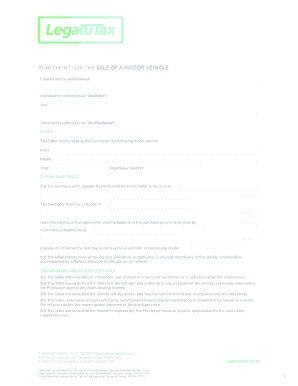
AGREEMENT FOR THE SALE OF A MOTOR VEHICLE
This document is an agreement for the sale of a motor vehicle between a Seller and a Purchaser. It outlines the details ...
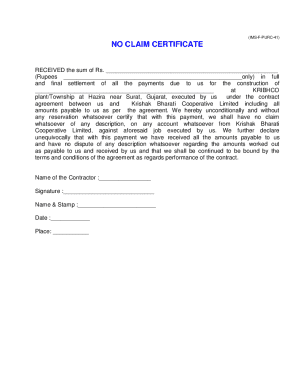
NO CLAIM CERTIFICATE - KRIBHCO
The document is a No Claim Certificate confirming the receipt of a specified sum in full and final settlement for constr ...