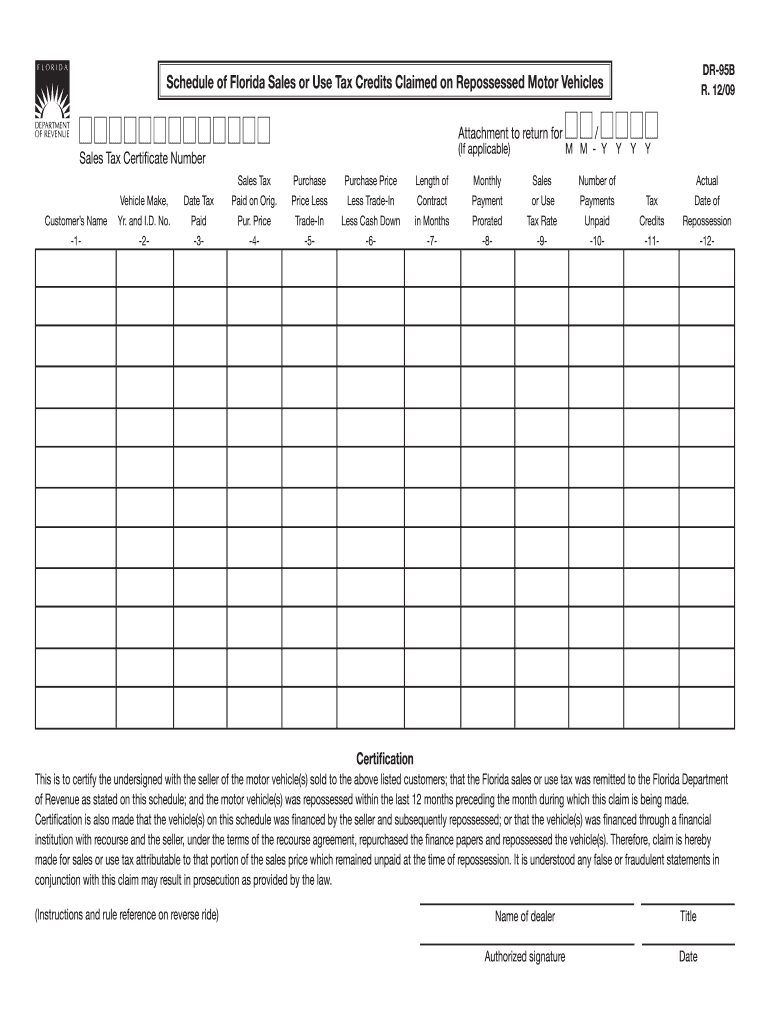
We've got more versions of the florida claimed 2009 form form. Select the right florida claimed 2009 form version from the list and start editing it straight away!
Form DR-1 is a registration application used by businesses to obtain a sales tax, use tax, employment tax, or other state-required licenses and permits. By completing and submitting this form, entities can ensure they are compliant with state tax obligations and regulations.
How do I claim unclaimed money in Florida?
If the account has more than one owner and one of the owners is deceased, a certified death certificate for the deceased owner is required in addition to the Identification for the person claiming the account. Note: Each claimant must submit identification and sign the claim form.
Related Searches
Florida claimed 2009 form printableFlorida claimed 2009 form pdfFlorida claimed 2009 form pdf downloadFlorida claimed 2009 form downloadDwc 4 florida
Security and compliance
At DocHub, your data security is our priority. We follow HIPAA, SOC2, GDPR, and other standards, so you can work on your documents with confidence.
Fla. Admin. Code Ann. R. 59E-9.010 - Claims Data Collection
(c) Claims Data means complete and accurate eligibility data, medical claims data, and pharmacy claims data of Covered Lives held by Payers as specified inRead more
Nonviolent direct actions against coal: 2009 - GEM.wiki
Over 50 British Greenpeace activists in October 2009 led a protest on top of the House of Parliament to protest the countrys use of coal. The activists thatRead more
Florida Department of Financial Services. Division of Unclaimed Property. 200 East Gaines Street. Tallahassee, Florida 32399-0358. Form DFS-A4-2009, EffectiveRead more
Cookie consent notice
This site uses cookies to enhance site navigation and personalize your experience.
By using this site you agree to our use of cookies as described in our Privacy Notice.
You can modify your selections by visiting our Cookie and Advertising Notice.