




01. Edit your form online
Type text, add images, blackout confidential details, add comments, highlights and more.

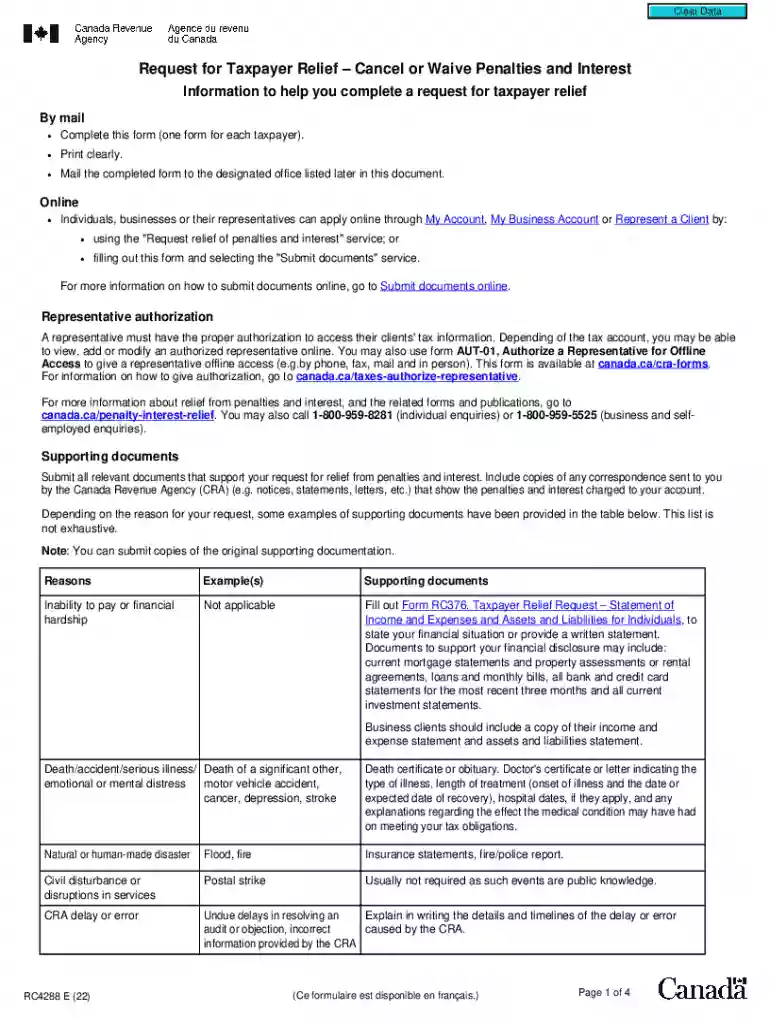
Type text, add images, blackout confidential details, add comments, highlights and more.

Draw your signature, type it, upload its image, or use your mobile device as a signature pad.

Send it via email, link, or fax. You can also download it, export it or print it out.

Start using our platform today to easily complete and submit your Request for Taxpayer Relief form online for free!
We've got more versions of the Request for Taxpayer ReliefCancel or Waive Penalties and form. Select the right Request for Taxpayer ReliefCancel or Waive Penalties and version from the list and start editing it straight away!
At DocHub, your data security is our priority. We follow HIPAA, SOC2, GDPR, and other standards, so you can work on your documents with confidence.
Jan 18, 2017 The IRS may also forgive the interest and penalties on any under- paid tax for the length of for Form 1120. these corporations can request a
Jul 9, 2026 Taxpayers must contact the IRS to request relief No taxpayer action required Penalty assessment Penalty is assessed first, then later
Sep 19, 2025 If we cannot approve your relief over the phone, you may request relief in writing with Form 843, Claim for Refund and Request for Abatement.


