




01. Edit your imm5524 online
Type text, add images, blackout confidential details, add comments, highlights and more.

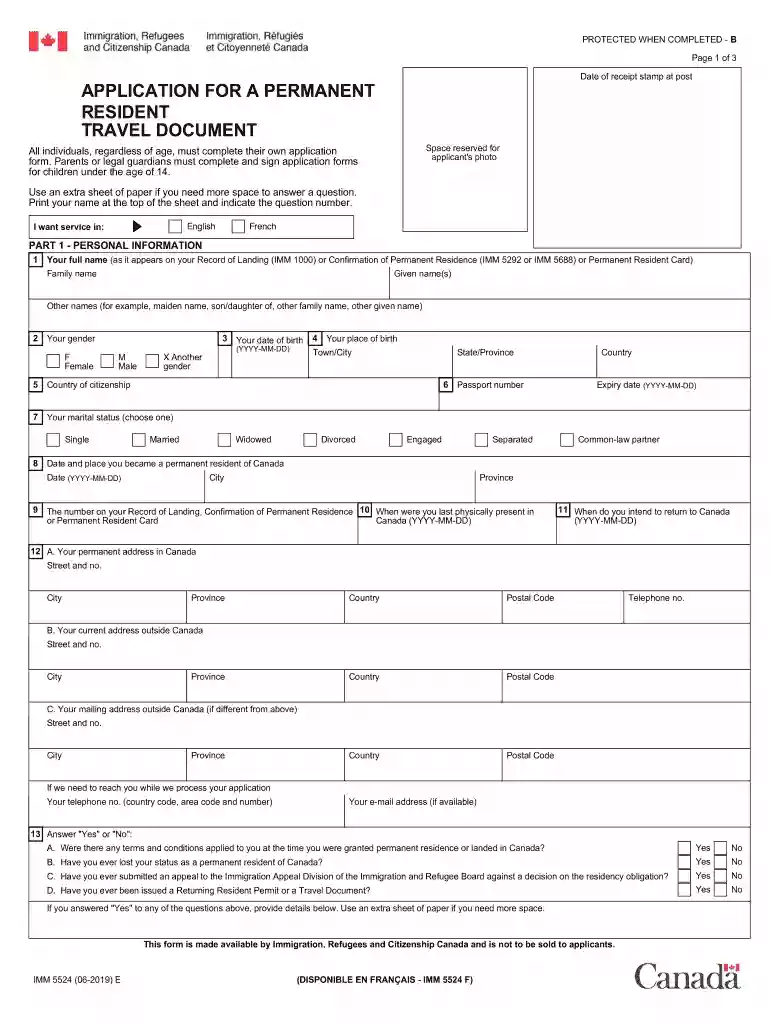
Type text, add images, blackout confidential details, add comments, highlights and more.

Draw your signature, type it, upload its image, or use your mobile device as a signature pad.

Send imm 5524 via email, link, or fax. You can also download it, export it or print it out.

Start using our platform today for free to streamline your imm 5524 completion!
We've got more versions of the imm5524 form. Select the right imm5524 version from the list and start editing it straight away!
At DocHub, your data security is our priority. We follow HIPAA, SOC2, GDPR, and other standards, so you can work on your documents with confidence.



5524 5377. NSW Mid City Mechanical 22 Bourke Street Dubbo (02) 6881 8388. NSW labels and advised to order replacement parts t hr ough HSPO. Effective immRead more
Imm Crit Read. Quarter Equivalent: IBGP 790: Cancer Immunology: Critical 5524. Computer Vision. Quarter Equivalent: CSE 634: Computer Vision for HumanRead more
IMMS INN, FF-1 Food Service, Active, 15509, 12/31/2026. 30 Mile Yentna River 5524, 12/31/2025. 1408 4th AVE; Seward, AK 99664. Contact Us. JACK AND AIVASRead more


