




01. Edit your vendor permit ontario online
Type text, add images, blackout confidential details, add comments, highlights and more.

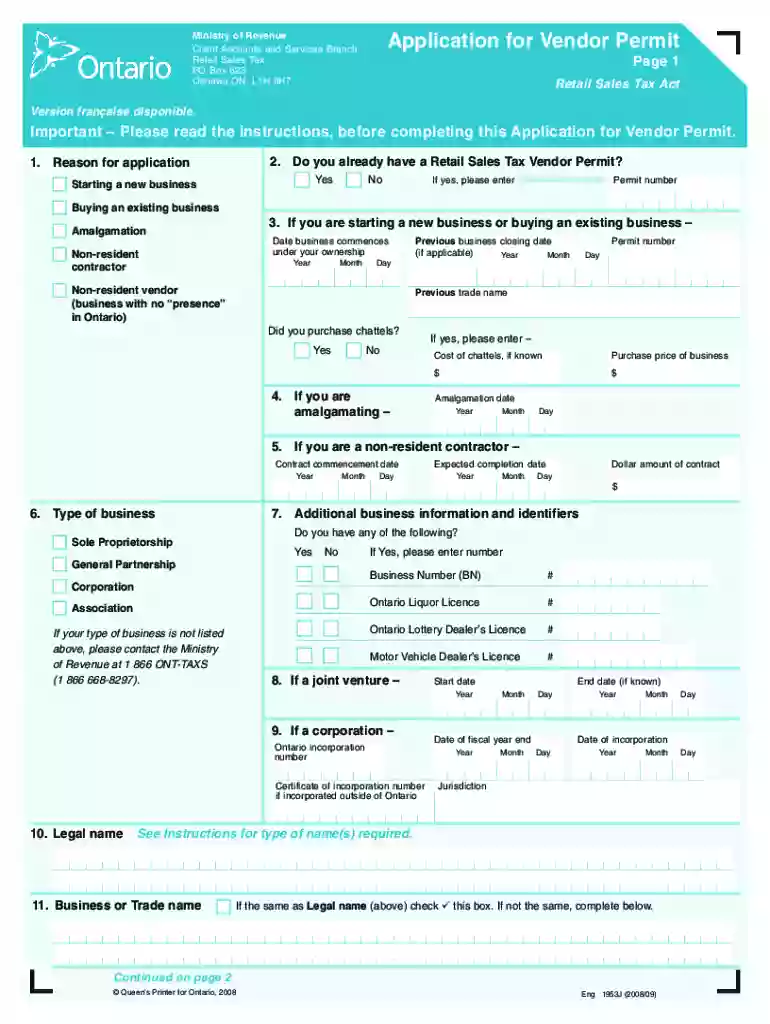
Type text, add images, blackout confidential details, add comments, highlights and more.

Draw your signature, type it, upload its image, or use your mobile device as a signature pad.

Send vendors permit ontario cost via email, link, or fax. You can also download it, export it or print it out.

Start using our platform today to streamline your Vendor Permit Ontario application process for free!
At DocHub, your data security is our priority. We follow HIPAA, SOC2, GDPR, and other standards, so you can work on your documents with confidence.
Apply for City of Ontario Sidewalk Vendor Permit. Apply in person at the Business License Department located at Ontario City Hall: 303 East B Street, OntarioRead more
If you have an existing monthly contractor/vendor permit, you may renew it by going to the Erie/Ontario Garage Customer Service Office. Fill out the monthlyRead more
Regulatory guidance documents and permits, consent orders, other agreements, and sampling and analysis plans may specify or state a preference for a specificRead more


