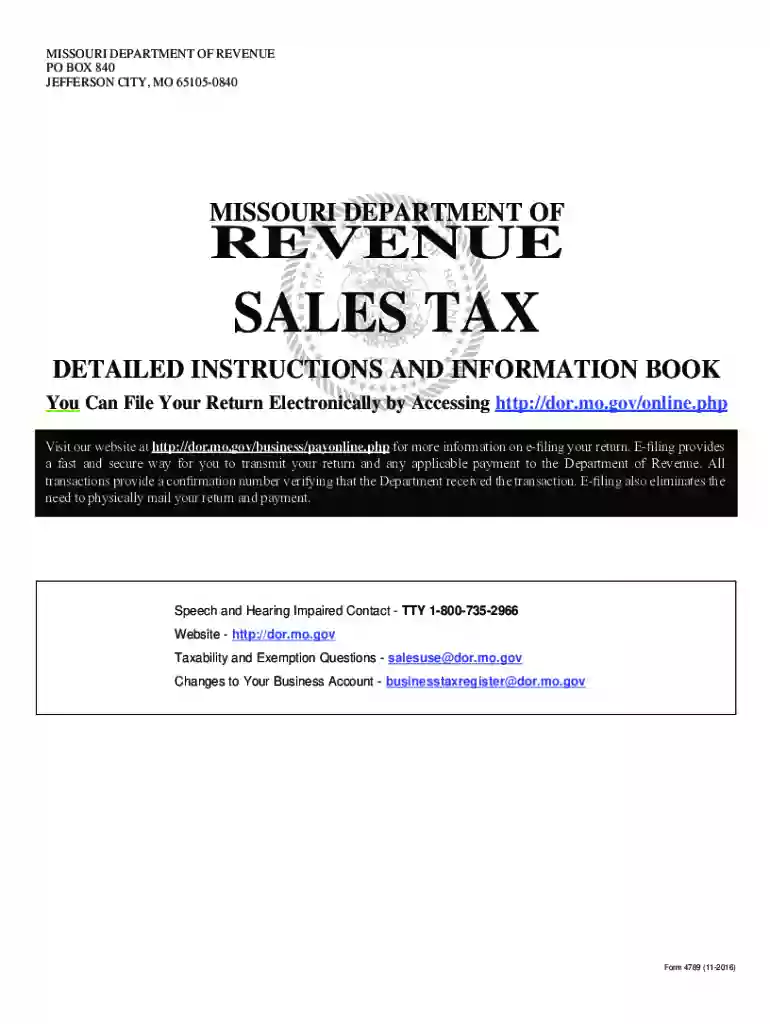
missouri sales tax instructions Preview on Page 1

Form 4789 - Missouri Sales Tax Detailed Instructions and Information Book-2026

Here's how it works

  • 01. Edit your missouri sales tax instructions online

    Type text, add images, blackout confidential details, add comments, highlights and more.

  • 02. Sign it in a few clicks

    Draw your signature, type it, upload its image, or use your mobile device as a signature pad.

  • 03. Share your form with others

    Send it via email, link, or fax. You can also download it, export it or print it out.

How to use or fill out Form 4789 - Missouri Sales Tax Detailed Instructions and Information Book with our platform

Form edit decoration
9.5
Ease of Setup
DocHub User Ratings on G2
9.0
Ease of Use
DocHub User Ratings on G2
  1. Click ‘Get Form’ to open it in the editor.
  2. Begin by entering your Missouri Tax I.D. Number in the designated field at the top of the form.
  3. Fill in your business name, mailing address, and reporting period as preprinted on the return. Correct any inaccuracies.
  4. For each location, enter gross receipts from all sales of tangible personal property and taxable services made during the period. If none, enter '0'.
  5. Make any necessary adjustments for each location by indicating '+' or '-' for total adjustments claimed.
  6. Calculate taxable sales using the formula: Gross Receipts (+/- Adjustments) = Taxable Sales.
  7. Enter the applicable tax rate for your business location based on current state and local rates.
  8. Multiply taxable sales by the tax rate to determine the amount of tax due for each location.
  9. Complete additional sections such as timely payment allowances, interest for late payments, and approved credits as needed.
  10. Sign and date your return before submitting it electronically or via mail to ensure timely processing.

Start using our platform today to streamline your form completion process for free!

See more missouri sales tax instructions versions

We've got more versions of the missouri sales tax instructions form. Select the right missouri sales tax instructions version from the list and start editing it straight away!

VersionsForm popularityFillable & printable
20164.8 Satisfied (115 Votes)
20124 Satisfied (28 Votes)

be ready to get more

Complete this form in 5 minutes or less

Got questions?

We have answers to the most popular questions from our customers. If you can't find an answer to your question, please contact us.

Log on to to see the progress of your return.
Use Form 53-1 to file your sales tax return. Use Tax Protest Payment Report (NOTE: Form 2041 should only be used to accompany Form 163 or 163B, Sales/Use Tax Protest Affidavit. )
If you choose not to e-file, you may print any Missouri tax form from our website at dor.mo.gov/forms. Questions? Contact us at Income@dor.mo.gov or PropertyTaxCredit@dor.mo.gov.
Downloading from IRS Forms Publications page. Picking up copies at an IRS Taxpayer Assistance Center. Going to the IRS Small Business and Self-Employed Tax Center page. Requesting copies by phone 800-TAX-FORM (800-829-3676).
When no sales tax return has been filed, you should calculate your penalty by multiplying the tax amount due by 5 percent for each month you are late. This penalty increases each month you fail to file the return. The maximum amount of penalty is 25 percent.

Security and compliance

At DocHub, your data security is our priority. We follow HIPAA, SOC2, GDPR, and other standards, so you can work on your documents with confidence.

People also ask

The LLC needs to file a 1065 Partnership Return and issue a Schedule K-1 to the LLC owners. The K-1s report each owners distributive share of profits. And the K-1 income flows through to the owners. The income taxes are then paid by each owner on their personal income tax return (Form 1040).

Related links

Hardcore Computist 80 - APPLE2.ORG.ZA - Mirrors

oWashington state residents add 7.8% sales tax. oSend a check or money order BOOK and MAGAZINE SALE!!! Back issue of 2600 (1985-90) $2 each. A+.

Learn more
Pro-Card Guide - Financial Affairs

This guide contains information on getting and using a Pro-Card for Cardholders, Supervisors, Reviewers, and Administrators.

Learn more
If you believe that this page should be taken down, please follow our DMCA take down process here