




01. Edit your florida instructions sales form online
Type text, add images, blackout confidential details, add comments, highlights and more.

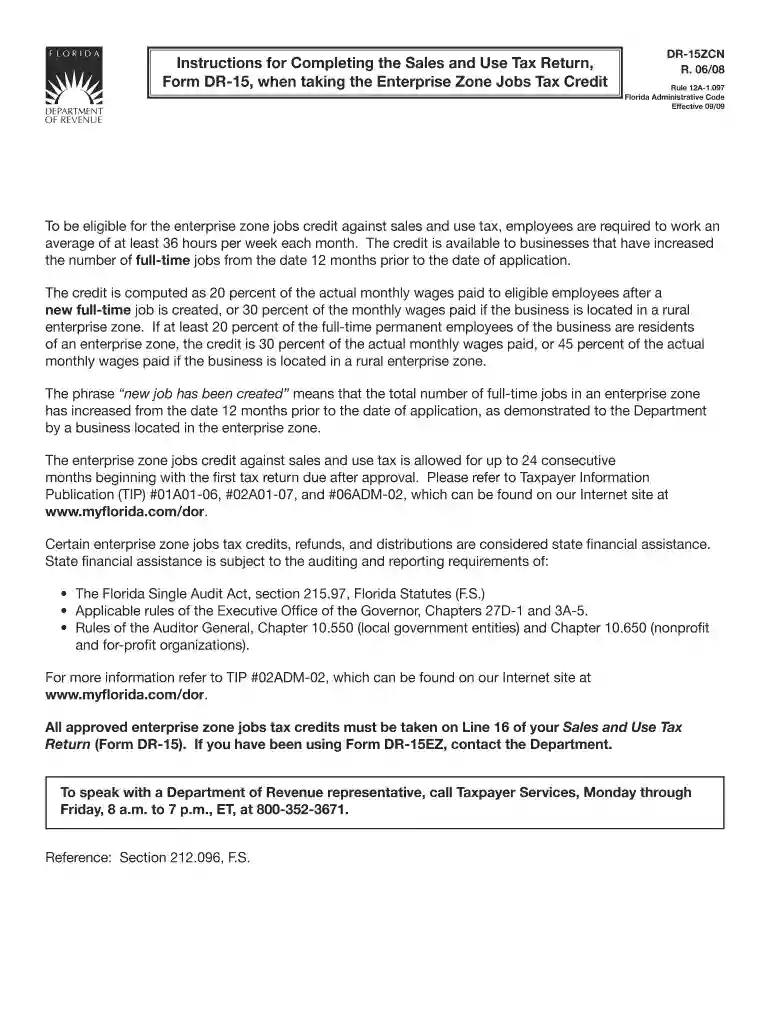
Type text, add images, blackout confidential details, add comments, highlights and more.

Draw your signature, type it, upload its image, or use your mobile device as a signature pad.

Send it via email, link, or fax. You can also download it, export it or print it out.

Start using our platform today to easily fill out and manage your use tax job credit forms online for free!
We've got more versions of the florida instructions sales form form. Select the right florida instructions sales form version from the list and start editing it straight away!
| Versions | Form popularity | Fillable & printable |
|---|---|---|
| 2008 | 4.9 Satisfied (422 Votes) |
Of course, electronically drawing your signature is acceptable, but only if you use a tool that complies with industry regulations and policies. Try DocHub, which guarantees eSignature validity under ESIGN and UETA requirements. All you need to eSign your use tax job credit is an account with DocHub and an internet connection. After you open your document in our editor, click Sign and select the Draw option.
Apart from an extensive toolset for editing PDFs on mobile devices, DocHub enables you to sign your use tax job credit along the way. Open our editor in your browser, make changes using DocHub’s toolset, and finish your editing by eSigning the finished form.
At DocHub, your data security is our priority. We follow HIPAA, SOC2, GDPR, and other standards, so you can work on your documents with confidence.
The goal of the JTC program is to incentivize job creation through providing companies with refundable tax credits that would help reduce their tax liability
The Work Opportunity Tax Credit (WOTC) is a Federal tax credit available to employers for hiring and employing individuals from certain targeted groups.
Dec 21, 2011 You may also be able to claim a tax credit of 50% explains the following items. self-employment tax under the same rules that apply to is a


