




01. Edit your autonation 125 point inspection checklist online
Type text, add images, blackout confidential details, add comments, highlights and more.

Type text, add images, blackout confidential details, add comments, highlights and more.

Draw your signature, type it, upload its image, or use your mobile device as a signature pad.

Send 125 point inspection checklist via email, link, or fax. You can also download it, export it or print it out.

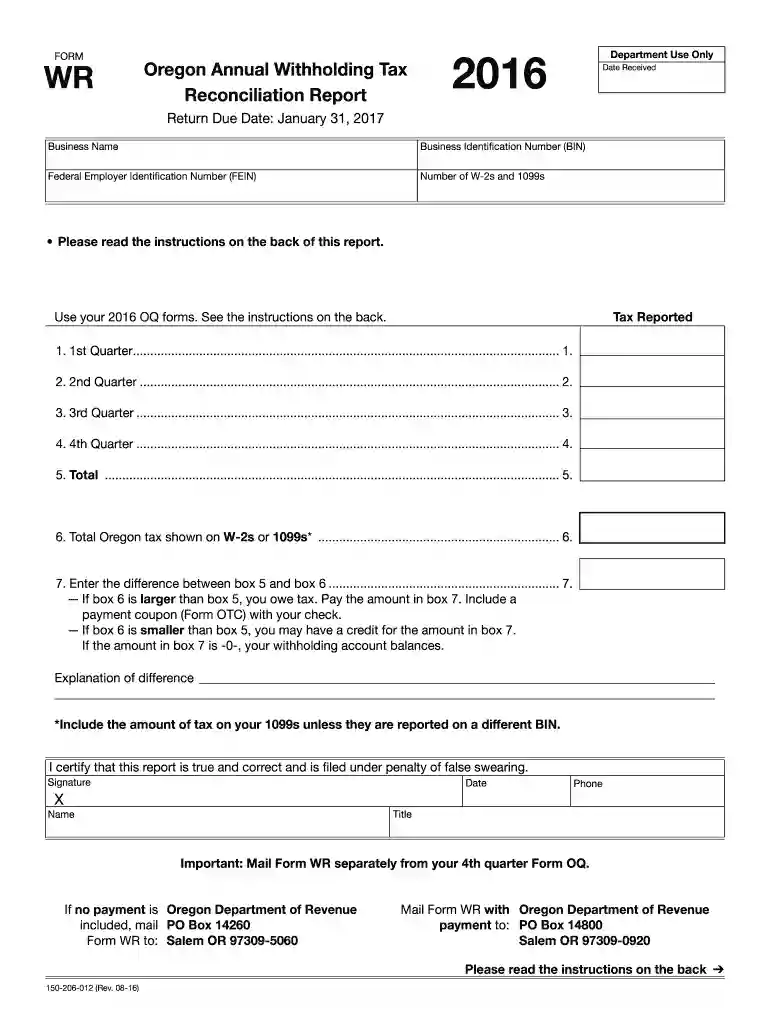
Start filling out your Oregon Form WR 2016 today for free using our platform!
We've got more versions of the autonation 125 point inspection checklist form. Select the right autonation 125 point inspection checklist version from the list and start editing it straight away!
At DocHub, your data security is our priority. We follow HIPAA, SOC2, GDPR, and other standards, so you can work on your documents with confidence.
(4) Employer Reconciliation Reports (Form WR and Statewide Transit Tax Annual Report). (a) Every employer must file a summary of total compensation paidRead more
Free crowd-sourced Model Railroad database and collection management system for Marklin other model train and accessory manufacturers.
Form OR-WREffective January 1, 2017, all employers are required to file this form annually even if you are reporting ‑0‑. Effective January 1, 2019, allRead more


