



01. Edit your performance rubric online
Type text, add images, blackout confidential details, add comments, highlights and more.

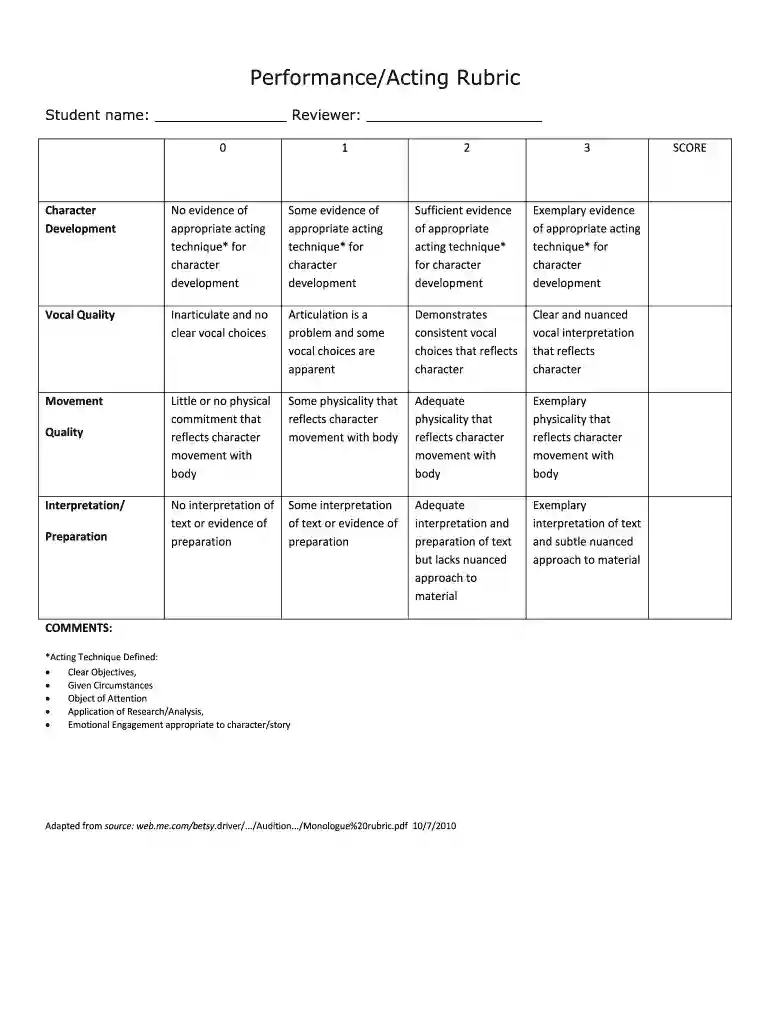
Type text, add images, blackout confidential details, add comments, highlights and more.

Draw your signature, type it, upload its image, or use your mobile device as a signature pad.

Send performance rubric sample via email, link, or fax. You can also download it, export it or print it out.

Start using our platform today for free to streamline your document editing and enhance your workflow!
We've got more versions of the performance rubric form. Select the right performance rubric version from the list and start editing it straight away!
| Versions | Form popularity | Fillable & printable |
|---|---|---|
| 2010 | 4.8 Satisfied (66 Votes) |
At DocHub, your data security is our priority. We follow HIPAA, SOC2, GDPR, and other standards, so you can work on your documents with confidence.
The Levels of Performance (column headings) will help you make sure that your Descriptions of. Performance stay consistent. Later you can change them to pointRead more
In this article. Steps to create and use rubrics; Best practices; Examples; How-to guides; Workshop information; Learn moreRead more
Create your outline based on their grading rubric Break down the Rubric Requirements into Actionable Tasks Write down the requirement Restate the CompetentRead more


