




01. Edit your form online
Type text, add images, blackout confidential details, add comments, highlights and more.

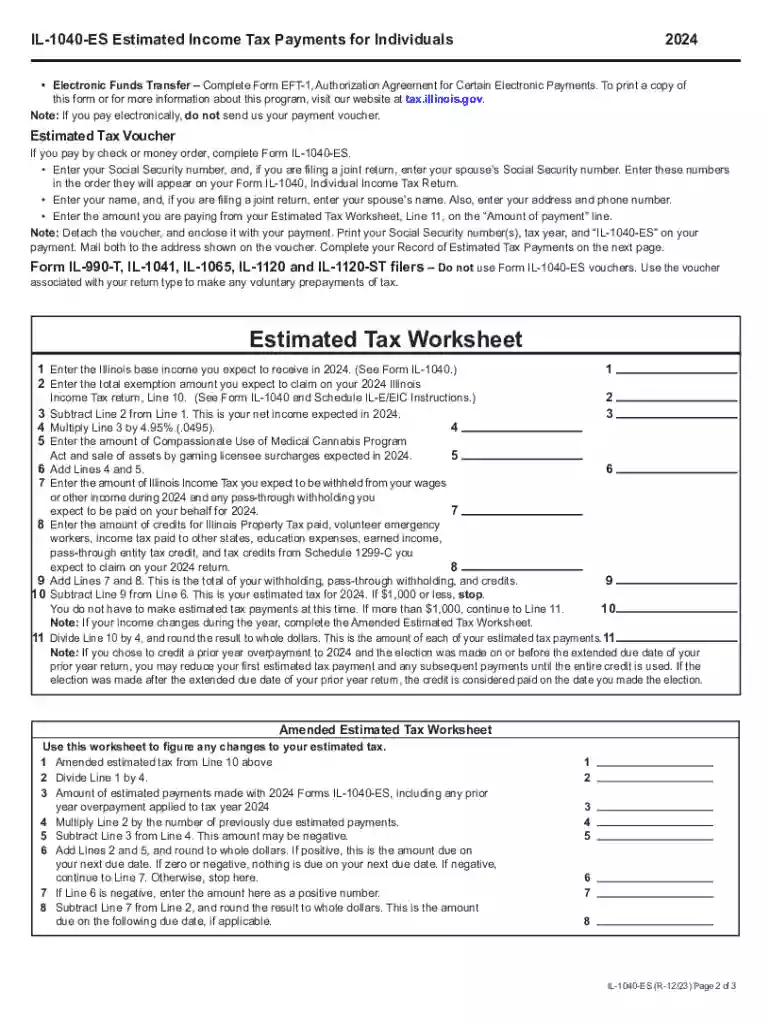
Type text, add images, blackout confidential details, add comments, highlights and more.

Draw your signature, type it, upload its image, or use your mobile device as a signature pad.

Send it via email, link, or fax. You can also download it, export it or print it out.

Start using our platform today for free to streamline your form completion process!
We've got more versions of the Credit for Tax Paid to Other StatesPDF form. Select the right Credit for Tax Paid to Other StatesPDF version from the list and start editing it straight away!
| Versions | Form popularity | Fillable & printable |
|---|---|---|
| 2024 | 4.4 Satisfied (24 Votes) | |
| 2023 | 4.6 Satisfied (37 Votes) | |
| 2022 | 4.8 Satisfied (96 Votes) | |
| 2021 | 4.1 Satisfied (50 Votes) | |
| 2020 | 4.2 Satisfied (48 Votes) | |
| 2019 | 4.1 Satisfied (60 Votes) | |
| 2018 | 4 Satisfied (51 Votes) | |
| 2017 | 4.4 Satisfied (23 Votes) | |
| 2016 | 4.3 Satisfied (71 Votes) | |
| 2014 | 4 Satisfied (43 Votes) | |
| 2013 | 4 Satisfied (40 Votes) | |
| 2012 | 4 Satisfied (51 Votes) |
eSignatures are a perfect alternative to traditional signing, as they save time, effort, and costs people spend on printing, scanning, and paper delivery. You can eSign your Credit for Tax Paid to Other StatesPDF using a reliable and powerful online document processing tool like DocHub. It complies with main eSignature standards (ESIGN and UETA), so all forms approved there are legally binding and have the same validity as manually signed ones.
You may complete and sign your Credit for Tax Paid to Other StatesPDF online, even on a tight deadline. All you need to access high quality editing tools on any device is a DocHub account, that you can sign up in just a few moments. Once you register, upload your document or find what you are searching for in our catalog, complete it using the editing tools you want, and place your electronic signature on it at the end.
At DocHub, your data security is our priority. We follow HIPAA, SOC2, GDPR, and other standards, so you can work on your documents with confidence.
Use Form 2350 to ask for an extension of time to file your tax return. All other taxpayers should file Form 4868, Application for Automatic Extension of Time
Tax credit, as determined below, is allowed only to LEGAL RESIDENTS of Mississippi who pay an income tax imposed by another state on income.Read more
A taxpayer who has properly allowable credits for personal income taxes paid by him or her to more than one state shall calculate each out-of-state credit


