Printable cpr card 2025

Get Form
make a cpr card Preview on Page 1

Here's how it works

01. Edit your make a cpr card online
Type text, add images, blackout confidential details, add comments, highlights and more.

02. Sign it in a few clicks
Draw your signature, type it, upload its image, or use your mobile device as a signature pad.

03. Share your form with others
Send printable cpr card american heart association via email, link, or fax. You can also download it, export it or print it out.

How to use or fill out printable cpr card with our platform

Form edit decoration
9.5
Ease of Setup
DocHub User Ratings on G2
9.0
Ease of Use
DocHub User Ratings on G2
  1. Click ‘Get Form’ to open the printable CPR card in the editor.
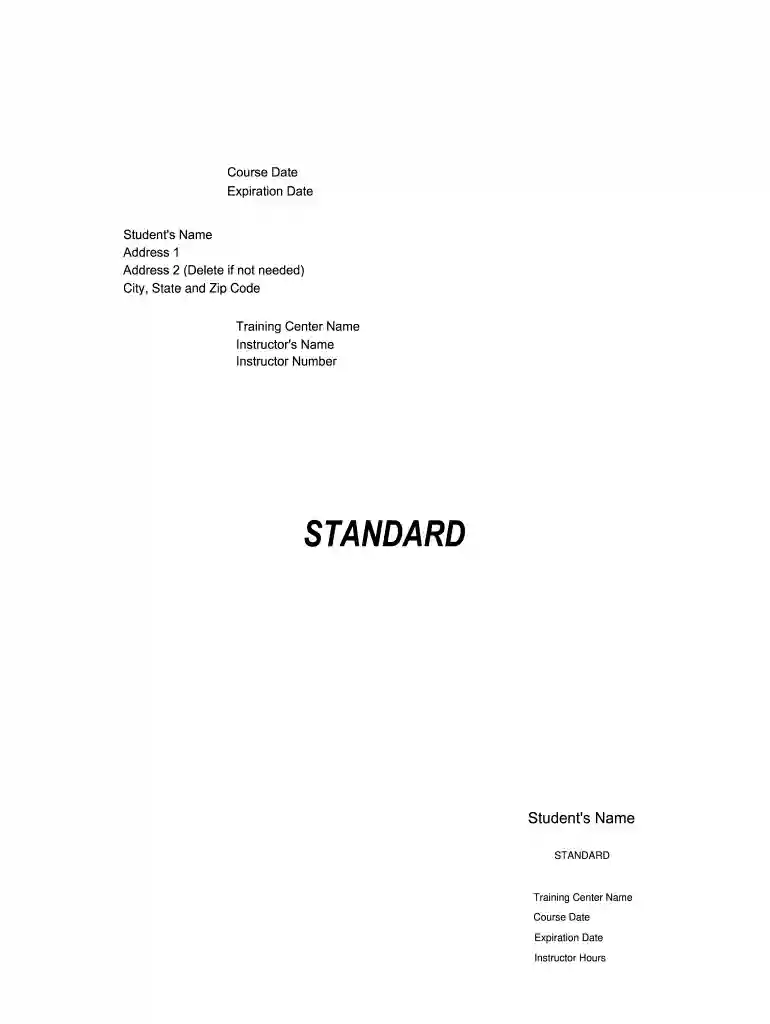
  2. Begin by entering the 'Student's Name' in the designated field. Ensure that you spell the name correctly as it will appear on the final card.
  3. Fill in 'Address 1' and, if necessary, 'Address 2'. This information is crucial for identification purposes.
  4. Next, input your 'City, State and Zip Code' to complete your address details.
  5. Enter the 'Training Center Name' where you completed your CPR training. This validates your certification.
  6. Provide the 'Instructor's Name' and 'Instructor Number', which are essential for verification of your training.
  7. Finally, fill in the 'Course Date' and 'Expiration Date' to indicate when your training was completed and when it expires.

Start using our platform today to easily fill out your printable CPR card for free!

be ready to get more

Complete this form in 5 minutes or less

Get form

Got questions?

We have answers to the most popular questions from our customers. If you can't find an answer to your question, please contact us.
Contact us
At the American Red Cross, CPR online courses are simple to access and easy to complete. All thats required is a willingness to learn, internet access, and a laptop, desktop computer, tablet or smartphone. All youll have to do to get started is sign up for a course.
Physical cards arrive within 2 weeks after finishing your skills session. AHA Cards are issued after completion of the course material and hands-on skills. For in-person courses, this means the end of your scheduled class. For BEACON courses, this means the completion of your online course and in-person skills session.
Students and employers can check training status of any eCard holder 24 hours a day, 7 days a week. Align this card with the specific Training Center who issued it. To verify an eCard, go to .heart.org/CPR/mycards and enter the eCard code or scan the QR code on the student eCard. All cards have a copyright notice.
It is the responsibility of the AHA Training Center (where you received your CPR training) to issue a duplicate card if a card is lost, destroyed or otherwise becomes unusable. All requests for duplicate or replacement cards must be submitted directly to the Training Center that issued the original card.
Your certificatesCPR, BLS, AED, First Aid, ALS/PALS, BBP, Lifeguarding, Babysitting and Child Carecan also be accessed by logging into your Red Cross Learning Center account, selecting My Certifications in the site navigation and selecting Link to the Certificate to view, print, download, or share your

People also ask

How to get a CPR certification Determine what type of CPR certification you want. Find an in-person class or online class. Ensure you sign up for an accredited class. Sign up for and take the class. Take and pass the certification test. Renew your certification as needed.
How do I verify Red Cross BLS or CPR certification? Each type of certification includes a unique ID and a QR code that shows you meet certain requirements and allows employers to easily confirm your certificate is valid.

first aid cards printable