




01. Edit your wittenberg transcript request online
Type text, add images, blackout confidential details, add comments, highlights and more.

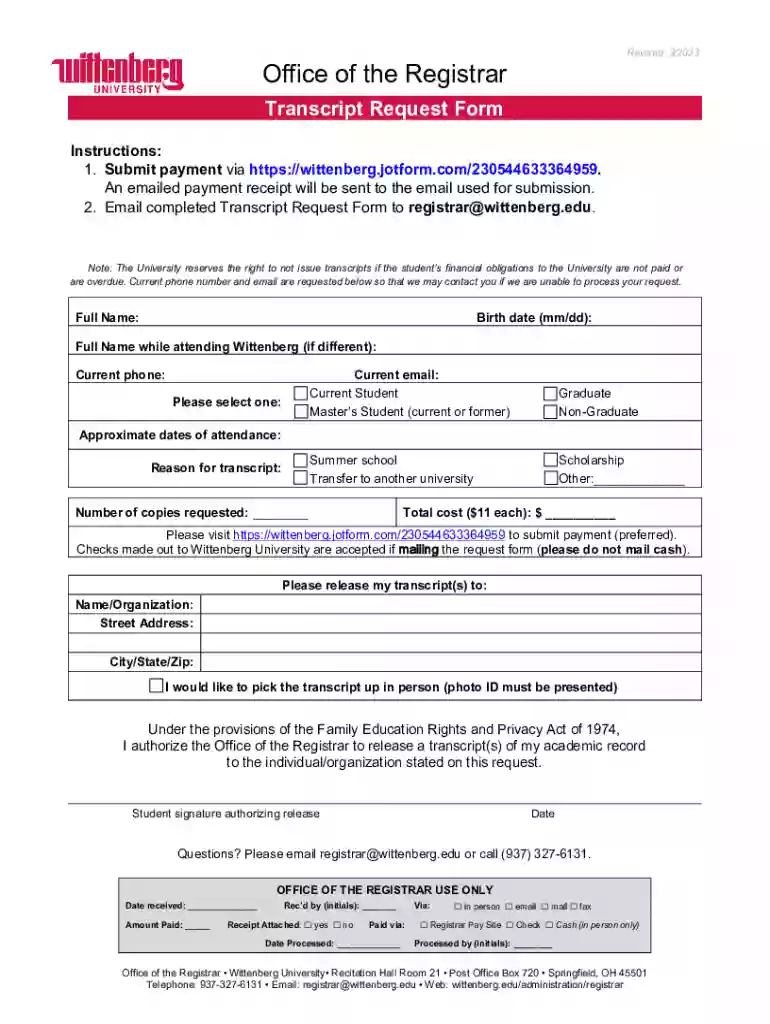
Type text, add images, blackout confidential details, add comments, highlights and more.

Draw your signature, type it, upload its image, or use your mobile device as a signature pad.

Send it via email, link, or fax. You can also download it, export it or print it out.

Start using our platform today for a seamless document editing experience!
We've got more versions of the wittenberg transcript request form. Select the right wittenberg transcript request version from the list and start editing it straight away!
At DocHub, your data security is our priority. We follow HIPAA, SOC2, GDPR, and other standards, so you can work on your documents with confidence.
FOIA provides for expedited review of requests in certain circumstances, such as danger to the life or safety of individuals, or urgency to inform the public
FAST allows external Fiduciaries to submit new accountings, review existing accountings, and provide accounting revisions in a centralized repository.Read more
Jul 28, 2025 Get results faster with digital forms Practice good hygienic habits to protect data Protect samples with dependable packaging Avoid label mixRead more


