




01. Edit your neself online
Type text, add images, blackout confidential details, add comments, highlights and more.

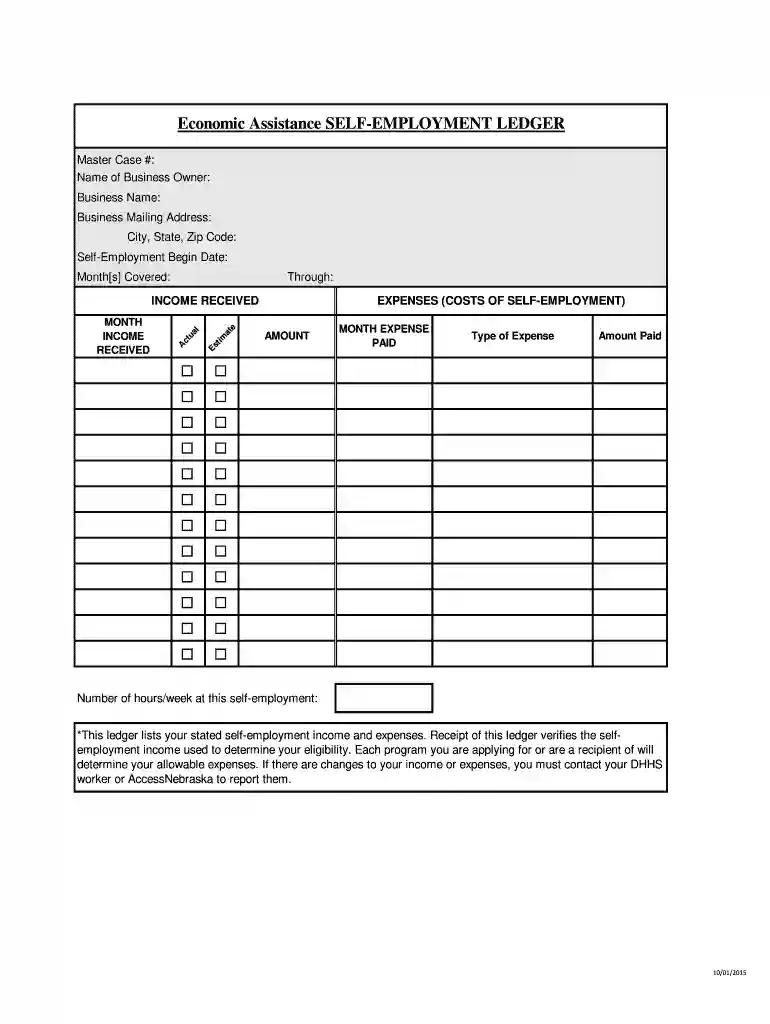
Type text, add images, blackout confidential details, add comments, highlights and more.

Draw your signature, type it, upload its image, or use your mobile device as a signature pad.

Send it via email, link, or fax. You can also download it, export it or print it out.

Start using our platform today to easily complete your ne self employment ledger online for free!
At DocHub, your data security is our priority. We follow HIPAA, SOC2, GDPR, and other standards, so you can work on your documents with confidence.
Jul 19, 2005 ETIN. This is a four-character submitter identifier, issued by the NYS Medicaid Fiscal Agent,. Computer Sciences Corporation (CSC),Read more
We help people with disabilities, prepare for, obtain, and maintain employment while helping businesses recruit, train, and retain employees with disabilities.Read more
We are your resource for on-campus employment, work-study earnings, on-campus co-op payroll, and on-campus staffing temping!Read more


