




01. Edit your form online
Type text, add images, blackout confidential details, add comments, highlights and more.

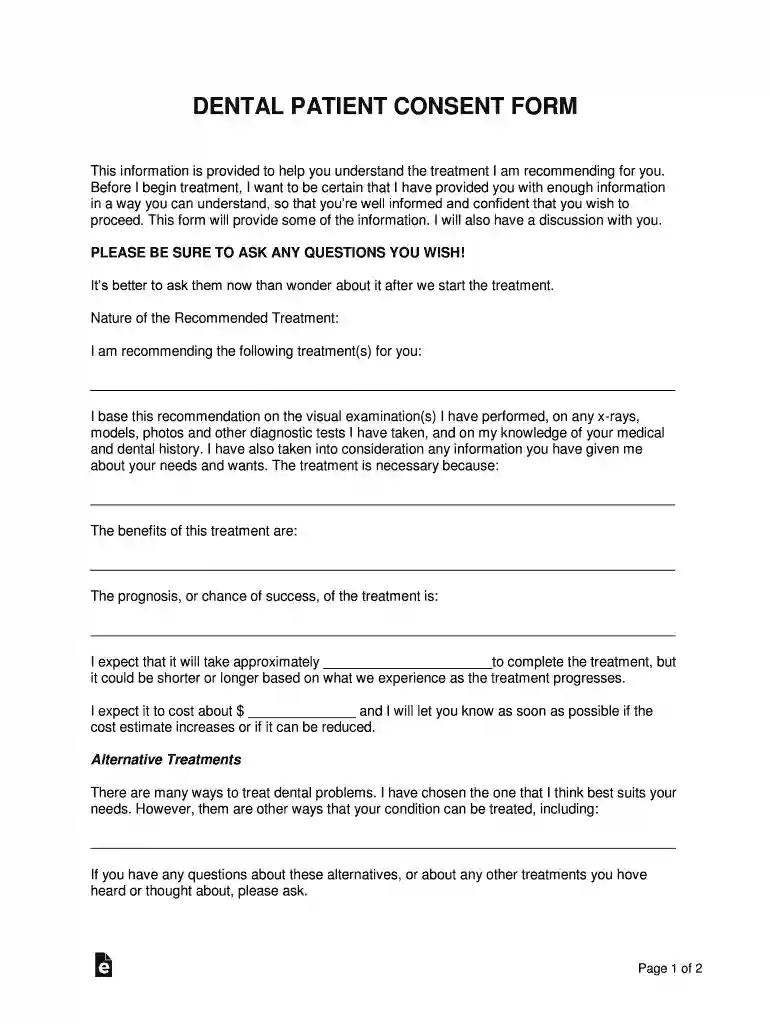
Type text, add images, blackout confidential details, add comments, highlights and more.

Draw your signature, type it, upload its image, or use your mobile device as a signature pad.

Send it via email, link, or fax. You can also download it, export it or print it out.

Start using our platform today to easily fill out your Dental Patient Consent Form for free!
We've got more versions of the Dental Patient Consent Form form. Select the right Dental Patient Consent Form version from the list and start editing it straight away!
| Versions | Form popularity | Fillable & printable |
|---|---|---|
| 2018 | 4.8 Satisfied (60 Votes) |
Yes, you can use DocHub for signing any business and personal paperwork, including your Dental Patient Consent Form. All eSignatures you create with our service are legally binding and court-admissible, as DocHub complies with standards required by ESIGN and UETA. Save your accomplished document with a detailed Audit Trail if needed.
You can quickly fill out, edit, and even eSign your Dental Patient Consent Form utilizing DocHub. Create a new account and begin your free trial. After that, you can upload the file with the form and easily make all the needed edits. No need to print on paper or use a third-party application to sign it, as you can put your electronic signature on your document quicker via DocHub.
At DocHub, your data security is our priority. We follow HIPAA, SOC2, GDPR, and other standards, so you can work on your documents with confidence.
By signing below, I am indicating that I understand the terms of the consent agreement and that I give consent to BCC Dental Hygiene Clinic to perform those.Read more
8 days ago +Reviewers consistently praise IntakeQ for easy-to-use, customizable intake forms and smooth patient-facing completion. +Customers highlightRead more
PATIENT CONSENT TO TREATMENT BY A. VISITING DENTAL OR DENTAL HYGIENE STUDENT I give my permission or consent to be treated by this dental or dental hygieneRead more


