




Here's how it works

01. Edit your super form online
Type text, add images, blackout confidential details, add comments, highlights and more.

02. Sign it in a few clicks
Draw your signature, type it, upload its image, or use your mobile device as a signature pad.

03. Share your form with others
Send superannuation declaration form via email, link, or fax. You can also download it, export it or print it out.
How to use or fill out superannuation declaration form with our platform

- Click ‘Get Form’ to open the superannuation declaration form in the editor.
- In Section A, as an employee, provide your personal details including your name, employee identification number, and tax file number (TFN). Choose your preferred super fund by marking the appropriate box.
- If you are nominating an APRA fund or RSA, complete Item 3 with the fund's details such as ABN, name, address, and unique superannuation identifier (USI). Attach a letter from the fund confirming it will accept contributions.
- For a self-managed super fund (SMSF), fill out Item 4 with your SMSF’s ABN, bank account details, and electronic service address (ESA). Ensure you attach necessary documentation confirming compliance.
- Sign and date the form in Item 5 to confirm that all required documentation is attached. Return the completed form to your employer promptly.
- Employers should complete Sections B and C after receiving the form. Fill in their nominated super fund details and record acceptance of the employee's choice.
Start using our platform today for free to streamline your superannuation declaration process!
Fill out superannuation declaration form online
It's free
It's free
Security and compliance
At DocHub, your data security is our priority. We follow HIPAA, SOC2, GDPR, and other standards, so you can work on your documents with confidence.
Learn more


Related forms
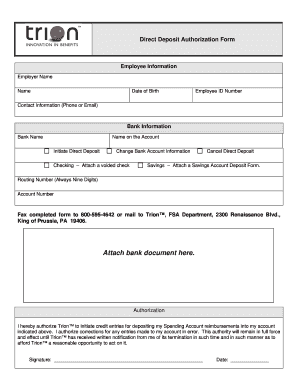
Direct Deposit Form - Barnes Group Benefits
The document is a Direct Deposit Authorization Form that allows employees to authorize Trion™ to deposit their Spending ...
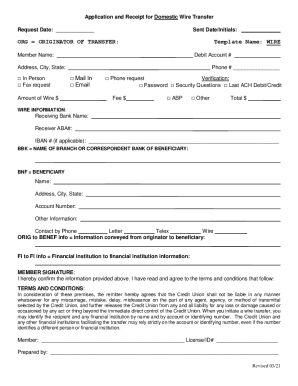
Application and Receipt for Domestic Wire Transfer
The document is an application and receipt form for a domestic wire transfer, detailing the necessary information requir ...
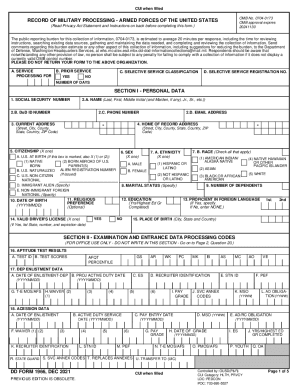
Dd 1966
The document is the DD Form 1966, a Record of Military Processing for enlistment in the Armed Forces of the United State ...

Lmc Referral Form - Fill Online, Printable, Fillable, Blank
The document is a Patient Referral Form used by LMC for various medical consultations, primarily focused on diabetes and ...

Amount (Omit cents)
FORM SA&I 2644 is an annual financial survey for cities and towns in Oklahoma with less than $25,000 in general fund rev ...

Application form signature encryption certificate
The document is an application form for obtaining a signature or encryption certificate from eMudhra for individuals. It ...
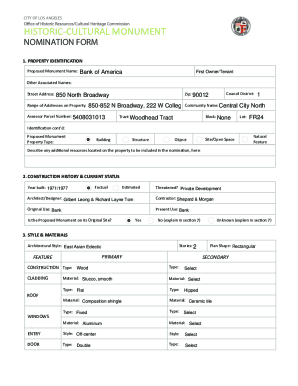
Los Angeles Department of City Planning RECOMMENDATION REPORT
The document is a recommendation report from the Los Angeles Department of City Planning regarding the nomination of the ...

Attachment CPP 27-26-01
The document is an application form for the restoration of civil rights for individuals with felony convictions in Kentu ...