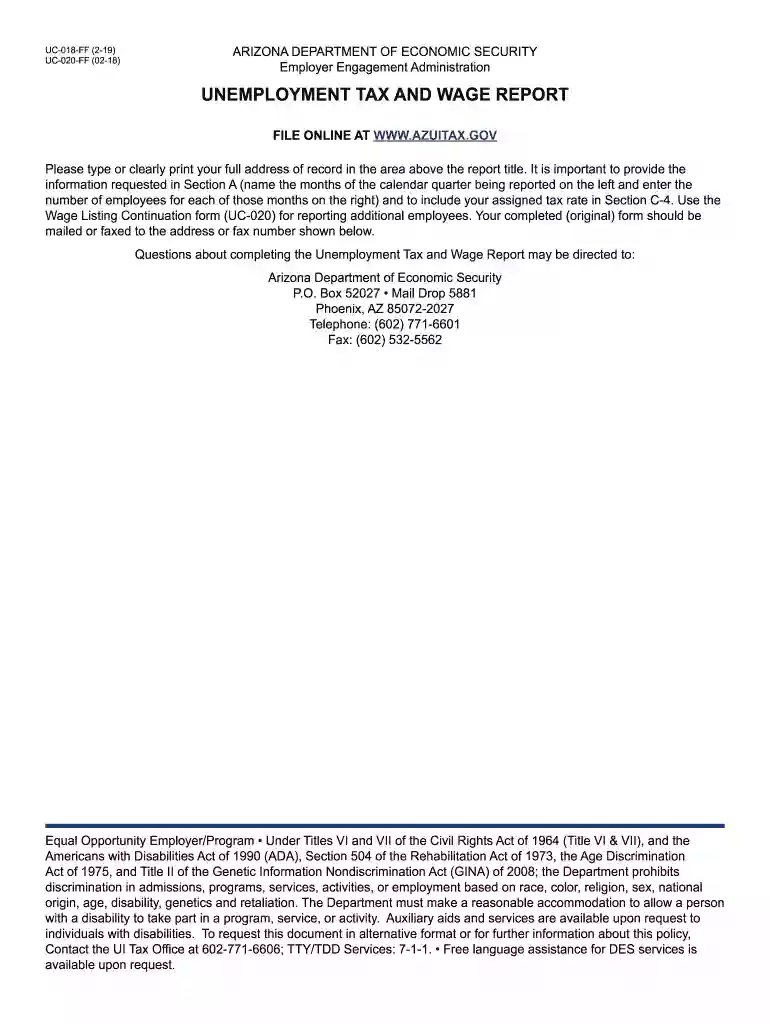
Report uc 018 2025

Get Form
az uc 018 Preview on Page 1

Here's how it works

01. Edit your az uc 018 online
Type text, add images, blackout confidential details, add comments, highlights and more.

02. Sign it in a few clicks
Draw your signature, type it, upload its image, or use your mobile device as a signature pad.

03. Share your form with others
Send uc 018 via email, link, or fax. You can also download it, export it or print it out.

How to use or fill out report uc 018 with our platform

Form edit decoration
9.5
Ease of Setup
DocHub User Ratings on G2
9.0
Ease of Use
DocHub User Ratings on G2
  1. Click ‘Get Form’ to open the report uc 018 in the editor.
  2. In Section A, clearly type or print your full address of record above the report title. Ensure accuracy as this is crucial for processing.
  3. For Section B, list the number of employees for each month of the calendar quarter being reported. This information is essential for accurate tax calculations.
  4. In Section C, begin with Line 1 by entering the total wages paid in the quarter from Section B. Follow up by calculating and entering any excess wages on Line 2.
  5. Continue through Sections C and D, ensuring you complete all calculations accurately, including tax due and any penalties if applicable.
  6. Finally, sign and date the report at the bottom. Make sure to include your contact information for any follow-up questions.

Start using our platform today to streamline your document editing and form completion process for free!

See more report uc 018 versions

We've got more versions of the report uc 018 form. Select the right report uc 018 version from the list and start editing it straight away!
Versions Form popularity Fillable & printable
2023 4.7 Satisfied (23 Votes)
2022 4.8 Satisfied (69 Votes)
2019 4.3 Satisfied (62 Votes)
2019 4.3 Satisfied (240 Votes)
2017 4.4 Satisfied (59 Votes)
2011 4.2 Satisfied (62 Votes)
2010 4 Satisfied (33 Votes)
2009 4.2 Satisfied (26 Votes)
be ready to get more

Complete this form in 5 minutes or less

Get form

Got questions?

We have answers to the most popular questions from our customers. If you can't find an answer to your question, please contact us.
Contact us
Check status of your claim by searching the system using the Claim ID or Social Security Number used when you filed your claim.
If there are no issues established on your claim, you can expect your first benefit payment** (normally after youve filed your second weekly claim) within approximately 10 business days.
UC-2: Employers Report for Unemployment Compensation This form is used to report an employers quarterly gross and taxable wages, and UC contributions due. UC-2R: Reimbursable Employers. UC-2A: Employers Quarterly Report Of Wages Paid To Each Employee.
Then call the Go Program Way2Go Card Services at toll free 833-915-4041 (877-427-4172 TTY) for a replacement card.
The UC-1 Quarterly Contribution Report is used by employers to report wages, calculate premiums, and pay dues. It includes information on total gross wages, excess wages, and taxable wages. This form also covers penalties for late submissions and guidelines for employee count reporting.
be ready to get more

Complete this form in 5 minutes or less

Get form

People also ask

Report unemployment compensation Enter the unemployment compensation amount from Form 1099-G Box 1 on line 7 of Schedule 1, (Form 1040), Additional Income and Adjustments to Income PDF. Enter the amount of tax withheld from Form 1099-G Box 4 on line 25b of your Form 1040 or Form 1040-SR. Attach Schedule 1 to your
Contact DES regarding Nutrition, Cash, and Medical Assistance Benefits Chat or email: Available from our Health-e-Arizona Plus website where you may also submit your application. Phone: 1-855-432-7587 or 1-855-HEAplus. Office Locations: find the nearest office with the DES Office Locator.

Related links