Secretary of state name address change request form 2026

Get Form
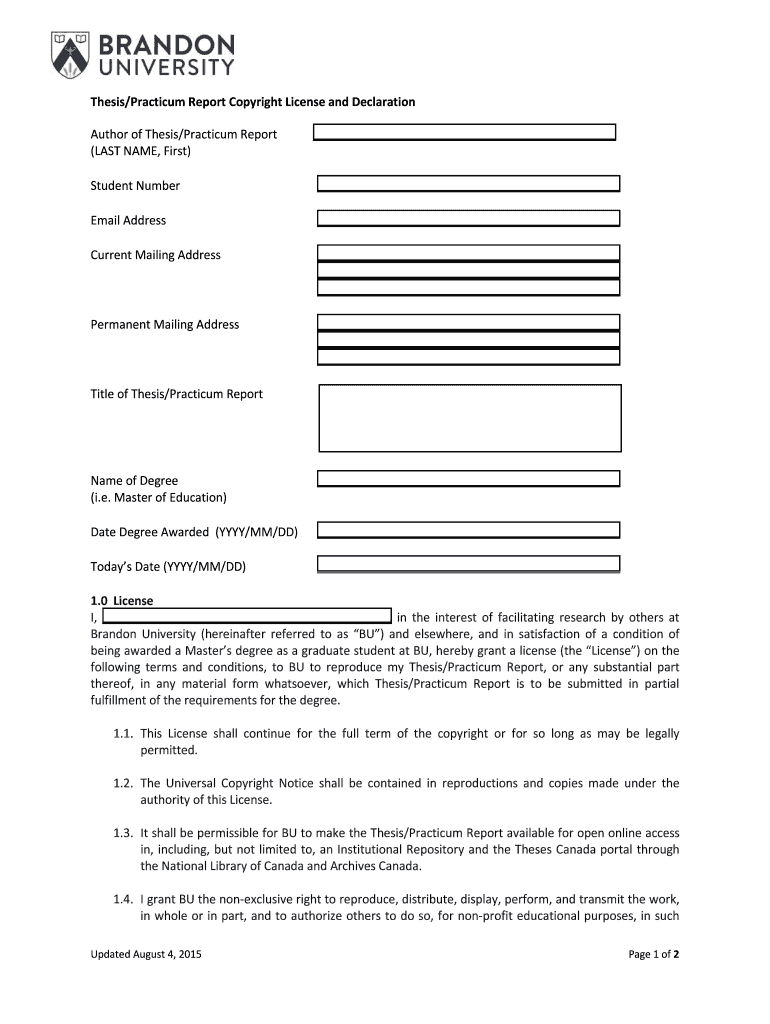
secretary of state name address change request form Preview on Page 1

Here's how it works

01. Edit your form online
Type text, add images, blackout confidential details, add comments, highlights and more.
02. Sign it in a few clicks
Draw your signature, type it, upload its image, or use your mobile device as a signature pad.
03. Share your form with others
Send it via email, link, or fax. You can also download it, export it or print it out.

How to use or fill out secretary of state name address change request form with DocHub

Form edit decoration
9.5
Ease of Setup
DocHub User Ratings on G2
9.0
Ease of Use
DocHub User Ratings on G2
  1. Click ‘Get Form’ to open the secretary of state name address change request form in our platform.
  2. Begin by entering your current name and address in the designated fields. Ensure that all information is accurate to avoid processing delays.
  3. Next, provide your new name and address. Double-check for any typographical errors to ensure correctness.
  4. If applicable, include any additional information required, such as your identification number or reason for the change.
  5. Review all entered information carefully. Use our editor's features to make any necessary adjustments before finalizing your submission.
  6. Once satisfied, save your changes and proceed to submit the form electronically through our platform for a seamless experience.

Start using our platform today to easily complete your secretary of state name address change request form online, for free!

See more secretary of state name address change request form versions

We've got more versions of the secretary of state name address change request form form. Select the right secretary of state name address change request form version from the list and start editing it straight away!
Versions Form popularity Fillable & printable
2015 4.9 Satisfied (35 Votes)
be ready to get more

Complete this form in 5 minutes or less

Get form

Got questions?

We have answers to the most popular questions from our customers. If you can't find an answer to your question, please contact us.
Contact us

Electronic signatures are a great replacement for traditional signing, as they save time, effort, and costs people spend on printing, scanning, and paper delivery. You can eSign your secretary of state name address change request form utilizing a reliable and powerful online document management services like DocHub. It complies with primary eSignature regulations (ESIGN and UETA), so all forms approved there are legally binding and have the same validity as manually signed ones.

With DocHub, you have several convenient methods to edit your secretary of state name address change request form online. You can drag and drop the form and modify it straight at the DocHub site or use our browser extension to fill out your form right away. On top of that, you can modify your PDF on your smartphone, as DocHub works with all the available mobile platforms.

Fees: The fee for filing the Statement of Information is $20.00. Checks should be made payable to the Secretary of State. If this statement is being filed to amend any information on a previously filed statement and is being filed outside the applicable filing period, as defined above, no fee is required.
A business registered with the California Secretary of State may change its address(es) by submitting the appropriate document: California Stock Corporation and Out-of-State Corporation: File online at bizfileOnline.sos.ca.gov the Statement of Information CA and Out-of-State Corporation.
You must submit the Statement of Information whether or not your company has conducted any business. There is a $20 filing fee and a $5 disclosure fee. You may file online.

Security and compliance

At DocHub, your data security is our priority. We follow HIPAA, SOC2, GDPR, and other standards, so you can work on your documents with confidence.

Learn more
ccpa2
pci-dss
gdpr-compliance
hipaa
soc-compliance

People also ask

The change of address can be submitted in letter form. Alternatively, a change of address form can be obtained from the Secretary of States website or mailed from their office to the notary upon request. Please refer to .notaryrotary.com for the California Secretary of State website and mailing addresses.
Form SI-100, Statement of Information, is a one-page informational form filed with the California Secretary of State that provides information about addresses, corporate officers and corporate filing agents.
Form 100 is the California Corporation Franchise or Income Tax Return. This form is used by corporations in California to report their income and calculate franchise tax liabilities. It is essential for compliance with Californias tax laws and must be filed annually to avoid penalties and interest.
Statement of Information (Form SI-100) This form is first due within six months of filing the initial Articles of Incorporation and thereafter is due every two years during the calendar month that the Articles of Incorporation were filed and can be filed up to five months in advance of that date.

Related links