Ginnie Mae Enterprise Portal - HomeHelp - Ginnie Mae Enterprise Portal - HomeGinnie Mae Enterprise P 2026

Get Form
Ginnie Mae Enterprise Portal - HomeHelp - Ginnie Mae Enterprise Portal - HomeGinnie Mae Enterprise P Preview on Page 1

Here's how it works

01. Edit your form online
Type text, add images, blackout confidential details, add comments, highlights and more.

02. Sign it in a few clicks
Draw your signature, type it, upload its image, or use your mobile device as a signature pad.

03. Share your form with others
Send it via email, link, or fax. You can also download it, export it or print it out.

How to use or fill out Ginnie Mae Enterprise Portal - HomeHelp - Ginnie Mae Enterprise Portal - HomeGinnie Mae Enterprise P with DocHub

Form edit decoration
9.5
Ease of Setup
DocHub User Ratings on G2
9.0
Ease of Use
DocHub User Ratings on G2
  1. Click ‘Get Form’ to open it in the editor.
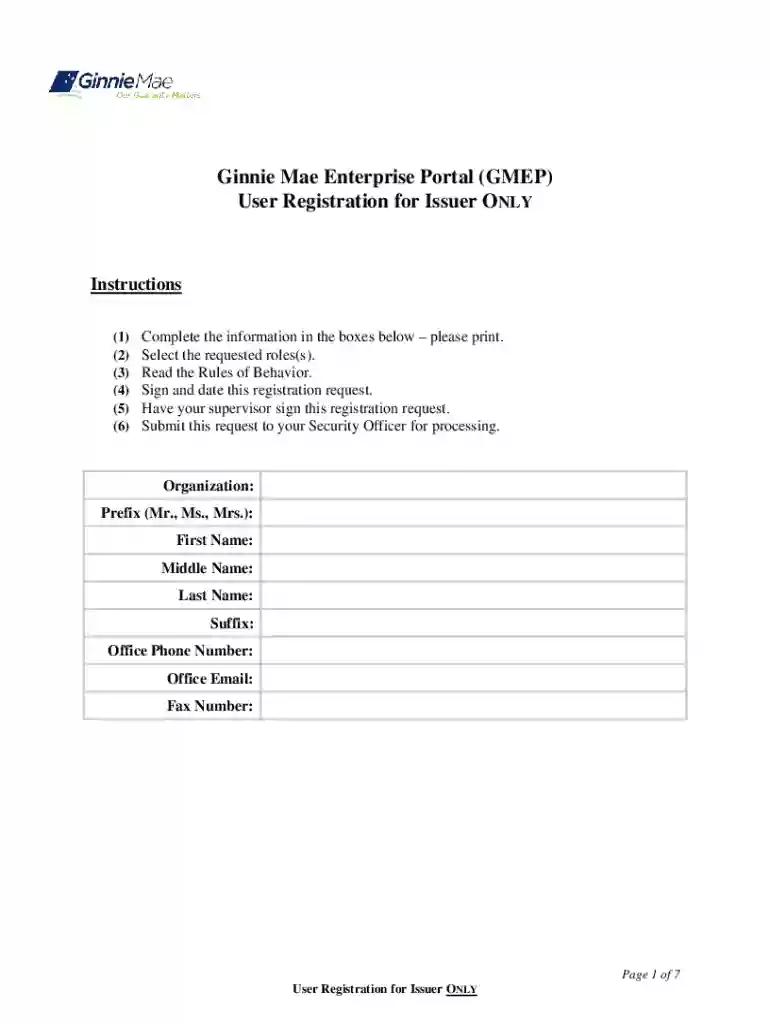
  2. Begin by filling out your personal information in the designated boxes, including your organization, prefix, first name, middle name, last name, suffix, office phone number, office email, and fax number.
  3. Select the requested role(s) from the list provided. Ensure you check all that apply to your position.
  4. Carefully read the Rules of Behavior outlined in the document. This is crucial for understanding your responsibilities as a user.
  5. Sign and date the registration request at the bottom of the form to confirm your agreement with the policies.
  6. Have your supervisor sign this registration request to validate your application.
  7. Finally, submit this completed request to your Security Officer for processing.

Start using our platform today for free and streamline your document editing experience!

See more Ginnie Mae Enterprise Portal - HomeHelp - Ginnie Mae Enterprise Portal - HomeGinnie Mae Enterprise P versions

We've got more versions of the Ginnie Mae Enterprise Portal - HomeHelp - Ginnie Mae Enterprise Portal - HomeGinnie Mae Enterprise P form. Select the right Ginnie Mae Enterprise Portal - HomeHelp - Ginnie Mae Enterprise Portal - HomeGinnie Mae Enterprise P version from the list and start editing it straight away!
Versions Form popularity Fillable & printable
2013 4.9 Satisfied (43 Votes)
be ready to get more

Complete this form in 5 minutes or less

Get form

Got questions?

We have answers to the most popular questions from our customers. If you can't find an answer to your question, please contact us.
Contact us
The FHA sets lending standards, insures a particular type of mortgage program (FHA loans) and collects mortgage insurance to pay a lender if a borrower defaults on the loan. Ginnie Mae is not involved in anything directly related to individual borrowers or lender policy.
Ginnie Mae is a self-financing, wholly owned U.S. Government corporation within the Department of Housing and Urban Development. It is the primary financing mechanism for all government-insured or government-guaranteed mortgage loans.
The Government National Mortgage Association (or Ginnie Mae) is a government corporation within the U.S. Department of Housing and Urban Development (HUD). It was established in 1968 when Fannie Mae was privatized.
The Government National Mortgage Association (or Ginnie Mae) is a government corporation within the U.S. Department of Housing and Urban Development (HUD).
Ginnie Mae securities are often considered together with Fannie Mae and Freddie Mac securities since they all have similar structuring and characteristics. Ginnie Mae securities are often a top choice for investors because they are fully backed by the government, lowering their default risk.

Security and compliance

At DocHub, your data security is our priority. We follow HIPAA, SOC2, GDPR, and other standards, so you can work on your documents with confidence.

Learn more
ccpa2
pci-dss
gdpr-compliance
hipaa
soc-compliance