




Here's how it works



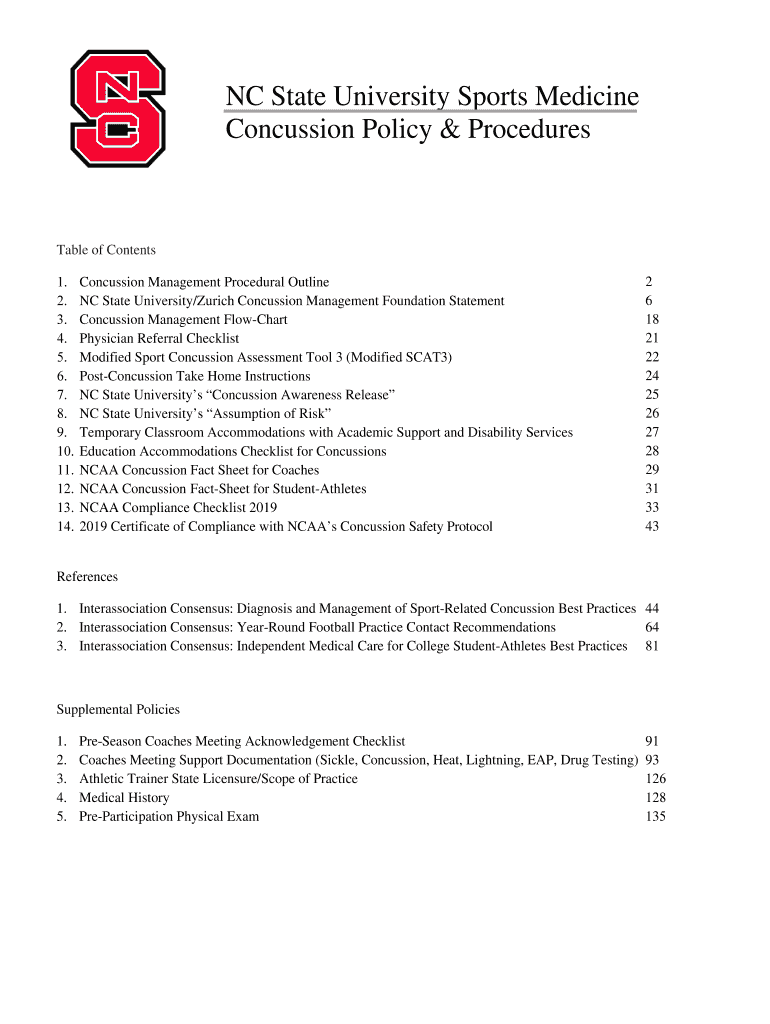
How to use or fill out NC State University Sports Medicine Concussion Policy with DocHub

- Click ‘Get Form’ to open the NC State University Sports Medicine Concussion Policy in our platform.
- Begin by reviewing the introduction section, which outlines the purpose and importance of the concussion policy.
- Fill in your personal information at the top of the form, including your name, sport, and date of birth.
- Proceed to the medical history section. Answer all questions regarding previous injuries, conditions, and family history accurately.
- In the current medications section, list any prescription or over-the-counter medications you are taking.
- Review and complete the orthopedic history section by detailing any past injuries or surgeries related to your musculoskeletal health.
- Once all sections are filled out, review your entries for accuracy before submitting.
Utilize our platform for a seamless experience in completing your concussion policy form today!
It's free
See more NC State University Sports Medicine Concussion Policy versions
| Versions | Form popularity | Fillable & printable |
|---|---|---|
| 2019 | 4.8 Satisfied (22 Votes) |
Got questions?
Can I sign my university concussion policy on a mobile?
Sure, you’ll find numerous apps for this on the web. Nonetheless, if you need to eSign your university concussion policy without installing extra software, DocHub is the optimum choice you can make. This powerful editor works on mobile devices just as on desktops. Open our editor in your preferred internet browser, register or sign in to your account, and start processing your documents.
Do I need to set up software to edit my NC State University Sports Medicine Concussion Policy?
When you edit your NC State University Sports Medicine Concussion Policy with DocHub, you merely require a steady web connection and virtually any browser installed on your device. No need to set up any third-party software or study guides. Just open a tab with DocHub, drag and drop your file, and modify it immediately.
Security and compliance
At DocHub, your data security is our priority. We follow HIPAA, SOC2, GDPR, and other standards, so you can work on your documents with confidence.
Learn more


