




Here's how it works



How to use or fill out Application Form for the Returning Officer Position with DocHub

- Click ‘Get Form’ to open the Application Form for the Returning Officer Position in our editor.
- Begin by filling out your contact information, including your first name, last name, and preferred language for correspondence. Ensure all required fields marked with an asterisk are completed.
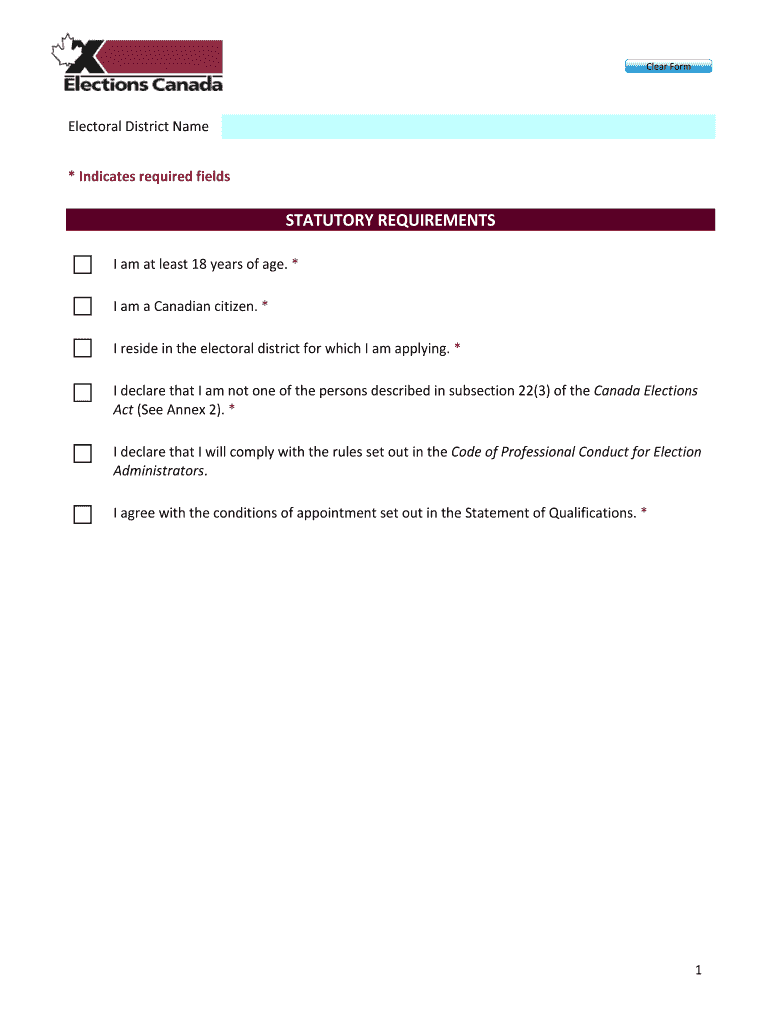
- Proceed to the Statutory Requirements section. Confirm your eligibility by checking the boxes that apply to you, ensuring you meet age and residency requirements.
- In the Education section, select your highest level of education completed and provide details about your degree(s) and institution(s).
- Detail your Relevant Experience by providing specific examples of past roles that align with the qualifications listed. Be thorough in describing when, where, and how you gained this experience.
- Complete sections on Community-Based Organizations and Affiliations by listing relevant organizations and your roles within them.
- Finally, review all entered information for accuracy before submitting. Use our platform’s features to save or export your application as needed.
Start filling out your application today using our platform for free!
It's free
See more Application Form for the Returning Officer Position versions
| Versions | Form popularity | Fillable & printable |
|---|---|---|
| 2019 | 4.9 Satisfied (59 Votes) |
Got questions?
Can I sign my Application Form for the Returning Officer Position on a mobile?
Yes, you’ll find many different applications for this on the web. However, if you need to eSign your Application Form for the Returning Officer Position without installing additional software, DocHub is the optimum choice you can make. This robust editor works on mobile devices just like on desktops. Open our editor in any internet browser, register or log in to your account, and start managing your paperwork.
Do I need to set up software to modify my Application Form for the Returning Officer Position?
If you edit your Application Form for the Returning Officer Position with DocHub, you merely need a steady internet connection and virtually any web browser installed on your device. No need to install any third-party software or study guides. Simply open a tab with DocHub, drag and drop your file, and edit it immediately.
What is a returning officer in India?
Who is a presiding officer?
Security and compliance
At DocHub, your data security is our priority. We follow HIPAA, SOC2, GDPR, and other standards, so you can work on your documents with confidence.
Learn more




