




01. Edit your coast life change beneficiary form online
Type text, add images, blackout confidential details, add comments, highlights and more.

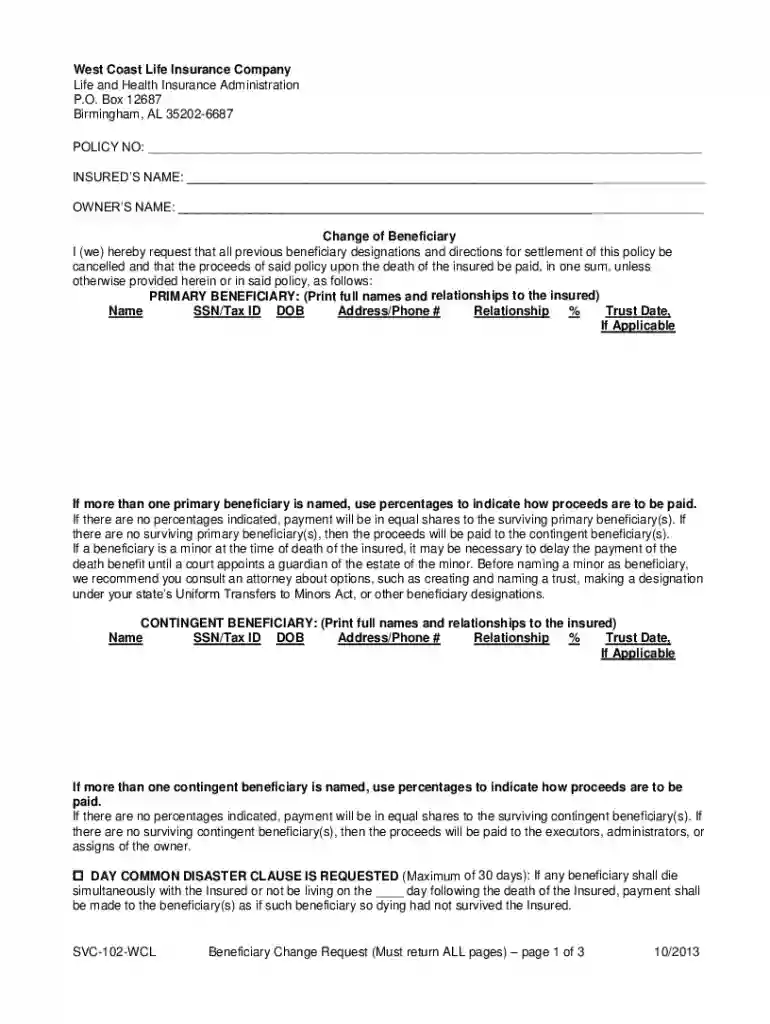
Type text, add images, blackout confidential details, add comments, highlights and more.

Draw your signature, type it, upload its image, or use your mobile device as a signature pad.

Send it via email, link, or fax. You can also download it, export it or print it out.

Start using our platform today to easily complete your SVC-102-PL form online for free!
We've got more versions of the coast life change beneficiary form form. Select the right coast life change beneficiary form version from the list and start editing it straight away!
At DocHub, your data security is our priority. We follow HIPAA, SOC2, GDPR, and other standards, so you can work on your documents with confidence.
Jan 1, 2017 Within 60 days after denial, if you want to appeal such denial, you or your beneficiary may submit a written request for reconsideration of theRead more
Mar 1, 2023 Servicemembers must request a change by entering the request in SOES. If the member elects to reduce the amount of spousal coverage, theRead more
You, as a nonresident beneficiary, must include in the Federal amount column your share of the total fiduciary adjustment.


