2023 Tax Forms for Federal and State Taxes - TurboTax - Intuit-2026

Get Form
2023 Tax Forms for Federal and State Taxes - TurboTax - Intuit Preview on Page 1

Here's how it works

01. Edit your form online
Type text, add images, blackout confidential details, add comments, highlights and more.

02. Sign it in a few clicks
Draw your signature, type it, upload its image, or use your mobile device as a signature pad.

03. Share your form with others
Send it via email, link, or fax. You can also download it, export it or print it out.

How to use or fill out 2023 Tax Forms for Federal and State Taxes - TurboTax - Intuit with DocHub

Form edit decoration
9.5
Ease of Setup
DocHub User Ratings on G2
9.0
Ease of Use
DocHub User Ratings on G2
  1. Click ‘Get Form’ to open the 2023 Tax Forms for Federal and State Taxes in our platform.
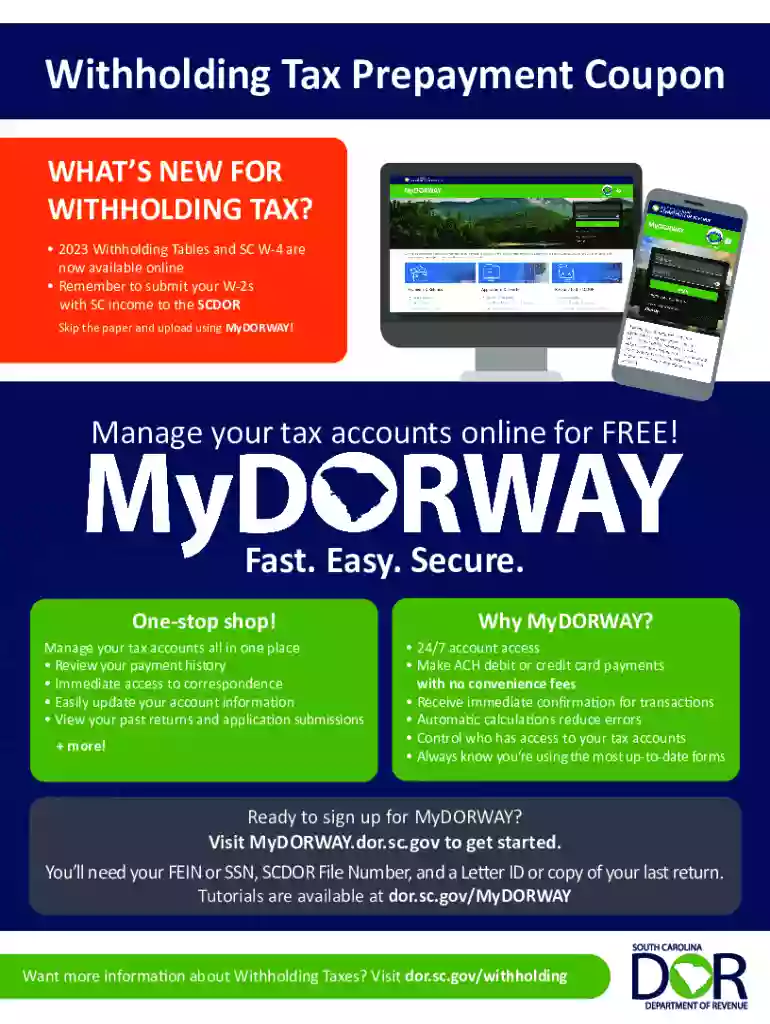
  2. Begin by entering your SC Withholding File Number and Federal Employer Identification Number (FEIN) in the designated fields.
  3. Fill in your business name and address accurately to ensure proper identification.
  4. Select the quarter you are paying by placing an 'X' in the appropriate box, based on the paycheck date.
  5. Input the tax year for your payment in YYYY format, followed by entering the payment amount without a dollar sign, ensuring to include cents (e.g., 154.13).
  6. Provide contact details including the name, daytime phone number, and email of a contact person for any inquiries.
  7. Make sure to review all entries for accuracy before saving or printing your completed form.

Start using our platform today to streamline your tax form completion process effortlessly!

See more 2023 Tax Forms for Federal and State Taxes - TurboTax - Intuit versions

We've got more versions of the 2023 Tax Forms for Federal and State Taxes - TurboTax - Intuit form. Select the right 2023 Tax Forms for Federal and State Taxes - TurboTax - Intuit version from the list and start editing it straight away!
Versions Form popularity Fillable & printable
2023 4.4 Satisfied (53 Votes)
2022 4.8 Satisfied (101 Votes)
2019 4.3 Satisfied (37 Votes)
2017 4.1 Satisfied (56 Votes)
2016 4.3 Satisfied (49 Votes)
2014 4.3 Satisfied (46 Votes)
2012 3.9 Satisfied (51 Votes)
2011 4.3 Satisfied (35 Votes)
2010 4 Satisfied (26 Votes)
be ready to get more

Complete this form in 5 minutes or less

Get form

Got questions?

We have answers to the most popular questions from our customers. If you can't find an answer to your question, please contact us.
Contact us
If you filed your 2023 return with TurboTax, you can follow these steps to get a copy of your return: Sign in to your TurboTax account. Select Your tax returns documents. Select the year you want, then select Download/print return (PDF).
Get the current filing years forms, instructions, and publications for free from the IRS. Download them from IRS.gov. Order online and have them delivered by U.S. mail. Order by phone at 1-800-TAX-FORM (1-800-829-3676)
Click on Tools. Click on View Tax Summary. Click on Preview my 1040 on the left side of the screen. If you want to view/print/download your complete tax return to include all forms, schedules and worksheets you will have to pay the TurboTax account fees.
How can I get my Form 1040? Log into TurboTax. Select Tax Tools You may have to minimize the Federal and State menus. choose Print Center (on mobile devices, tap in the upper left corner to expand the menu). Select Print, save, or preview this years return.
A 2023 tax return can only be printed and mailed, it cannot be e-filed using TurboTax.

Security and compliance

At DocHub, your data security is our priority. We follow HIPAA, SOC2, GDPR, and other standards, so you can work on your documents with confidence.

Learn more
ccpa2
pci-dss
gdpr-compliance
hipaa
soc-compliance
be ready to get more

Complete this form in 5 minutes or less

Get form

People also ask

If you use TurboTax Desktop, you can file five federal returns with up to three state returns each.
by TurboTax 11917 Updated 7 months ago To file a new prior-year return for tax year 2023, 2022, or 2021, youll need to purchase and download that years TurboTax software for PC or Mac, as TurboTax Online and the mobile app are only available for the current tax year.
I need a copy of 2023 tax return? Sign in to your TurboTax account. Select Your tax returns documents. Select the year you want, then select Download/print return (PDF).

Related links