




01. Edit your notice rent increase quebec online
Type text, add images, blackout confidential details, add comments, highlights and more.

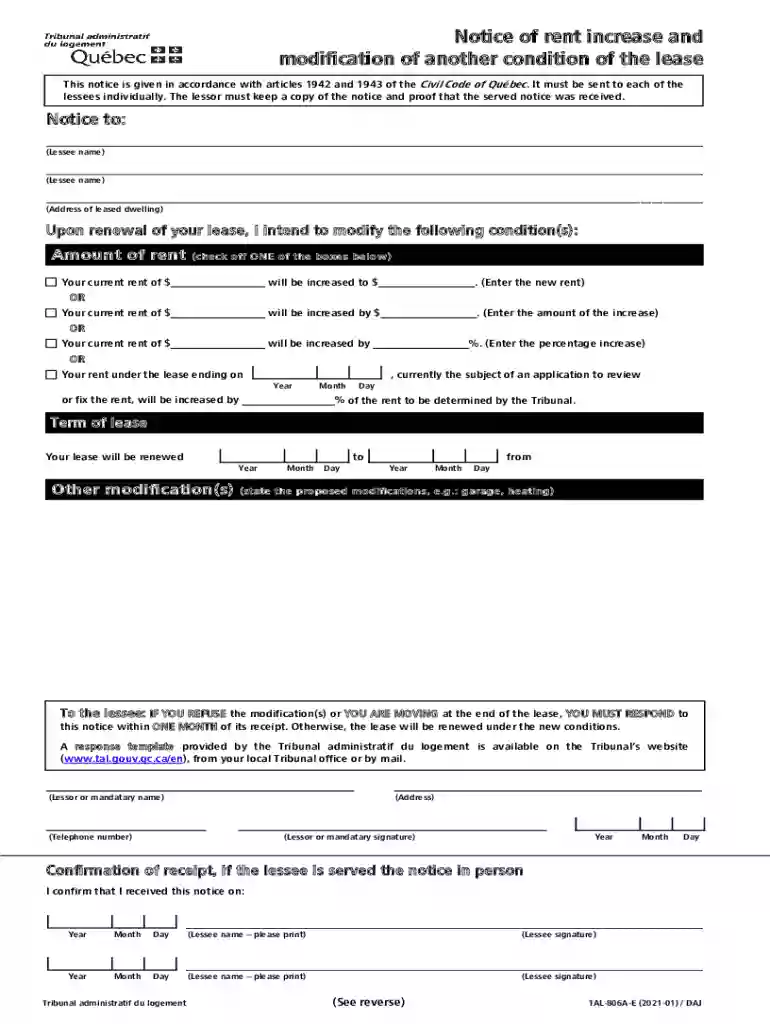
Type text, add images, blackout confidential details, add comments, highlights and more.

Draw your signature, type it, upload its image, or use your mobile device as a signature pad.

Send tal 806a e via email, link, or fax. You can also download it, export it or print it out.

Start using our platform today to streamline your document editing and ensure a smooth process for your Notice of rent increase!
We've got more versions of the notice rent increase quebec form. Select the right notice rent increase quebec version from the list and start editing it straight away!
At DocHub, your data security is our priority. We follow HIPAA, SOC2, GDPR, and other standards, so you can work on your documents with confidence.
Modification, extension and consolidation agreements (MECAs) are transactions in which an institution obtains loans from another institution without actually.Read more
Mar 30, 2026 As a landlord, you must give advance written notice of any rent increase. There are also limits to how much and how often you can raise the rentRead more
If the rent is more than 10%, your landlord must provide notice at least 90 days before the increase can take effect. You can only be evicted by court order. ItRead more


