




Here's how it works

01. Edit your charge dispute form sbi online
Type text, add images, blackout confidential details, add comments, highlights and more.

02. Sign it in a few clicks
Draw your signature, type it, upload its image, or use your mobile device as a signature pad.

03. Share your form with others
Send sbi credit card transaction dispute form via email, link, or fax. You can also download it, export it or print it out.
How to use or fill out charge dispute form with our platform

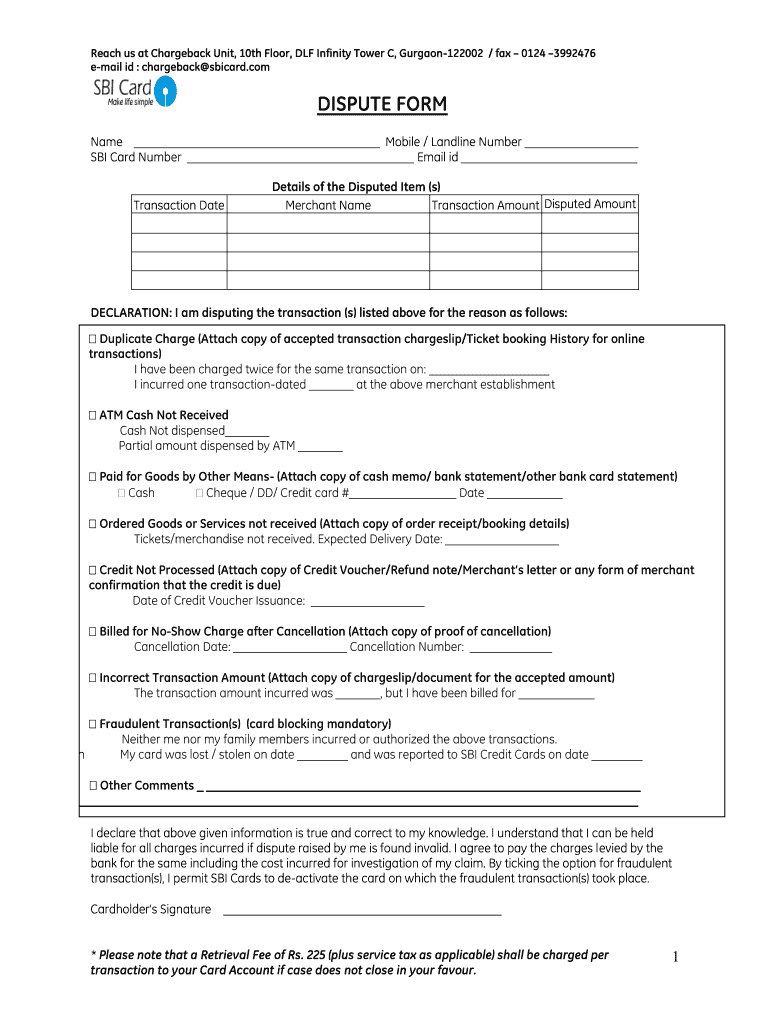
- Click ‘Get Form’ to open the charge dispute form in the editor.
- Begin by entering your name and contact information, including your mobile or landline number, SBI Card number, and email address in the designated fields.
- Fill in the transaction date and provide details of the disputed item(s), including the merchant name and transaction amount. Clearly indicate the amount you are disputing.
- In the declaration section, select the reason for your dispute from the provided options. Attach any necessary documents that support your claim, such as transaction slips or order receipts.
- Sign and date the form at the bottom to affirm that all information is accurate. Ensure you understand any potential fees associated with your dispute.
Start using our platform today to easily fill out your charge dispute form for free!
Fill out charge dispute form online
It's free
Security and compliance
At DocHub, your data security is our priority. We follow HIPAA, SOC2, GDPR, and other standards, so you can work on your documents with confidence.
Learn more


Related forms
Application for registration as a Taxpayer or Changing of Registered Particulars: Company
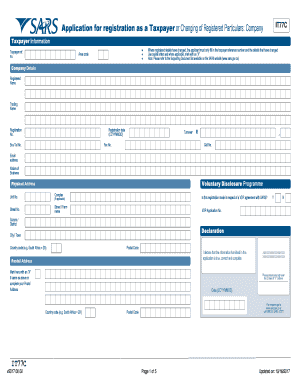
Application for registration as a Taxpayer or Changing of Registered Particulars: Company
The document is an application form (IT77C) for registering as a taxpayer or updating registered particulars for a compa ...

Signed and dated form before we can ship your next order
The document is a form from Home Care Delivered, Inc. that requires the patient or their authorized representative to si ...

Domestic Wire Transfer Request and Agreement Wire Transfer Form
The document outlines the procedures and agreements for domestic wire transfers at Torrance Community Federal Credit Uni ...
Lifeline Systems Inc
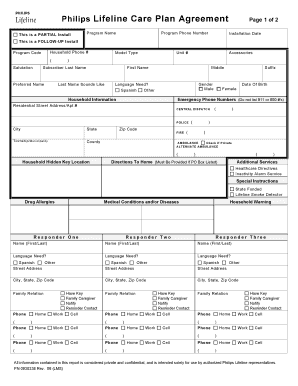
The Philips Lifeline Care Plan Agreement outlines the terms and conditions for subscribers using the Philips Lifeline Me ...

Form 3794
The document provides detailed instructions for completing Form FDA 3794, which is required for various submissions rela ...
What Is a Power of Attorney and How Does it Work?
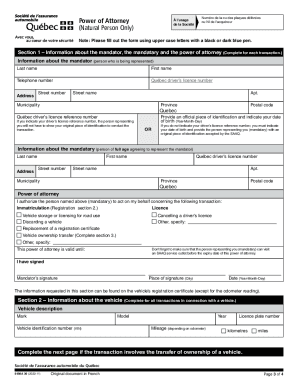
The document provides detailed instructions on how to use a power of attorney for transactions with the Société de l’ass ...
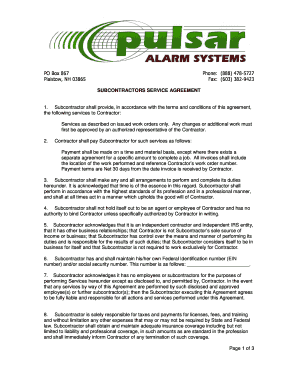
Fire alarm subcontractor
The document is a Subcontractors Service Agreement between Pulsar Alarm Systems, LTD and a subcontractor. It outlines th ...

Pretend play doctor forms pdf
The document is a concussion clearance form adapted from the Gfeller-Waller Concussion Clearance form, intended for use ...